Image class
Image class
Details
An R6 class representing a single image, backed by an OpenCV cv::Mat
(CPU) or cv::UMat (GPU).
Active bindings
nrowNumber of rows (height in pixels).
ncolNumber of columns (width in pixels).
nchanNumber of channels.
depthBit depth code (0=CV_8U, 1=CV_8S, 2=CV_16U, ...).
depth_nameHuman-readable depth string (e.g.
"CV_8U").gpuLogical; TRUE if the image is currently on the GPU.
colorspaceCharacter string describing the color space (e.g. "BGR", "GRAY").
Methods
Method new()
Create a new Image.
Usage
Image$new(x, colorspace = "BGR", depth = NULL)Arguments
xA file path (character), a 3D array (nrow x ncol x nchan), or a 2D matrix. Use an integer array for integer depths (
CV_8U,CV_16U,CV_16S) and a double array for float depths (CV_32F,CV_64F).colorspaceColor space label string. Ignored when reading from file (OpenCV assumes BGR for color images).
depthCharacter. Bit depth of the image. One of
"CV_8U","CV_16U","CV_16S","CV_32F","CV_64F". IfNULL(default), inferred from the array type: integer arrays default to"CV_8U", double arrays to"CV_32F", and a message is emitted. Ignored whenxis a file path or external pointer.
Method to_array()
Convert the image to an array (nrow x ncol x nchan).
Returns an integer array for CV_8U, CV_16U, and
CV_16S images; a double array for CV_32F and
CV_64F images.
Method plot()
Display the image using R's graphics device.
Arguments
newpageLogical. If
TRUE(default), clears the graphics device before drawing. Set toFALSEwhen composing multiple images in a layout usinggridviewports....Additional arguments passed to
grid::grid.raster().
Method write()
Write the image to a file. Format is inferred from the file extension.
Method convert_depth()
Convert to a new bit depth. Returns a new Image.
Values are cast directly with no scaling: a CV_8U pixel with value 100
becomes 100.0 in CV_32F, not 0.392. Use convert_depth followed
by arithmetic if you need normalized floating-point values.
Method convert_depth_()
Convert to a new bit depth in place.
Values are cast directly with no scaling (see convert_depth).
Method mean()
Per-channel mean pixel value.
Method min()
Per-channel minimum pixel value.
Method max()
Per-channel maximum pixel value.
Method sd()
Per-channel standard deviation (population).
Method var()
Per-channel variance (population).
Method median()
Per-channel median pixel value.
Method quantile()
Per-channel quantiles.
Method add()
Add another image or a scalar to this image.
Method add_()
Add in place.
Method subtract()
Subtract another image or a scalar from this image.
Method subtract_()
Subtract in place.
Method multiply()
Multiply this image element-wise by another image or a scalar.
Method multiply_()
Multiply in place.
Method divide()
Divide this image element-wise by another image or a scalar.
Method divide_()
Divide in place.
Method absdiff()
Compute the absolute difference with another image or a scalar.
Method absdiff_()
Absolute difference in place.
Method add_weighted()
Weighted addition of two images: w1*self + w2*other + gamma.
Method add_weighted_()
Weighted addition in place.
Method bitwise_and()
Bitwise AND with another image or a scalar.
Method bitwise_and_()
Bitwise AND in place.
Method bitwise_or()
Bitwise OR with another image or a scalar.
Method bitwise_or_()
Bitwise OR in place.
Method bitwise_xor()
Bitwise XOR with another image or a scalar.
Method bitwise_xor_()
Bitwise XOR in place.
Method blur()
Apply a normalised box filter (simple average blur).
Method blur_()
Box blur in place.
Method gaussian_blur()
Apply a Gaussian blur.
Method gaussian_blur_()
Gaussian blur in place.
Method bilateral_filter()
Apply a bilateral filter (edge-preserving smoothing).
Method bilateral_filter_()
Bilateral filter in place.
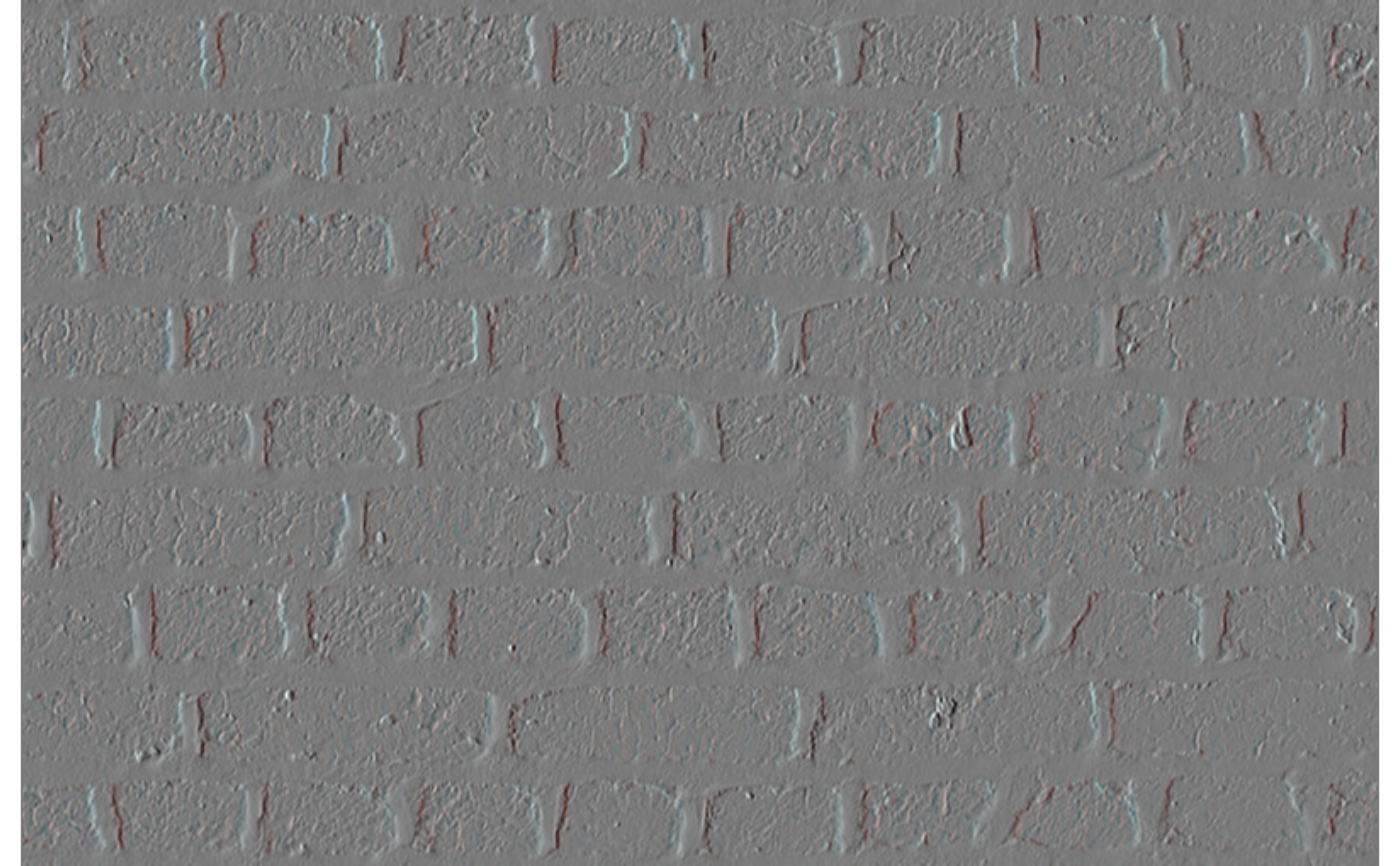
Method sobel()
Apply the Sobel operator to compute image gradients. Returns a new Image.
Usage
Image$sobel(
  dx,
  dy,
  ksize = 3,
  ddepth = NULL,
  scale = 1,
  delta = 0,
  border_type = "reflect_101"
)
Arguments
dxNon-negative integer. Order of x derivative.
dyNon-negative integer. Order of y derivative.
dx + dymust be >= 1.ksizeInteger. Sobel kernel aperture size: 1, 3, 5, or 7. The limit of 7 is an OpenCV requirement.
ddepthCharacter. Output depth:
"CV_16S","CV_32F", or"CV_64F". DefaultNULL(depth inferred from input; a message is emitted).scaleSingle positive numeric. Optional scale factor for the computed derivatives. Must be positive (use
convert_depth+ arithmetic to invert gradient sign). Default 1.deltaSingle numeric. Optional delta added to results before storing. Default 0.
border_typeCharacter. How to fill pixels outside the image boundary.
"reflect_101"(default) mirrors the image excluding the edge pixel (e.g. dcb|abcde|dcb);"reflect"mirrors including the edge pixel (e.g. edcb|abcde|edcb);"replicate"repeats the nearest edge pixel;"constant"fills with a fixed value (0, i.e. black)."wrap"is not supported by OpenCV for these operations.
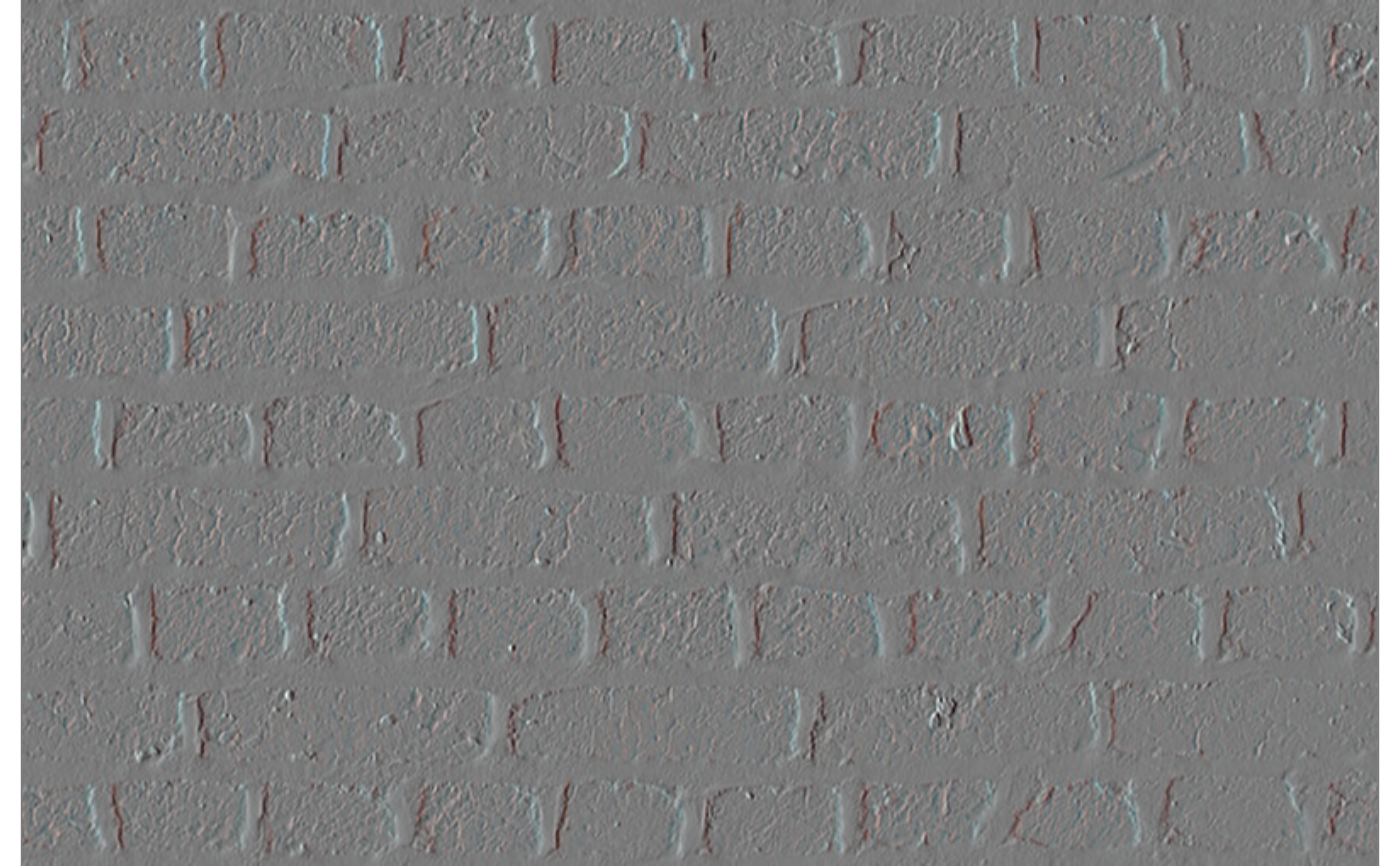
Method sobel_()
Sobel operator in place.
Usage
Image$sobel_(
  dx,
  dy,
  ksize = 3,
  ddepth = NULL,
  scale = 1,
  delta = 0,
  border_type = "reflect_101"
)
Arguments
dxNon-negative integer. Order of x derivative.
dyNon-negative integer. Order of y derivative.
dx + dymust be >= 1.ksizeInteger. Sobel kernel aperture size: 1, 3, 5, or 7.
ddepthCharacter. Output depth:
"CV_16S","CV_32F", or"CV_64F". DefaultNULL(depth inferred from input; a message is emitted).scaleSingle positive numeric. Optional scale factor for the computed derivatives. Must be positive (use
convert_depth+ arithmetic to invert gradient sign). Default 1.deltaSingle numeric. Delta added to results. Default 0.
border_typeCharacter. How to fill pixels outside the image boundary.
"reflect_101"(default) mirrors the image excluding the edge pixel (e.g. dcb|abcde|dcb);"reflect"mirrors including the edge pixel (e.g. edcb|abcde|edcb);"replicate"repeats the nearest edge pixel;"constant"fills with a fixed value (0, i.e. black)."wrap"is not supported by OpenCV for these operations.
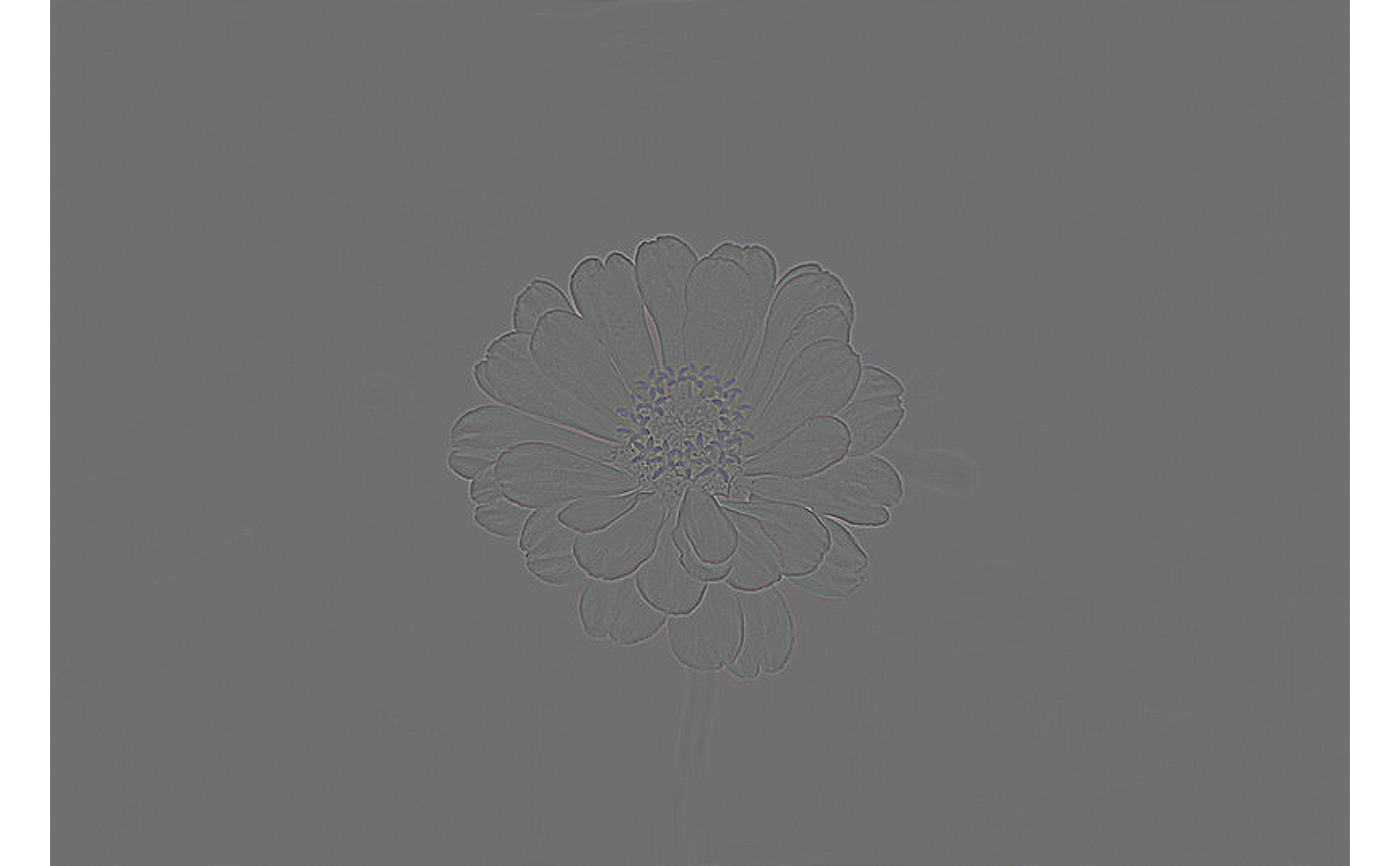
Method laplacian()
Apply the Laplacian operator to detect edges. Returns a new Image.
Usage
Image$laplacian(
  ksize = 1,
  ddepth = NULL,
  scale = 1,
  delta = 0,
  border_type = "reflect_101"
)
Arguments
ksizeInteger. Aperture size for the Laplacian kernel: 1, 3, 5, or 7.
ksize = 1uses the 3-point central-difference stencil. Default 1.ddepthCharacter. Output depth:
"CV_16S","CV_32F", or"CV_64F". DefaultNULL(depth inferred from input; a message is emitted).scaleSingle positive numeric. Optional scale factor. Must be positive. Default 1.
deltaSingle numeric. Optional delta added to results. Default 0.
border_typeCharacter. How to fill pixels outside the image boundary.
"reflect_101"(default) mirrors the image excluding the edge pixel (e.g. dcb|abcde|dcb);"reflect"mirrors including the edge pixel (e.g. edcb|abcde|edcb);"replicate"repeats the nearest edge pixel;"constant"fills with a fixed value (0, i.e. black)."wrap"is not supported by OpenCV for these operations.
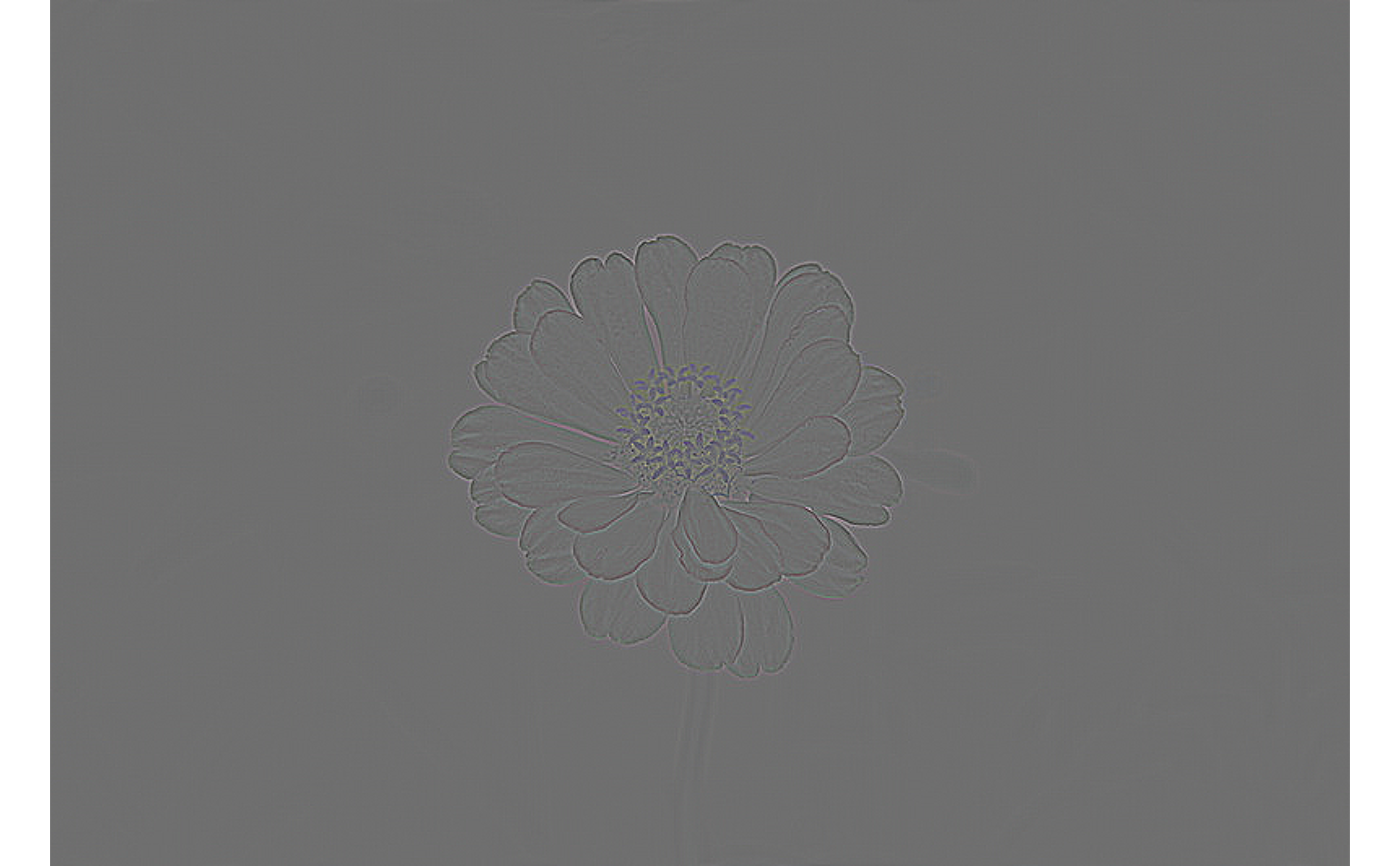
Method laplacian_()
Laplacian operator in place.
Usage
Image$laplacian_(
  ksize = 1,
  ddepth = NULL,
  scale = 1,
  delta = 0,
  border_type = "reflect_101"
)
Arguments
ksizeInteger. Aperture size: 1, 3, 5, or 7. Default 1.
ddepthCharacter. Output depth:
"CV_16S","CV_32F", or"CV_64F". DefaultNULL(depth inferred from input; a message is emitted).scaleSingle positive numeric. Optional scale factor. Must be positive. Default 1.
deltaSingle numeric. Delta added to results. Default 0.
border_typeCharacter. How to fill pixels outside the image boundary.
"reflect_101"(default) mirrors the image excluding the edge pixel (e.g. dcb|abcde|dcb);"reflect"mirrors including the edge pixel (e.g. edcb|abcde|edcb);"replicate"repeats the nearest edge pixel;"constant"fills with a fixed value (0, i.e. black)."wrap"is not supported by OpenCV for these operations.
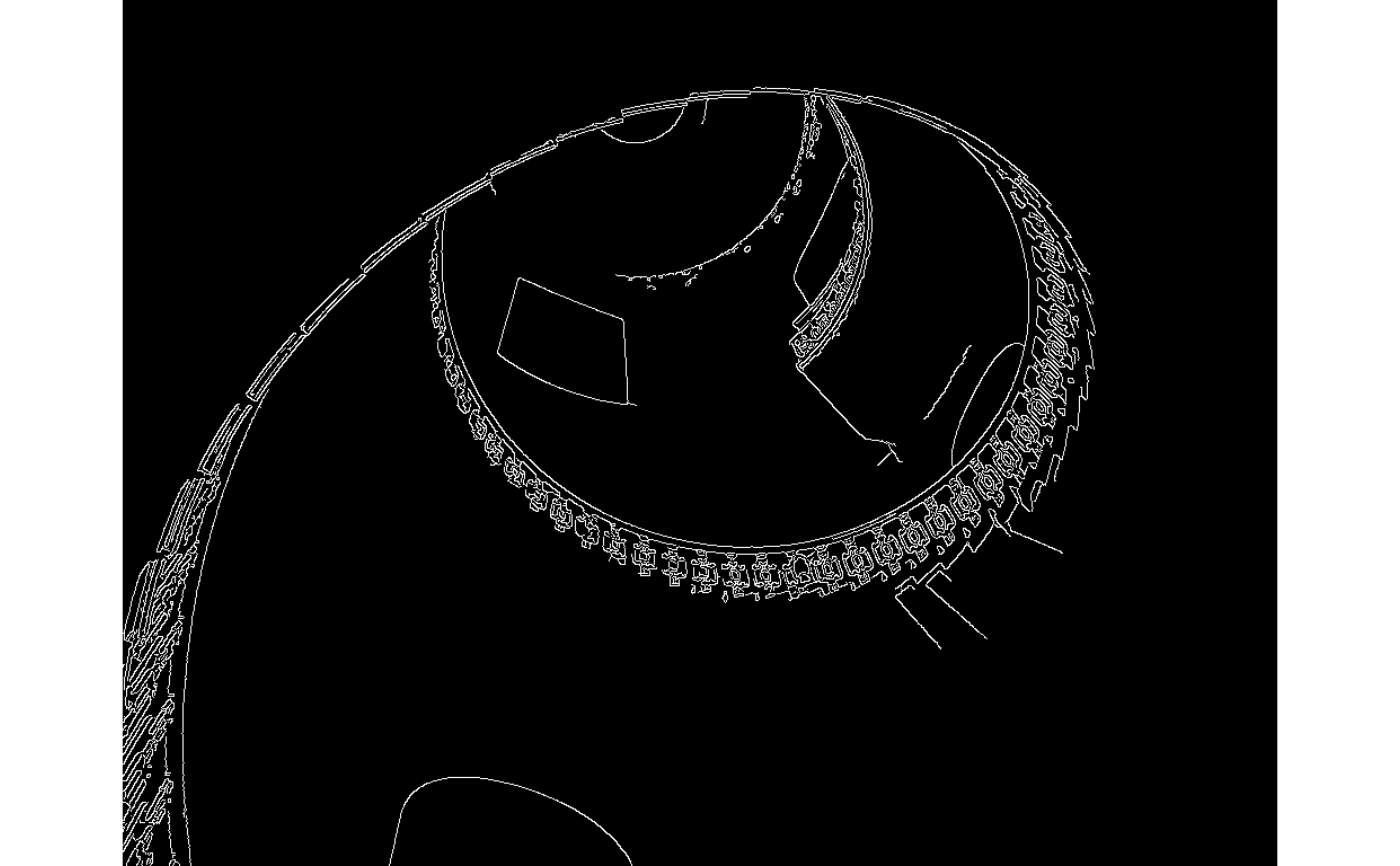
Method canny()
Detect edges using the Canny algorithm. Returns a new single-channel CV_8U Image with pixel values 0 (no edge) or 255 (edge). Input must be a single-channel grayscale image.
Arguments
low_thresholdSingle non-negative numeric. Lower hysteresis threshold.
high_thresholdSingle positive numeric. Upper hysteresis threshold. Must be >=
low_threshold.aperture_sizeInteger. Size of the Sobel kernel used internally: 3, 5, or 7. Default 3.
L2_gradientLogical scalar. If
TRUE, use the L2 norm for gradient magnitude (more accurate but slower). DefaultFALSE.
Method canny_()
Canny edge detection in place.
Arguments
low_thresholdSingle non-negative numeric. Lower hysteresis threshold.
high_thresholdSingle positive numeric. Upper hysteresis threshold. Must be >=
low_threshold.aperture_sizeInteger. Size of the Sobel kernel: 3, 5, or 7. Default 3.
L2_gradientLogical scalar. Use L2 norm for gradient magnitude. Default
FALSE.
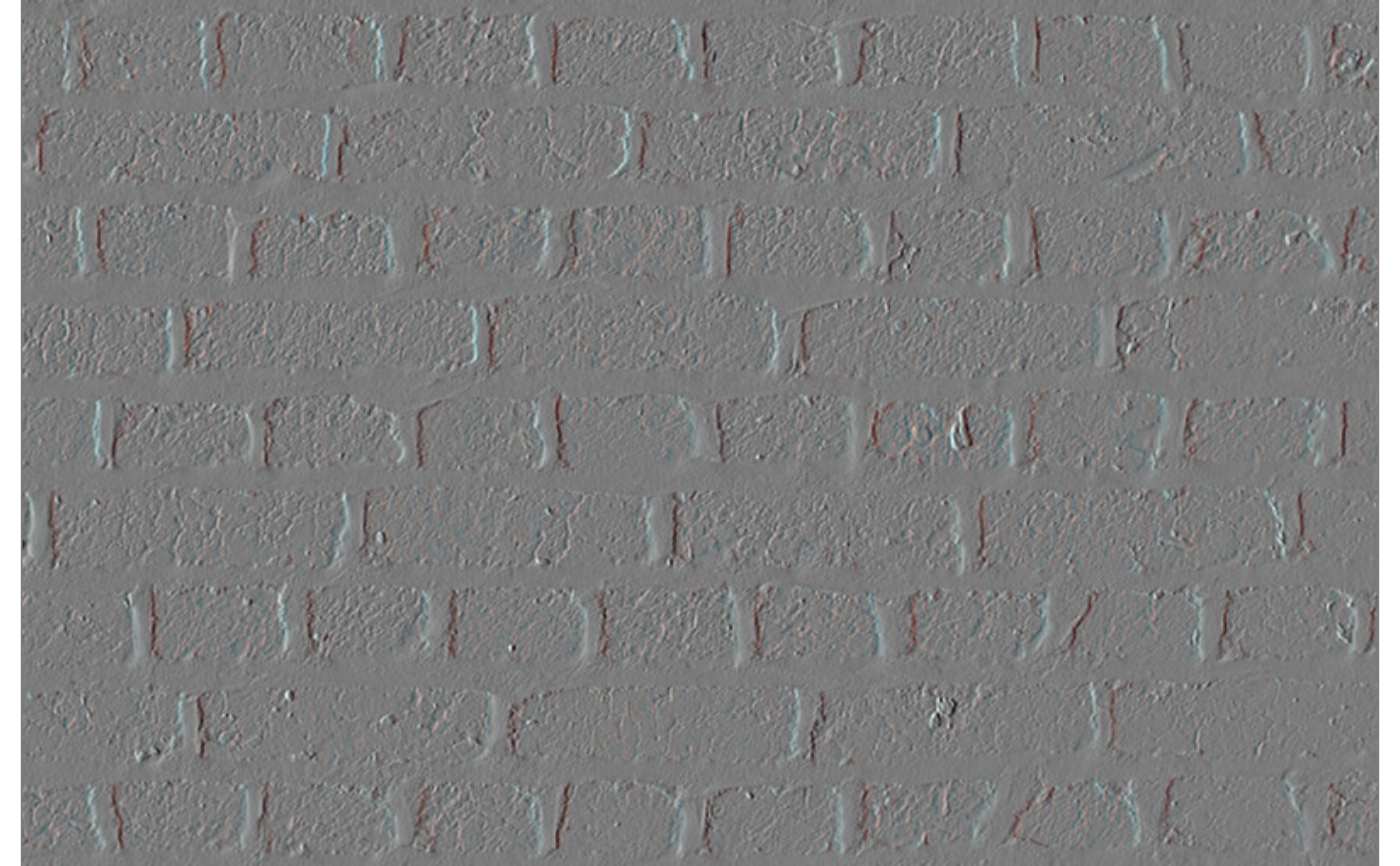
Method scharr()
Apply the Scharr operator to compute image gradients. Returns
a new Image. Scharr uses a fixed 3x3 kernel with better rotational
symmetry than Sobel. Exactly one of dx or dy must be 1.
Arguments
dxInteger. Order of x derivative:
0or1.dyInteger. Order of y derivative:
0or1. Exactly one ofdx,dymust be1.ddepthCharacter or
NULL. Output depth:"CV_16S","CV_32F", or"CV_64F". WhenNULL(default), the output depth is inferred from the input depth and a message is emitted.scaleSingle positive numeric. Scale factor for computed derivatives. Default
1.deltaSingle numeric. Constant added to output pixels. Default
0.border_typeCharacter. How to fill pixels outside the image boundary.
"reflect_101"(default) mirrors the image excluding the edge pixel (e.g. dcb|abcde|dcb);"reflect"mirrors including the edge pixel (e.g. edcb|abcde|edcb);"replicate"repeats the nearest edge pixel;"constant"fills with a fixed value (0, i.e. black)."wrap"is not supported by OpenCV for Scharr.
Method scharr_()
Scharr operator in place.
Arguments
dxInteger. Order of x derivative:
0or1.dyInteger. Order of y derivative:
0or1. Exactly one ofdx,dymust be1.ddepthCharacter or
NULL. Output depth:"CV_16S","CV_32F", or"CV_64F". DefaultNULL(depth inferred from input; a message is emitted).scaleSingle positive numeric. Default
1.deltaSingle numeric. Default
0.border_typeCharacter. Border handling mode.
"wrap"is not supported. Default"reflect_101".
Method filter2D()
Apply an arbitrary 2D convolution kernel. Returns a new Image.
Usage
Image$filter2D(
  kernel,
  ddepth = NULL,
  anchor = NULL,
  delta = 0,
  border_type = "reflect_101"
)
Arguments
kernelNumeric matrix. The convolution kernel. Values are coerced to double.
ddepthCharacter or
NULL. Output depth. One of"CV_8U","CV_16U","CV_16S","CV_32F","CV_64F". WhenNULL(default), the output depth matches the input depth (OpenCV-1).anchorNULL(default, kernel centre) or a length-2 integer vectorc(col, row)specifying the anchor pixel within the kernel (0-based).deltaSingle numeric. Constant added to every output pixel after convolution. Default
0.border_typeCharacter. How to fill pixels outside the image boundary.
"reflect_101"(default) mirrors the image excluding the edge pixel (e.g. dcb|abcde|dcb);"reflect"mirrors including the edge pixel (e.g. edcb|abcde|edcb);"replicate"repeats the nearest edge pixel;"constant"fills with a fixed value (0, i.e. black);"wrap"tiles the image at the boundary.
Method filter2D_()
Apply an arbitrary 2D convolution kernel in place.
Usage
Image$filter2D_(
  kernel,
  ddepth = NULL,
  anchor = NULL,
  delta = 0,
  border_type = "reflect_101"
)
Arguments
kernelNumeric matrix. The convolution kernel.
ddepthCharacter or
NULL. Output depth. DefaultNULL(preserves input depth).anchorNULL(kernel centre) orc(col, row)(0-based).deltaSingle numeric. Additive offset. Default
0.border_typeCharacter. Border handling mode. Default
"reflect_101".
Method sep_filter2D()
Apply a separable filter using two 1D kernels (one horizontal,
one vertical). Returns a new Image. Equivalent to applying
kernel_x along columns then kernel_y along rows, but
computed more efficiently.
Usage
Image$sep_filter2D(
  kernel_x,
  kernel_y,
  ddepth = NULL,
  anchor = NULL,
  delta = 0,
  border_type = "reflect_101"
)
Arguments
kernel_xNumeric vector. Horizontal (column-direction) 1D kernel.
kernel_yNumeric vector. Vertical (row-direction) 1D kernel.
ddepthCharacter or
NULL. Output depth. One of"CV_8U","CV_16U","CV_16S","CV_32F","CV_64F". WhenNULL(default), the output depth matches the input depth.anchorNULL(default, kernel centres) or a length-2 integer vectorc(pos_in_kernel_x, pos_in_kernel_y)(0-based).deltaSingle numeric. Constant added to every output pixel. Default
0.border_typeCharacter. Border handling mode. Default
"reflect_101".
Method sep_filter2D_()
Separable filter in place.
Usage
Image$sep_filter2D_(
  kernel_x,
  kernel_y,
  ddepth = NULL,
  anchor = NULL,
  delta = 0,
  border_type = "reflect_101"
)
Arguments
kernel_xNumeric vector. Horizontal 1D kernel.
kernel_yNumeric vector. Vertical 1D kernel.
ddepthCharacter or
NULL. Output depth. DefaultNULL.anchorNULLorc(pos_x, pos_y)(0-based). DefaultNULL(kernel centres).deltaSingle numeric. Default
0.border_typeCharacter. Default
"reflect_101".
Method morph()
Apply a morphological operation. Returns a new Image.
Usage
Image$morph(
  operation,
  shape = "rect",
  size = 3L,
  kernel = NULL,
  iterations = 1L,
  border_type = "reflect_101"
)
Arguments
operationCharacter. One of
"erode"(shrinks bright regions),"dilate"(expands bright regions),"open"(erode then dilate — removes small bright spots),"close"(dilate then erode — fills small dark holes),"gradient"(dilate minus erode — highlights edges),"tophat"(image minus open — isolates bright features smaller than the kernel),"blackhat"(close minus image — isolates dark features smaller than the kernel).shapeCharacter. Structuring element shape:
"rect","cross", or"ellipse". Ignored whenkernelis supplied. Default"rect".sizePositive odd integer. Side length of the structuring element. Ignored when
kernelis supplied. Default3L.kernelOptional numeric matrix used as the structuring element. Values are coerced to integers. Overrides
shapeandsizewhen supplied.iterationsPositive integer. For primitive operations (
"erode","dilate"), the number of times the operation is applied. For compound operations ("open","close","gradient","tophat","blackhat"), each internal erosion or dilation step is repeatediterationstimes independently (e.g.,iterations = 2with"open"erodes twice then dilates twice, not opens twice). Default1L.border_typeCharacter. How to fill pixels outside the image boundary.
"reflect_101"(default) mirrors the image excluding the edge pixel (e.g. dcb|abcde|dcb);"reflect"mirrors including the edge pixel (e.g. edcb|abcde|edcb);"replicate"repeats the nearest edge pixel;"constant"fills with a fixed value (0, i.e. black)."wrap"is not supported by OpenCV for morphological operations.
Method morph_()
Apply a morphological operation in place.
Usage
Image$morph_(
  operation,
  shape = "rect",
  size = 3L,
  kernel = NULL,
  iterations = 1L,
  border_type = "reflect_101"
)
Arguments
operationCharacter. One of
"erode"(shrinks bright regions),"dilate"(expands bright regions),"open"(erode then dilate — removes small bright spots),"close"(dilate then erode — fills small dark holes),"gradient"(dilate minus erode — highlights edges),"tophat"(image minus open — isolates bright features smaller than the kernel),"blackhat"(close minus image — isolates dark features smaller than the kernel).shapeCharacter. Structuring element shape:
"rect","cross", or"ellipse". Ignored whenkernelis supplied. Default"rect".sizePositive odd integer. Side length of the structuring element. Ignored when
kernelis supplied. Default3L.kernelOptional numeric matrix used as the structuring element. Values are coerced to integers. Overrides
shapeandsizewhen supplied.iterationsPositive integer. For primitive operations (
"erode","dilate"), the number of times the operation is applied. For compound operations ("open","close","gradient","tophat","blackhat"), each internal erosion or dilation step is repeatediterationstimes independently (e.g.,iterations = 2with"open"erodes twice then dilates twice, not opens twice). Default1L.border_typeCharacter. How to fill pixels outside the image boundary.
"reflect_101"(default) mirrors the image excluding the edge pixel (e.g. dcb|abcde|dcb);"reflect"mirrors including the edge pixel (e.g. edcb|abcde|edcb);"replicate"repeats the nearest edge pixel;"constant"fills with a fixed value (0, i.e. black)."wrap"is not supported by OpenCV for morphological operations.
Method resize()
Resize the image. Returns a new Image.
Arguments
widthPositive integer. Output width in pixels. Supply with
height; mutually exclusive withfx/fy.heightPositive integer. Output height in pixels.
fxPositive numeric. Horizontal scale factor. Supply with
fy; mutually exclusive withwidth/height.fyPositive numeric. Vertical scale factor.
interpolationCharacter. One of
"nearest","linear","cubic","area","lanczos4". Default"linear".
Method resize_()
Resize the image in place.
Method rotate()
Rotate the image. Returns a new Image. Output retains original dimensions; content outside the canvas is clipped.
Usage
Image$rotate(
  angle,
  cx = NULL,
  cy = NULL,
  scale = 1,
  interpolation = "linear",
  border_type = "reflect_101"
)
Arguments
angleSingle numeric. Rotation angle in degrees, counter-clockwise.
cxSingle positive numeric. X coordinate of the rotation centre (1-based). Defaults to image centre.
cySingle positive numeric. Y coordinate of the rotation centre (1-based). Defaults to image centre.
scaleSingle positive numeric. Isotropic scale factor applied during rotation. Default
1.interpolationCharacter. One of
"nearest","linear","cubic","area","lanczos4". Default"linear".border_typeCharacter. Pixel extrapolation method. One of
"reflect_101","reflect","replicate","constant","wrap". Default"reflect_101".
Method rotate_()
Rotate the image in place.
Usage
Image$rotate_(
  angle,
  cx = NULL,
  cy = NULL,
  scale = 1,
  interpolation = "linear",
  border_type = "reflect_101"
)
Arguments
angleSingle numeric. Rotation angle in degrees, counter-clockwise.
cxSingle positive numeric. X coordinate of the rotation centre (1-based). Defaults to image centre.
cySingle positive numeric. Y coordinate of the rotation centre (1-based). Defaults to image centre.
scaleSingle positive numeric. Isotropic scale factor. Default
1.interpolationCharacter. One of
"nearest","linear","cubic","area","lanczos4". Default"linear".border_typeCharacter. Pixel extrapolation method. One of
"reflect_101","reflect","replicate","constant","wrap". Default"reflect_101".
Method flip()
Flip the image horizontally, vertically, or both. Returns a new Image.
Method flip_()
Flip the image in place.
Method crop()
Crop the image to a rectangular region. Returns a new Image. Coordinates are 1-based.
Arguments
x1Single positive integer. Left column (inclusive, 1-based).
y1Single positive integer. Top row (inclusive, 1-based).
x2Single positive integer. Right column (inclusive, 1-based). Must be greater than
x1and<= ncol.y2Single positive integer. Bottom row (inclusive, 1-based). Must be greater than
y1and<= nrow.
Method crop_()
Crop the image in place.
Method warp_affine()
Apply an affine transformation to the image. Returns a new Image. Output defaults to the same dimensions as the input; content outside the canvas is clipped.
Usage
Image$warp_affine(
  m,
  width = NULL,
  height = NULL,
  interpolation = "linear",
  border_type = "reflect_101"
)
Arguments
mA 2x3 numeric matrix representing the affine transformation. Build one with
affine_translate,affine_scale,affine_shear,affine_rotate, oraffine_from_points. Compose multiple transforms by embedding into 3x3 withrbind(m, c(0, 0, 1))then multiplying with%*%.widthPositive integer. Output width in pixels. Default:
self$ncol.heightPositive integer. Output height in pixels. Default:
self$nrow.interpolationCharacter. One of
"nearest","linear","cubic","area","lanczos4". Default"linear".border_typeCharacter. How to fill pixels outside the image boundary.
"reflect_101"(default) mirrors the image excluding the edge pixel (e.g. dcb|abcde|dcb);"reflect"mirrors including the edge pixel (e.g. edcb|abcde|edcb);"replicate"repeats the nearest edge pixel;"wrap"tiles the image;"constant"fills with a fixed value (0, i.e. black).
Method warp_affine_()
Apply an affine transformation to the image in place.
Usage
Image$warp_affine_(
  m,
  width = NULL,
  height = NULL,
  interpolation = "linear",
  border_type = "reflect_101"
)
Arguments
mA 2x3 numeric matrix representing the affine transformation. Build one with
affine_translate,affine_scale,affine_shear,affine_rotate, oraffine_from_points. Compose multiple transforms by embedding into 3x3 withrbind(m, c(0, 0, 1))then multiplying with%*%.widthPositive integer. Output width in pixels. Default:
self$ncol.heightPositive integer. Output height in pixels. Default:
self$nrow.interpolationCharacter. One of
"nearest","linear","cubic","area","lanczos4". Default"linear".border_typeCharacter. How to fill pixels outside the image boundary.
"reflect_101"(default) mirrors the image excluding the edge pixel (e.g. dcb|abcde|dcb);"reflect"mirrors including the edge pixel (e.g. edcb|abcde|edcb);"replicate"repeats the nearest edge pixel;"wrap"tiles the image;"constant"fills with a fixed value (0, i.e. black).
Method warp_perspective()
Apply a perspective transformation to the image. Returns a new Image. Output defaults to the same dimensions as the input; content outside the canvas is clipped.
Usage
Image$warp_perspective(
  m,
  width = NULL,
  height = NULL,
  interpolation = "linear",
  border_type = "reflect_101"
)
Arguments
mA 3x3 numeric matrix representing the perspective transformation. Build one with
perspective_from_points.widthPositive integer. Output width in pixels. Default:
self$ncol.heightPositive integer. Output height in pixels. Default:
self$nrow.interpolationCharacter. One of
"nearest","linear","cubic","area","lanczos4". Default"linear".border_typeCharacter. How to fill pixels outside the image boundary.
"reflect_101"(default) mirrors the image excluding the edge pixel (e.g. dcb|abcde|dcb);"reflect"mirrors including the edge pixel (e.g. edcb|abcde|edcb);"replicate"repeats the nearest edge pixel;"wrap"tiles the image;"constant"fills with a fixed value (0, i.e. black).
Examples
\donttest{
img_path <- system.file("img", "flower.jpg", package = "Retina")
img <- Image$new(img_path)
w <- img$ncol; h <- img$nrow
src <- matrix(c(1, 1,  w, 1,  w, h,  1, h), nrow = 4, byrow = TRUE)
dst <- matrix(c(round(w*0.1), 1,  w, 1,  w, h,  1, h), nrow = 4, byrow = TRUE)
m <- perspective_from_points(src, dst)
img$warp_perspective(m)$plot()
}
Method warp_perspective_()
Apply a perspective transformation to the image in place.
Usage
Image$warp_perspective_(
  m,
  width = NULL,
  height = NULL,
  interpolation = "linear",
  border_type = "reflect_101"
)
Arguments
mA 3x3 numeric matrix representing the perspective transformation. Build one with
perspective_from_points.widthPositive integer. Output width in pixels. Default:
self$ncol.heightPositive integer. Output height in pixels. Default:
self$nrow.interpolationCharacter. One of
"nearest","linear","cubic","area","lanczos4". Default"linear".border_typeCharacter. How to fill pixels outside the image boundary.
"reflect_101"(default) mirrors the image excluding the edge pixel (e.g. dcb|abcde|dcb);"reflect"mirrors including the edge pixel (e.g. edcb|abcde|edcb);"replicate"repeats the nearest edge pixel;"wrap"tiles the image;"constant"fills with a fixed value (0, i.e. black).
Examples
\donttest{
img_path <- system.file("img", "flower.jpg", package = "Retina")
img <- Image$new(img_path)
w <- img$ncol; h <- img$nrow
src <- matrix(c(1, 1,  w, 1,  w, h,  1, h), nrow = 4, byrow = TRUE)
dst <- matrix(c(round(w*0.1), 1,  w, 1,  w, h,  1, h), nrow = 4, byrow = TRUE)
img$warp_perspective_(perspective_from_points(src, dst))
img$plot()
}
Method border()
Add a border around the image.
The argument order `(top, left, bottom, right)` is deliberately different from the CSS shorthand (`top, right, bottom, left`) and from OpenCV's `copyMakeBorder` (`top, bottom, left, right`). With this order, the two-argument form `$border(v, h)` adds `v` pixels vertically (top and bottom) and `h` pixels horizontally (left and right) — the most natural two-argument case for symmetric borders.
Arguments
topInteger. Border width in pixels on the top edge.
leftInteger. Border width on the left edge. Defaults to `top`.
bottomInteger. Border width on the bottom edge. Defaults to `top`.
rightInteger. Border width on the right edge. Defaults to `left`.
typeCharacter. Border fill mode. `"constant"` (default) fills with a fixed colour (see `value`); `"reflect"` mirrors the image including the edge pixel; `"reflect_101"` mirrors excluding the edge pixel; `"replicate"` repeats the nearest edge pixel; `"wrap"` tiles the image.
valueNumeric vector of length 1 or `nchan`. Fill colour used when `type = "constant"`. Recycled to `nchan` values. Default 0 (black).
Method border_()
Add a border around the image, in place.
See `$border()` for the rationale behind the argument order `(top, left, bottom, right)`.
Arguments
topInteger. Border width on the top edge.
leftInteger. Defaults to `top`.
bottomInteger. Defaults to `top`.
rightInteger. Defaults to `left`.
typeCharacter. Border fill mode. `"constant"` (default) fills with a fixed colour (see `value`); `"reflect"` mirrors the image including the edge pixel; `"reflect_101"` mirrors excluding the edge pixel; `"replicate"` repeats the nearest edge pixel; `"wrap"` tiles the image.
valueNumeric vector of length 1 or `nchan`. Fill colour used when `type = "constant"`. Recycled to `nchan` values. Default 0 (black).
Method tile()
Tile (repeat) the image in a grid.
Method tile_()
Tile (repeat) the image in a grid, in place.
Method set_to()
Set all pixels — or only masked pixels — to a constant value.
Method set_to_()
Set all pixels — or only masked pixels — to a constant value, in place.
Method threshold()
Apply a threshold to the image.
Arguments
threshSingle finite numeric or one of 17 lowercase auto-threshold method strings. When numeric, passed directly to OpenCV. When a string, the threshold is auto-computed from the image histogram.
maxvalSingle finite numeric. Value assigned to above-threshold pixels in `"binary"` and `"binary_inv"` modes. Default `255`.
typeCharacter. How pixel values are mapped relative to the threshold `T`. `"binary"` (default): above `T` → `maxval`, at or below → 0. `"binary_inv"`: above `T` → 0, at or below → `maxval`. `"trunc"`: above `T` → `T`, at or below → unchanged (acts as a ceiling). `"tozero"`: at or below `T` → 0, above → unchanged. `"tozero_inv"`: above `T` → 0, at or below → unchanged. `maxval` is only used by `"binary"` and `"binary_inv"`.
binsSingle integer >= 2. Histogram bins for auto-threshold on non-`CV_8U` images. Ignored when `thresh` is numeric or for `CV_8U`. Default `256`.
Method threshold_()
Apply a threshold to the image, in place.
Method adaptive_threshold()
Apply an adaptive threshold to the image.
Usage
Image$adaptive_threshold(
  maxval = 255,
  method = "mean",
  type = "binary",
  block_size = 11L,
  offset = 2
)
Arguments
maxvalSingle finite numeric. Value for above-threshold pixels. Default `255`.
method`"mean"` (local neighbourhood mean) or `"gaussian"` (Gaussian-weighted neighbourhood). Default `"mean"`.
type`"binary"` (default): pixels above the local threshold → `maxval`, others → 0. `"binary_inv"`: inverted — pixels above → 0, others → `maxval`.
block_sizeSingle odd integer >= 3. Neighbourhood size. Default `11`.
offsetSingle finite numeric. Constant subtracted from the local mean (OpenCV's `C` parameter). May be negative. Default `2`.
Method adaptive_threshold_()
Apply an adaptive threshold to the image, in place.
Usage
Image$adaptive_threshold_(
  maxval = 255,
  method = "mean",
  type = "binary",
  block_size = 11L,
  offset = 2
)Method in_range()
Create a binary mask where each pixel is 255 if all channels fall within `[lower[k], upper[k]]`, and 0 otherwise.
Method draw_line()
Draw a line segment on the image. Returns a new Image.
Arguments
x1Positive integer. X (column) coordinate of the start point.
y1Positive integer. Y (row) coordinate of the start point.
x2Positive integer. X (column) coordinate of the end point.
y2Positive integer. Y (row) coordinate of the end point.
colorAn R color name, hex string, or numeric BGR(A) vector.
thicknessPositive integer. Line width in pixels. Default
1L.line_typeCharacter. One of
"line_4"(4-connected),"line_8"(8-connected, default),"aa"(anti-aliased; 8-bit images only).
Method draw_line_()
Draw a line segment on the image in place.
Arguments
x1Positive integer. X (column) coordinate of the start point.
y1Positive integer. Y (row) coordinate of the start point.
x2Positive integer. X (column) coordinate of the end point.
y2Positive integer. Y (row) coordinate of the end point.
colorAn R color name, hex string, or numeric BGR(A) vector.
thicknessPositive integer. Line width in pixels. Default
1L.line_typeCharacter. One of
"line_4","line_8"(default),"aa".
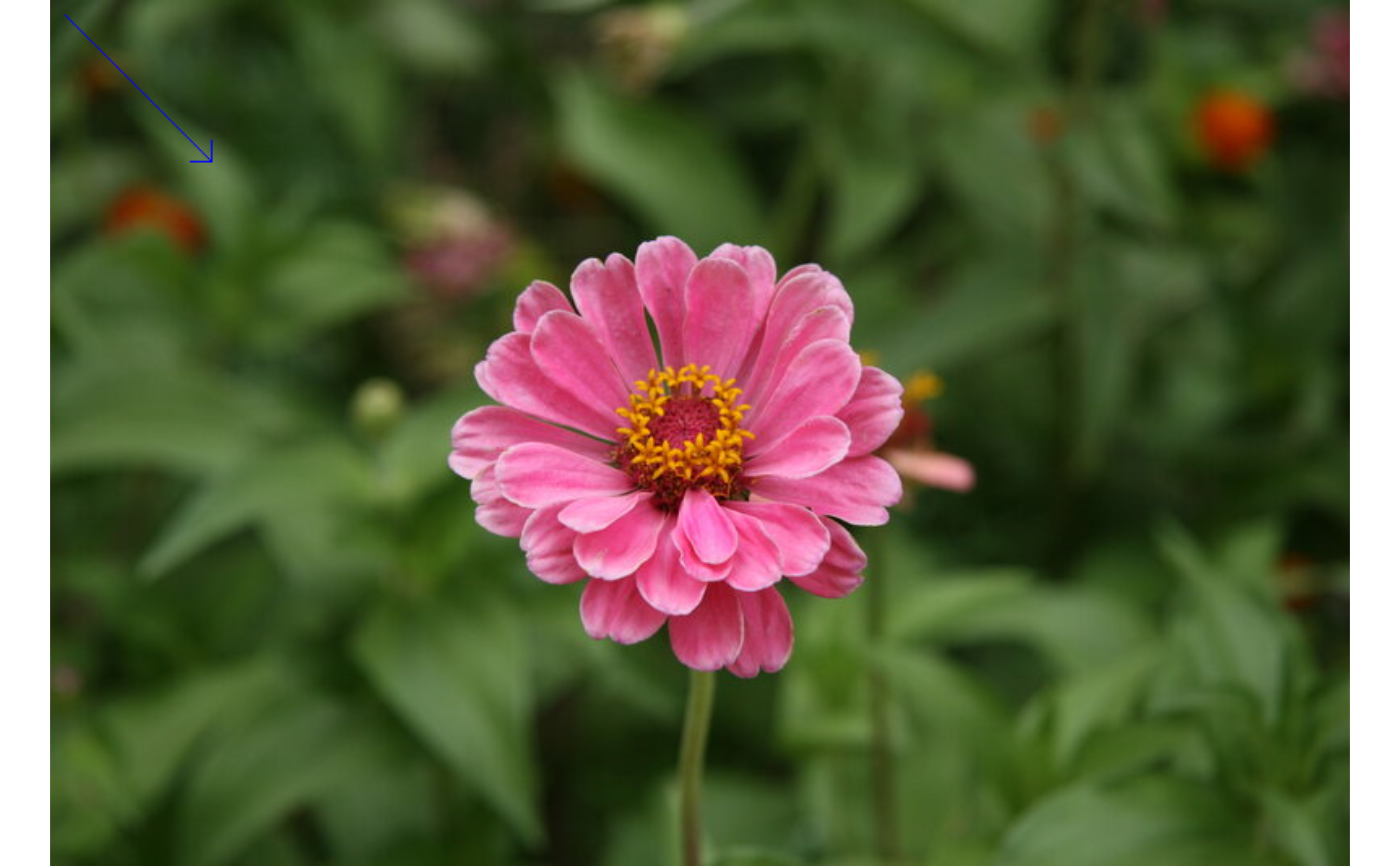
Method draw_arrow()
Draw an arrowed line on the image. Returns a new Image.
Usage
Image$draw_arrow(
  x1,
  y1,
  x2,
  y2,
  color,
  thickness = 1L,
  line_type = "line_8",
  tip_length = 0.1
)
Arguments
x1Positive integer. X coordinate of the arrow tail.
y1Positive integer. Y coordinate of the arrow tail.
x2Positive integer. X coordinate of the arrowhead tip.
y2Positive integer. Y coordinate of the arrowhead tip.
colorAn R color name, hex string, or numeric BGR(A) vector.
thicknessPositive integer. Line width in pixels. Default
1L.line_typeCharacter. One of
"line_4","line_8"(default),"aa".tip_lengthNumeric. Arrowhead length as a proportion of total arrow length. Negative values produce a reversed arrowhead. Default
0.1.
Method draw_arrow_()
Draw an arrowed line on the image in place.
Usage
Image$draw_arrow_(
  x1,
  y1,
  x2,
  y2,
  color,
  thickness = 1L,
  line_type = "line_8",
  tip_length = 0.1
)
Arguments
x1Positive integer. X coordinate of the arrow tail.
y1Positive integer. Y coordinate of the arrow tail.
x2Positive integer. X coordinate of the arrowhead tip.
y2Positive integer. Y coordinate of the arrowhead tip.
colorAn R color name, hex string, or numeric BGR(A) vector.
thicknessPositive integer. Line width in pixels. Default
1L.line_typeCharacter. One of
"line_4","line_8"(default),"aa".tip_lengthNumeric. Arrowhead length as a proportion of total arrow length. Default
0.1.
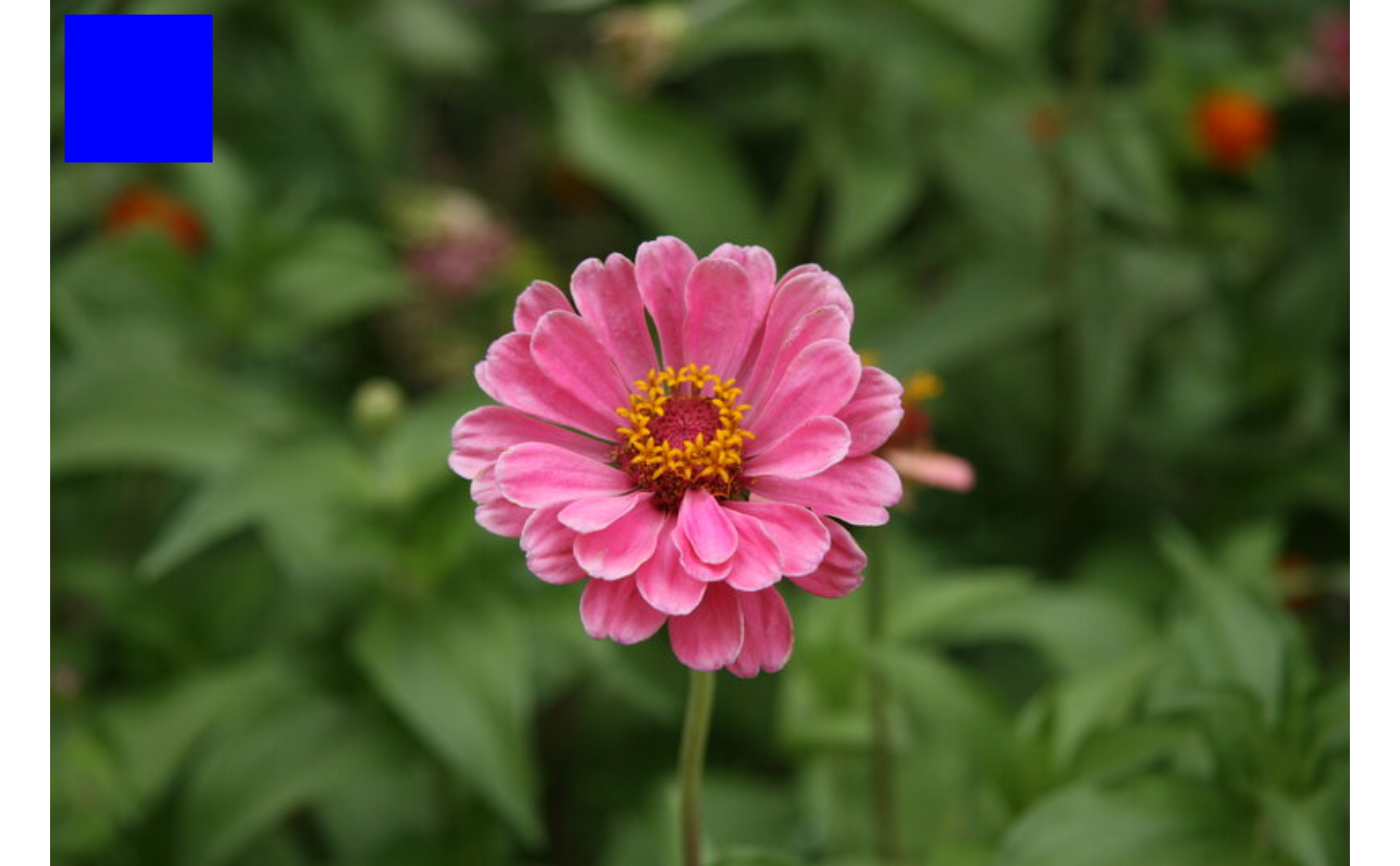
Method draw_rectangle()
Draw a rectangle outline (or filled rectangle) on the image. Returns a new Image.
Usage
Image$draw_rectangle(
  x1,
  y1,
  x2,
  y2,
  color,
  thickness = 1L,
  line_type = "line_8",
  filled = FALSE
)
Arguments
x1Integer. X coordinate of one corner.
y1Integer. Y coordinate of one corner.
x2Integer. X coordinate of the opposite corner.
y2Integer. Y coordinate of the opposite corner.
colorAn R color name, hex string, or numeric BGR(A) vector.
thicknessPositive integer. Outline width in pixels. Ignored when
filled = TRUE. Default1L.line_typeCharacter. One of
"line_4","line_8"(default),"aa".filledLogical. If
TRUE, draw a filled rectangle. DefaultFALSE.
Method draw_rectangle_()
Draw a rectangle on the image in place.
Usage
Image$draw_rectangle_(
  x1,
  y1,
  x2,
  y2,
  color,
  thickness = 1L,
  line_type = "line_8",
  filled = FALSE
)
Arguments
x1Integer. X coordinate of one corner.
y1Integer. Y coordinate of one corner.
x2Integer. X coordinate of the opposite corner.
y2Integer. Y coordinate of the opposite corner.
colorAn R color name, hex string, or numeric BGR(A) vector.
thicknessPositive integer. Outline width. Ignored when
filled = TRUE. Default1L.line_typeCharacter. One of
"line_4","line_8"(default),"aa".filledLogical. If
TRUE, fill the rectangle. DefaultFALSE.
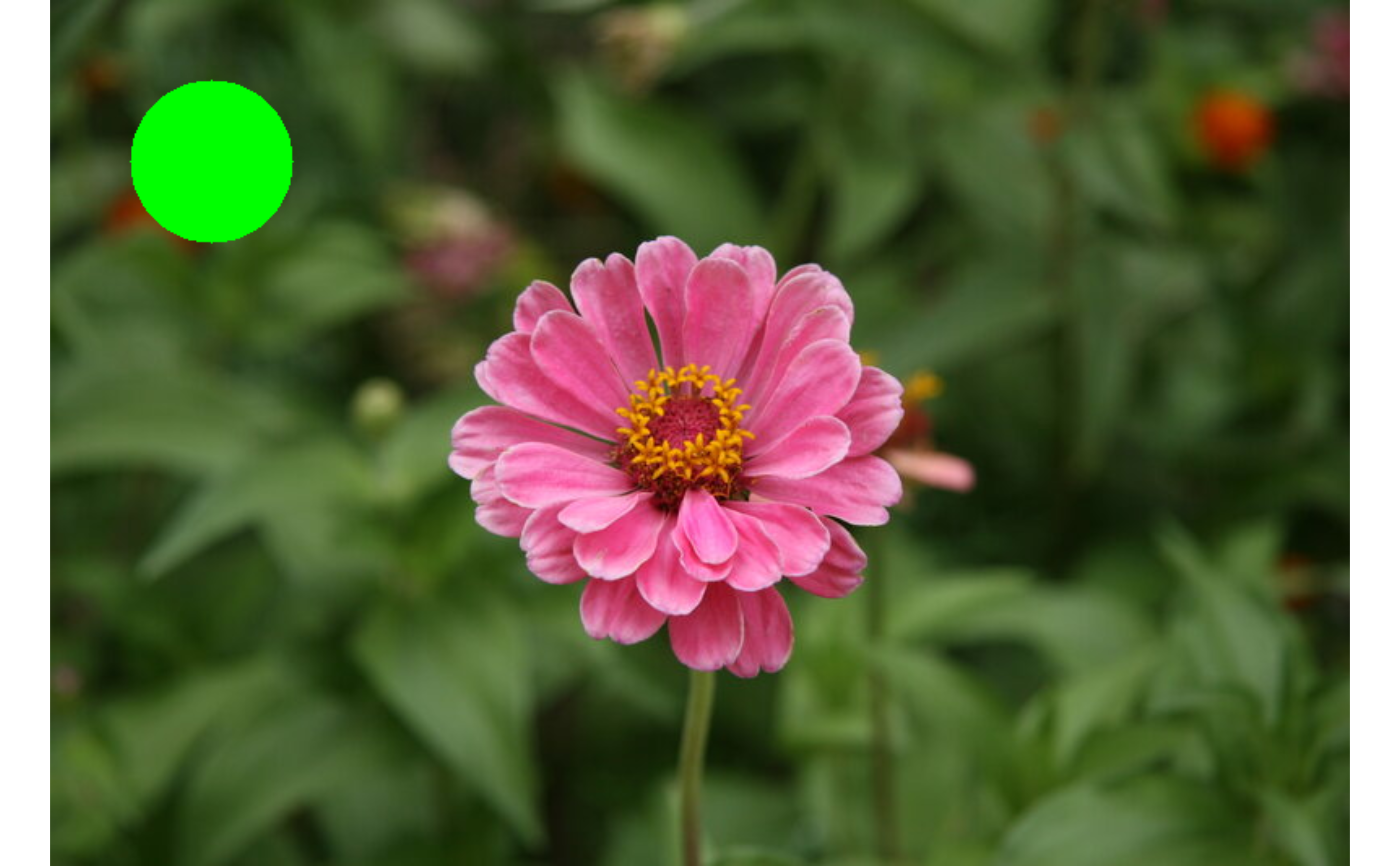
Method draw_circle()
Draw a circle outline (or filled circle) on the image. Returns a new Image.
Usage
Image$draw_circle(
  x,
  y,
  radius,
  color,
  thickness = 1L,
  line_type = "line_8",
  filled = FALSE
)
Arguments
xInteger. X coordinate of the center.
yInteger. Y coordinate of the center.
radiusNon-negative integer. Circle radius in pixels.
colorAn R color name, hex string, or numeric BGR(A) vector.
thicknessPositive integer. Outline width. Ignored when
filled = TRUE. Default1L.line_typeCharacter. One of
"line_4","line_8"(default),"aa".filledLogical. If
TRUE, draw a filled circle. DefaultFALSE.
Method draw_circle_()
Draw a circle on the image in place.
Usage
Image$draw_circle_(
  x,
  y,
  radius,
  color,
  thickness = 1L,
  line_type = "line_8",
  filled = FALSE
)
Arguments
xInteger. X coordinate of the center.
yInteger. Y coordinate of the center.
radiusNon-negative integer. Circle radius in pixels.
colorAn R color name, hex string, or numeric BGR(A) vector.
thicknessPositive integer. Outline width. Ignored when
filled = TRUE. Default1L.line_typeCharacter. One of
"line_4","line_8"(default),"aa".filledLogical. If
TRUE, fill the circle. DefaultFALSE.
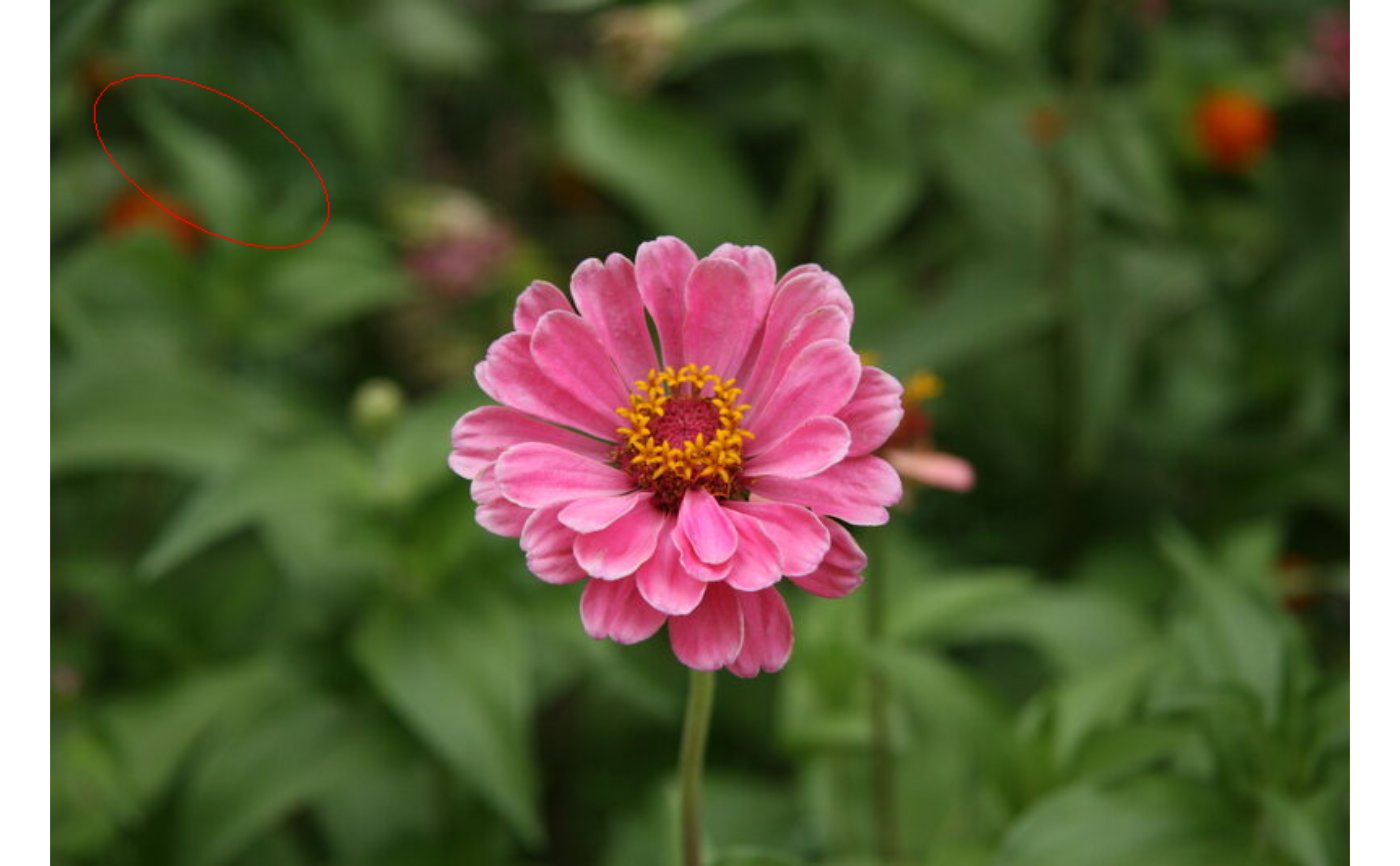
Method draw_ellipse()
Draw an ellipse outline (or filled ellipse) on the image. Returns a new Image.
Usage
Image$draw_ellipse(
  x,
  y,
  rx,
  ry,
  angle = 0,
  color,
  thickness = 1L,
  line_type = "line_8",
  filled = FALSE
)
Arguments
xInteger. X coordinate of the ellipse center.
yInteger. Y coordinate of the ellipse center.
rxPositive integer. Horizontal semi-axis length in pixels (before rotation).
ryPositive integer. Vertical semi-axis length in pixels (before rotation).
angleNumeric. Rotation of the ellipse in degrees (clockwise). Default
0.colorAn R color name, hex string, or numeric BGR(A) vector.
thicknessPositive integer. Outline width. Ignored when
filled = TRUE. Default1L.line_typeCharacter. One of
"line_4","line_8"(default),"aa".filledLogical. If
TRUE, draw a filled ellipse. DefaultFALSE.
Method draw_ellipse_()
Draw an ellipse on the image in place.
Usage
Image$draw_ellipse_(
  x,
  y,
  rx,
  ry,
  angle = 0,
  color,
  thickness = 1L,
  line_type = "line_8",
  filled = FALSE
)
Arguments
xInteger. X coordinate of the ellipse center.
yInteger. Y coordinate of the ellipse center.
rxPositive integer. Horizontal semi-axis length in pixels.
ryPositive integer. Vertical semi-axis length in pixels.
angleNumeric. Rotation in degrees. Default
0.colorAn R color name, hex string, or numeric BGR(A) vector.
thicknessPositive integer. Outline width. Ignored when
filled = TRUE. Default1L.line_typeCharacter. One of
"line_4","line_8"(default),"aa".filledLogical. If
TRUE, fill the ellipse. DefaultFALSE.
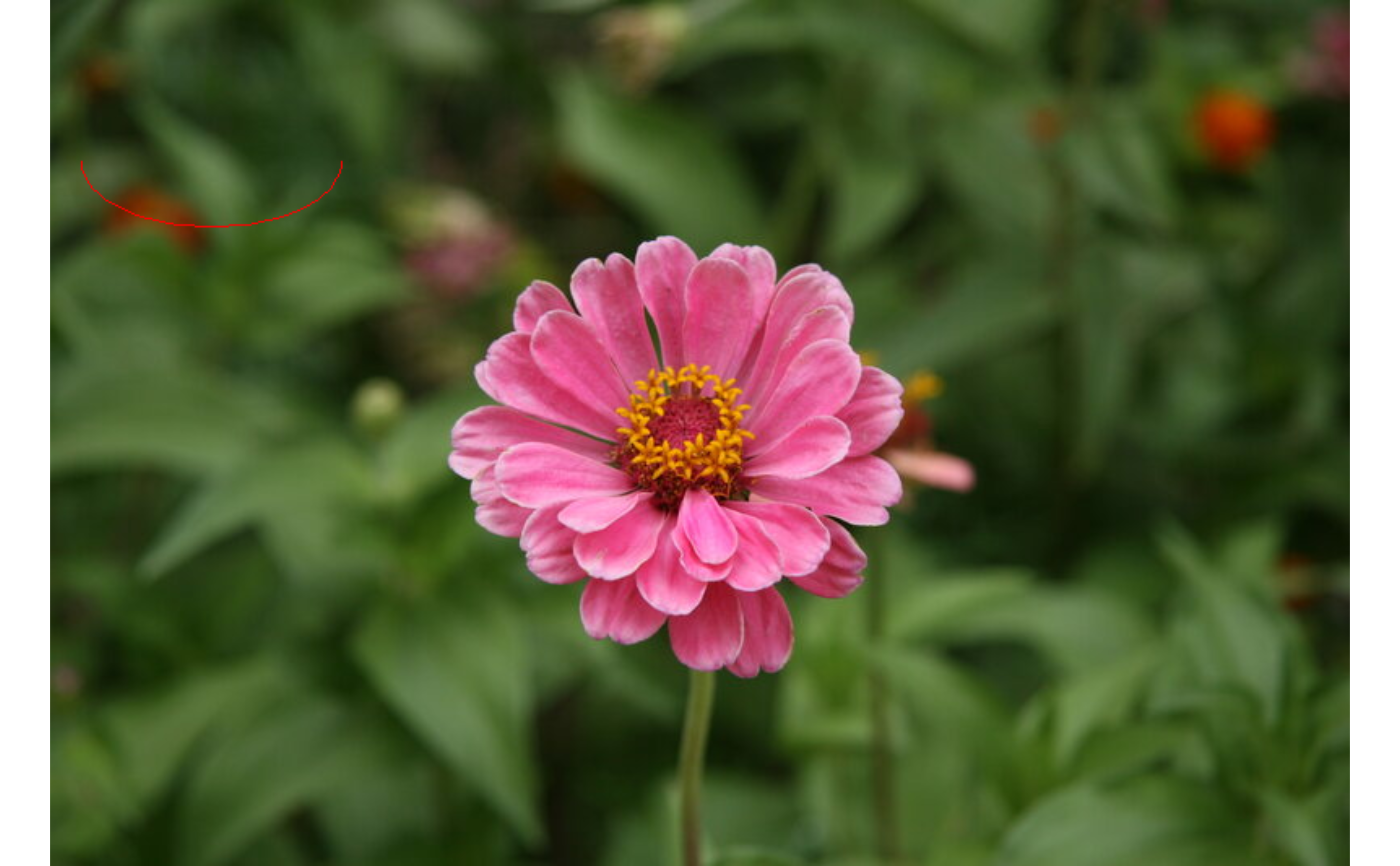
Method draw_arc()
Draw a partial ellipse arc on the image. Returns a new Image.
Usage
Image$draw_arc(
  x,
  y,
  rx,
  ry,
  angle = 0,
  start_angle,
  end_angle,
  color,
  thickness = 1L,
  line_type = "line_8"
)
Arguments
xInteger. X coordinate of the ellipse center.
yInteger. Y coordinate of the ellipse center.
rxPositive integer. Horizontal semi-axis length in pixels.
ryPositive integer. Vertical semi-axis length in pixels.
angleNumeric. Rotation of the ellipse in degrees. Default
0.start_angleNumeric. Start angle of the arc in degrees.
end_angleNumeric. End angle of the arc in degrees. If
start_angle > end_angle, OpenCV swaps them automatically.colorAn R color name, hex string, or numeric BGR(A) vector.
thicknessPositive integer. Line width in pixels. Default
1L.line_typeCharacter. One of
"line_4","line_8"(default),"aa".
Method draw_arc_()
Draw a partial ellipse arc on the image in place.
Usage
Image$draw_arc_(
  x,
  y,
  rx,
  ry,
  angle = 0,
  start_angle,
  end_angle,
  color,
  thickness = 1L,
  line_type = "line_8"
)
Arguments
xInteger. X coordinate of the ellipse center.
yInteger. Y coordinate of the ellipse center.
rxPositive integer. Horizontal semi-axis length in pixels.
ryPositive integer. Vertical semi-axis length in pixels.
angleNumeric. Rotation in degrees. Default
0.start_angleNumeric. Start angle of the arc in degrees.
end_angleNumeric. End angle of the arc in degrees.
colorAn R color name, hex string, or numeric BGR(A) vector.
thicknessPositive integer. Line width. Default
1L.line_typeCharacter. One of
"line_4","line_8"(default),"aa".
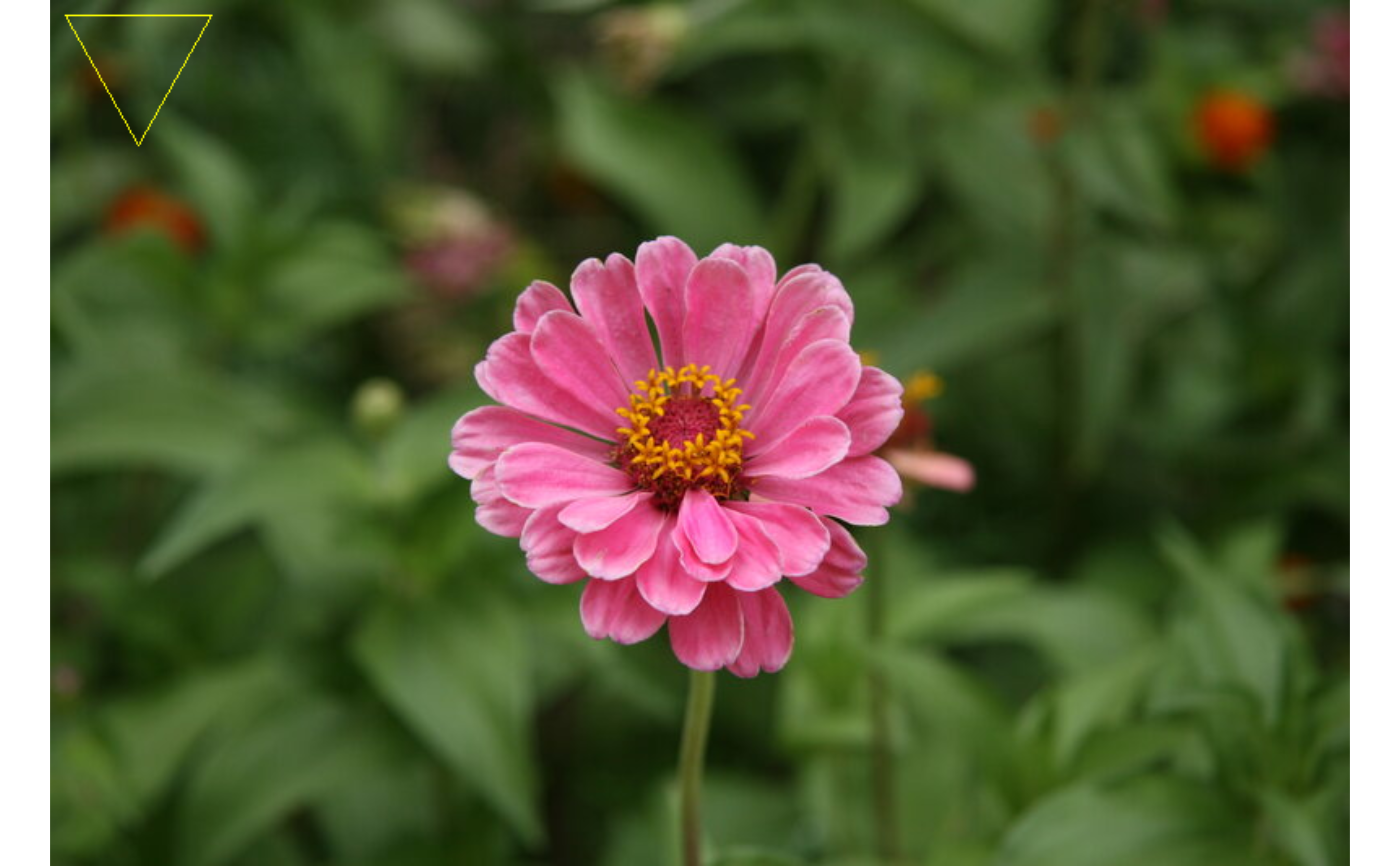
Method draw_polyline()
Draw a polyline (open or closed polygon outline) on the image. Returns a new Image.
Arguments
ptsA numeric matrix with exactly 2 columns (x, y) and at least 2 rows. Each row is a vertex.
closedLogical. If
TRUE, connect the last vertex back to the first. DefaultFALSE.colorAn R color name, hex string, or numeric BGR(A) vector.
thicknessPositive integer. Line width in pixels. Default
1L.line_typeCharacter. One of
"line_4","line_8"(default),"aa".
Method draw_polyline_()
Draw a polyline on the image in place.
Arguments
ptsA numeric matrix with exactly 2 columns and at least 2 rows.
closedLogical. If
TRUE, close the polygon. DefaultFALSE.colorAn R color name, hex string, or numeric BGR(A) vector.
thicknessPositive integer. Line width. Default
1L.line_typeCharacter. One of
"line_4","line_8"(default),"aa".
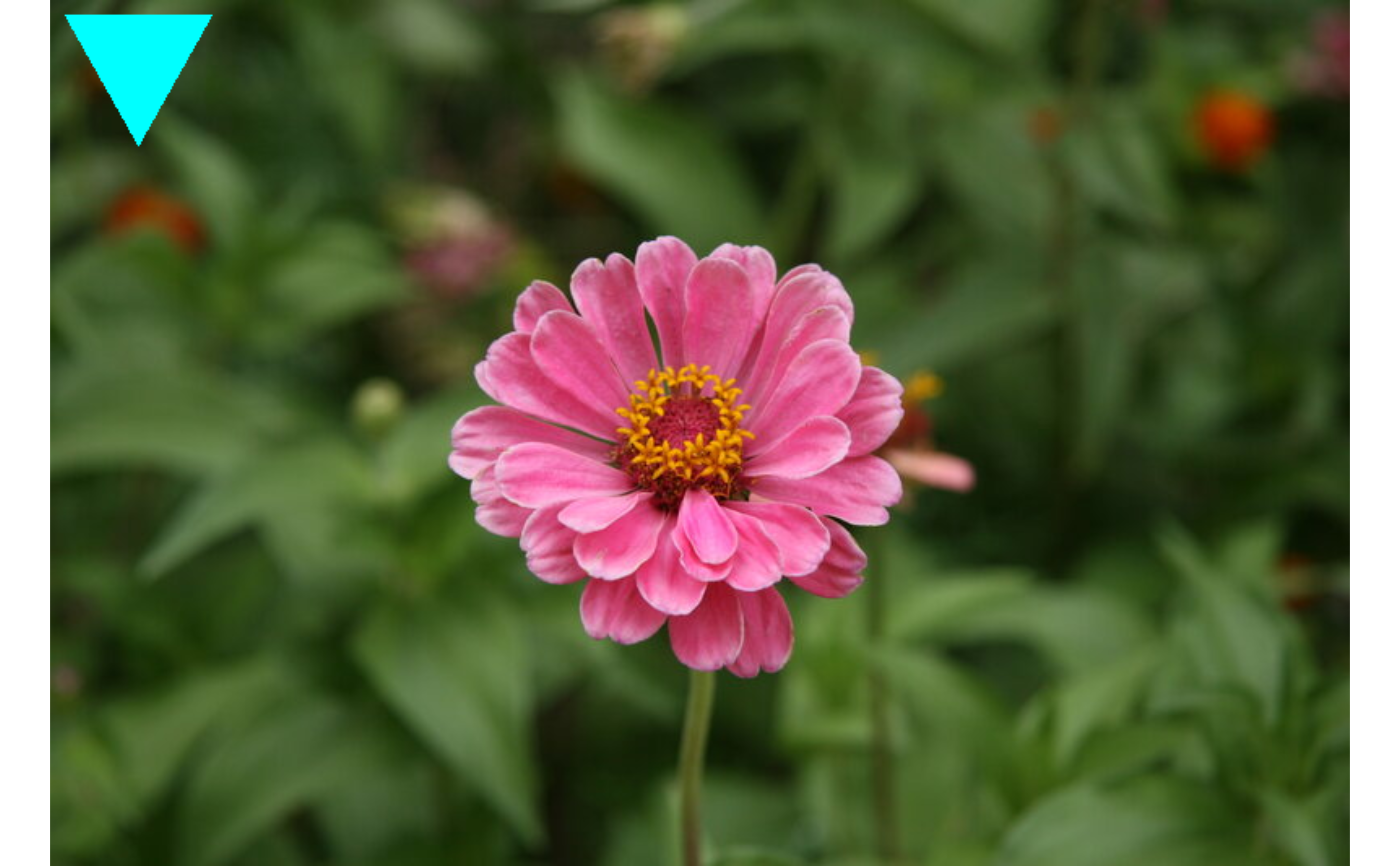
Method fill_poly()
Draw a filled polygon on the image. Returns a new Image.
Method fill_poly_()
Draw a filled polygon on the image in place.
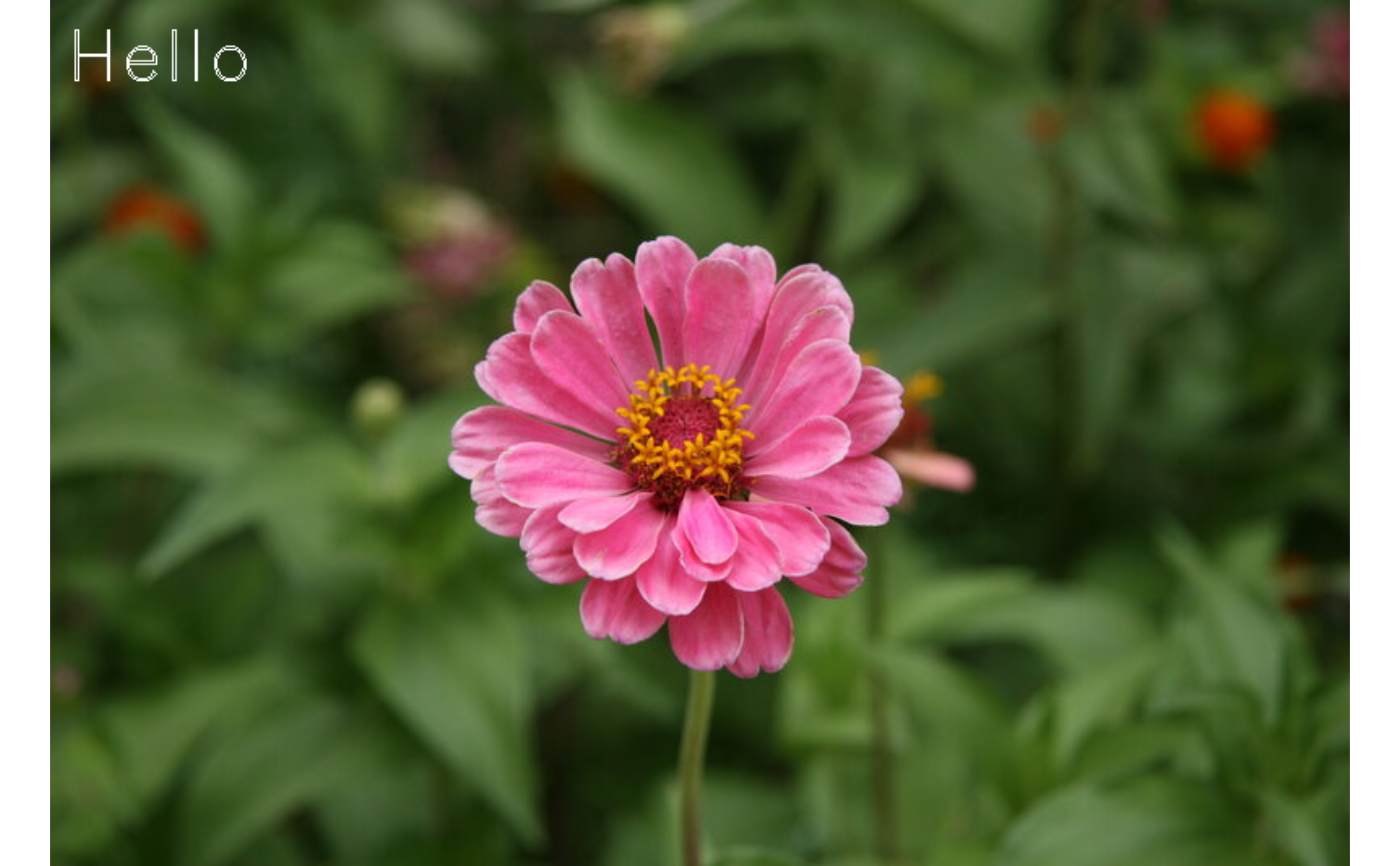
Method draw_text()
Draw text on the image. Returns a new Image.
Usage
Image$draw_text(
  text,
  x,
  y,
  font = "simplex",
  font_size = 1,
  italic = FALSE,
  color,
  thickness = 1L,
  line_type = "line_8"
)
Arguments
textCharacter. The string to draw.
xInteger. X coordinate of the bottom-left corner of the text bounding box.
yInteger. Y coordinate of the bottom-left corner of the text bounding box.
fontCharacter. One of
"simplex"(default),"plain","duplex","complex","triplex","complex_small","script_simplex","script_complex".font_sizeNumeric. Scale factor applied to the base font size. Negative values mirror/reverse the text. Default
1.italicLogical. If
TRUE, use the italic variant of the font. DefaultFALSE.colorAn R color name, hex string, or numeric BGR(A) vector.
thicknessPositive integer. Character stroke width. Default
1L.line_typeCharacter. One of
"line_4","line_8"(default),"aa".
Method draw_text_()
Draw text on the image in place.
Usage
Image$draw_text_(
  text,
  x,
  y,
  font = "simplex",
  font_size = 1,
  italic = FALSE,
  color,
  thickness = 1L,
  line_type = "line_8"
)
Arguments
textCharacter. The string to draw.
xInteger. X coordinate of the bottom-left corner of the text.
yInteger. Y coordinate of the bottom-left corner of the text.
fontCharacter. Font face name. Default
"simplex".font_sizeNumeric. Scale factor. Negative mirrors the text. Default
1.italicLogical. Italic variant. Default
FALSE.colorAn R color name, hex string, or numeric BGR(A) vector.
thicknessPositive integer. Stroke width. Default
1L.line_typeCharacter. One of
"line_4","line_8"(default),"aa".
Method hist()
Compute a per-channel histogram of pixel values.
Arguments
binsSingle positive integer. Number of histogram bins. Default
256.rangeLength-2 numeric vector
c(lo, hi)giving the pixel-value range to histogram.NULL(default) applies a depth-appropriate default and emits a message.freqLogical.
TRUE(default):countcolumn contains raw pixel counts (consistent with base Rhist(freq = TRUE)).FALSE:countcolumn contains probability densities (counts / (total_pixels * bin_width)).
Method hist_eq()
Apply global histogram equalization. Returns a new Image.
Requires a single-channel CV_8U image. For multi-channel images,
use split_channels() then apply per channel.
Method hist_eq_()
Apply global histogram equalization in place.
Requires a single-channel CV_8U image.
Method hist_match()
Match the histogram of this image to a reference histogram.
Returns a new Image. Requires a single-channel CV_8U image.
Arguments
refA data frame as produced by
$hist(bins = 256L)with columnsbin_center,channel, andcount. Must have exactly 256 rows (one per 8-bit value).
Examples
\donttest{
img_path <- system.file("img", "brick_wall.jpg", package = "Retina")
ref_path <- system.file("img", "flower.jpg",     package = "Retina")
src <- Image$new(img_path)$to_gray()
ref <- Image$new(ref_path)$to_gray()
ref_hist <- ref$hist(bins = 256L, range = c(0, 255))
out <- src$hist_match(ref_hist)
out$plot()
}
Method hist_match_()
Match the histogram of this image to a reference, in place.
Examples
\donttest{
img_path <- system.file("img", "brick_wall.jpg", package = "Retina")
ref_path <- system.file("img", "flower.jpg",     package = "Retina")
src <- Image$new(img_path)$to_gray()
ref <- Image$new(ref_path)$to_gray()
ref_hist <- ref$hist(bins = 256L, range = c(0, 256))
src$hist_match_(ref_hist)
src$plot()
}
Method CLAHE()
Apply Contrast Limited Adaptive Histogram Equalization
(CLAHE). Returns a new Image. Requires a single-channel CV_8U
or CV_16U image.
Usage
Image$CLAHE(clip_limit = 40, tile_grid_size = c(8L, 8L))Arguments
clip_limitSingle positive numeric. Threshold for contrast limiting — higher values allow more contrast enhancement, lower values reduce noise amplification. Default
40.0.tile_grid_sizeLength-1 or length-2 positive integer vector
c(width, height). Number of tiles in each direction. A scalarnis recycled toc(n, n)for square tiles. Defaultc(8L, 8L).
Method CLAHE_()
Apply CLAHE in place. See $CLAHE() for details.
Usage
Image$CLAHE_(clip_limit = 40, tile_grid_size = c(8L, 8L))Method minmax_loc()
Find the minimum and maximum pixel values and their locations in a single-channel image.
Returns
A named list with six elements: min_val (double),
min_row (integer), min_col (integer), max_val
(double), max_row (integer), max_col (integer).
All coordinates are 1-based. When multiple pixels share the minimum or
maximum value, the first occurrence in row-major order is returned.
For multi-channel images, use split_channels() first.
Method count_nonzero()
Count non-zero pixels in a single-channel image.
Examples
\donttest{
img_path <- system.file("img", "brick_wall.jpg", package = "Retina")
img <- Image$new(img_path)$to_gray()$threshold(128)
n <- img$count_nonzero()
# Multi-channel: split then apply
color_img <- Image$new(img_path)
counts <- lapply(split_channels(color_img), \(ch) ch$count_nonzero())
}
Method find_nonzero()
Find the coordinates of all non-zero pixels in a single-channel image.
Returns
A data frame with integer columns row and col
(1-based, R matrix convention), ordered in row-major order.
Returns a zero-row data frame when no non-zero pixels exist.
Examples
\donttest{
img_path <- system.file("img", "brick_wall.jpg", package = "Retina")
img <- Image$new(img_path)$to_gray()$threshold(128)
coords <- img$find_nonzero()
head(coords)
# Multi-channel: split then apply
color_img <- Image$new(img_path)
all_coords <- lapply(split_channels(color_img), \(ch) ch$find_nonzero())
}
Method pow()
Raise every pixel to a power element-wise.
The image must be CV_32F or CV_64F — use
$convert_depth("CV_32F") first for integer images.
A negative pixel raised to a fractional exponent produces NaN.
Method exp()
Apply element-wise natural exponential (\(e^x\)) to every pixel.
The image must be CV_32F or CV_64F.
Method log()
Apply element-wise natural logarithm (\(\ln(x)\)) to every pixel.
The image must be CV_32F or CV_64F. Pixels \(\le 0\) produce
-Inf or NaN — sanitise the image first if this may occur.
Method sqrt()
Apply element-wise square root to every pixel.
The image must be CV_32F or CV_64F. Pixels < 0 produce
NaN — sanitise the image first if this may occur.
Method insert_channel()
Insert a single-channel Image into channel k,
returning a new Image.
Method insert_channel_()
Insert a single-channel Image into channel k,
in place.
Method LUT()
Apply a lookup table (LUT) to remap pixel values.
Arguments
lutA numeric vector of length 256 (
CV_8U) or 65536 (CV_16U/CV_16S), applied identically to all channels; or a numeric matrix with the same row count andnchancolumns — one column per channel applied in channel order. Values must be non-NA, finite, and coercible to integer. Only integer-depth images are supported (CV_8U,CV_16U,CV_16S). ForCV_16Ssources the LUT index ispixel + 32768: pixel-32768maps to row 1 (index 0); pixel0maps to row 32769.
Method print()
Print a summary of the image.
Examples
## ------------------------------------------------
## Method `Image$sobel`
## ------------------------------------------------
# \donttest{
img_path <- system.file("img", "brick_wall.jpg", package = "Retina")
img <- Image$new(img_path)
grad_x <- img$sobel(1, 0)
#> ddepth not specified; using "CV_16S" for a CV_8U image.
grad_x$plot()
 # }
## ------------------------------------------------
## Method `Image$sobel_`
## ------------------------------------------------
# \donttest{
img_path <- system.file("img", "brick_wall.jpg", package = "Retina")
img <- Image$new(img_path)
img$sobel_(1, 0)
#> ddepth not specified; using "CV_16S" for a CV_8U image.
img$plot()
# }
## ------------------------------------------------
## Method `Image$sobel_`
## ------------------------------------------------
# \donttest{
img_path <- system.file("img", "brick_wall.jpg", package = "Retina")
img <- Image$new(img_path)
img$sobel_(1, 0)
#> ddepth not specified; using "CV_16S" for a CV_8U image.
img$plot()
 # }
## ------------------------------------------------
## Method `Image$laplacian`
## ------------------------------------------------
# \donttest{
img_path <- system.file("img", "flower.jpg", package = "Retina")
img <- Image$new(img_path)
edges <- img$laplacian()
#> ddepth not specified; using "CV_16S" for a CV_8U image.
edges$plot()
# }
## ------------------------------------------------
## Method `Image$laplacian`
## ------------------------------------------------
# \donttest{
img_path <- system.file("img", "flower.jpg", package = "Retina")
img <- Image$new(img_path)
edges <- img$laplacian()
#> ddepth not specified; using "CV_16S" for a CV_8U image.
edges$plot()
 # }
## ------------------------------------------------
## Method `Image$laplacian_`
## ------------------------------------------------
# \donttest{
img_path <- system.file("img", "flower.jpg", package = "Retina")
img <- Image$new(img_path)
img$laplacian_()
#> ddepth not specified; using "CV_16S" for a CV_8U image.
img$plot()
# }
## ------------------------------------------------
## Method `Image$laplacian_`
## ------------------------------------------------
# \donttest{
img_path <- system.file("img", "flower.jpg", package = "Retina")
img <- Image$new(img_path)
img$laplacian_()
#> ddepth not specified; using "CV_16S" for a CV_8U image.
img$plot()
 # }
## ------------------------------------------------
## Method `Image$canny`
## ------------------------------------------------
# \donttest{
img_path <- system.file("img", "staircase.jpg", package = "Retina")
img <- Image$new(img_path)$convert_color("GRAY")
edges <- img$canny(50, 150)
edges$plot()
# }
## ------------------------------------------------
## Method `Image$canny`
## ------------------------------------------------
# \donttest{
img_path <- system.file("img", "staircase.jpg", package = "Retina")
img <- Image$new(img_path)$convert_color("GRAY")
edges <- img$canny(50, 150)
edges$plot()
 # }
## ------------------------------------------------
## Method `Image$canny_`
## ------------------------------------------------
# \donttest{
img_path <- system.file("img", "staircase.jpg", package = "Retina")
img <- Image$new(img_path)$convert_color("GRAY")
img$canny_(50, 150)
img$plot()
# }
## ------------------------------------------------
## Method `Image$canny_`
## ------------------------------------------------
# \donttest{
img_path <- system.file("img", "staircase.jpg", package = "Retina")
img <- Image$new(img_path)$convert_color("GRAY")
img$canny_(50, 150)
img$plot()
 # }
## ------------------------------------------------
## Method `Image$scharr`
## ------------------------------------------------
# \donttest{
img_path <- system.file("img", "brick_wall.jpg", package = "Retina")
img <- Image$new(img_path)
grad_x <- img$scharr(1, 0)
#> ddepth not specified; using "CV_16S" for a CV_8U image.
grad_x$plot()
# }
## ------------------------------------------------
## Method `Image$scharr`
## ------------------------------------------------
# \donttest{
img_path <- system.file("img", "brick_wall.jpg", package = "Retina")
img <- Image$new(img_path)
grad_x <- img$scharr(1, 0)
#> ddepth not specified; using "CV_16S" for a CV_8U image.
grad_x$plot()
 # }
## ------------------------------------------------
## Method `Image$scharr_`
## ------------------------------------------------
# \donttest{
img_path <- system.file("img", "brick_wall.jpg", package = "Retina")
img <- Image$new(img_path)
img$scharr_(1, 0)
#> ddepth not specified; using "CV_16S" for a CV_8U image.
img$plot()
# }
## ------------------------------------------------
## Method `Image$scharr_`
## ------------------------------------------------
# \donttest{
img_path <- system.file("img", "brick_wall.jpg", package = "Retina")
img <- Image$new(img_path)
img$scharr_(1, 0)
#> ddepth not specified; using "CV_16S" for a CV_8U image.
img$plot()
 # }
## ------------------------------------------------
## Method `Image$filter2D`
## ------------------------------------------------
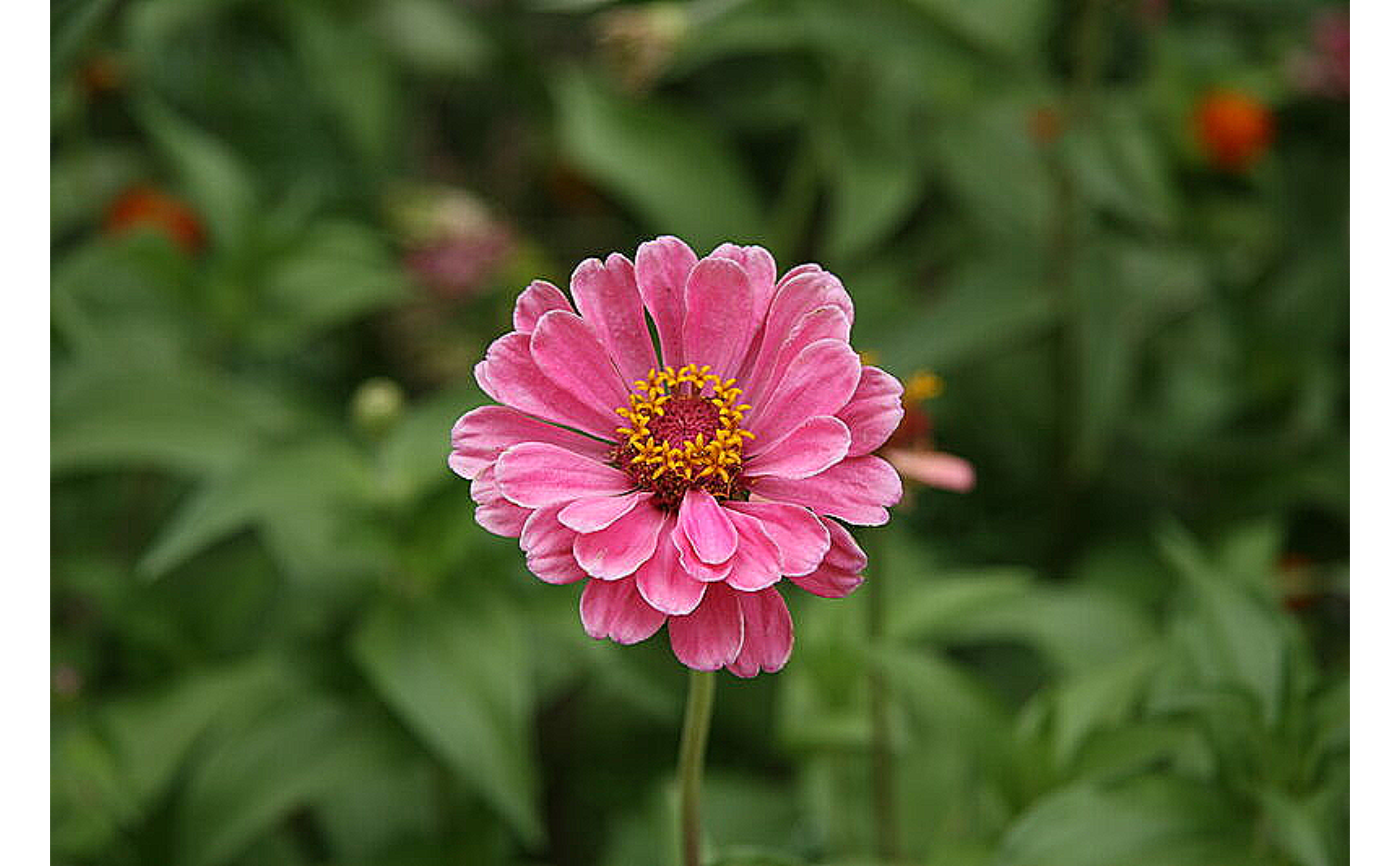
# \donttest{
img_path <- system.file("img", "flower.jpg", package = "Retina")
img <- Image$new(img_path)
sharpen <- matrix(c(0,-1,0,-1,5,-1,0,-1,0), nrow = 3)
sharpened <- img$filter2D(sharpen)
sharpened$plot()
# }
## ------------------------------------------------
## Method `Image$filter2D`
## ------------------------------------------------
# \donttest{
img_path <- system.file("img", "flower.jpg", package = "Retina")
img <- Image$new(img_path)
sharpen <- matrix(c(0,-1,0,-1,5,-1,0,-1,0), nrow = 3)
sharpened <- img$filter2D(sharpen)
sharpened$plot()
 # }
## ------------------------------------------------
## Method `Image$filter2D_`
## ------------------------------------------------
# \donttest{
img_path <- system.file("img", "flower.jpg", package = "Retina")
img <- Image$new(img_path)
sharpen <- matrix(c(0,-1,0,-1,5,-1,0,-1,0), nrow = 3)
img$filter2D_(sharpen)
img$plot()
# }
## ------------------------------------------------
## Method `Image$filter2D_`
## ------------------------------------------------
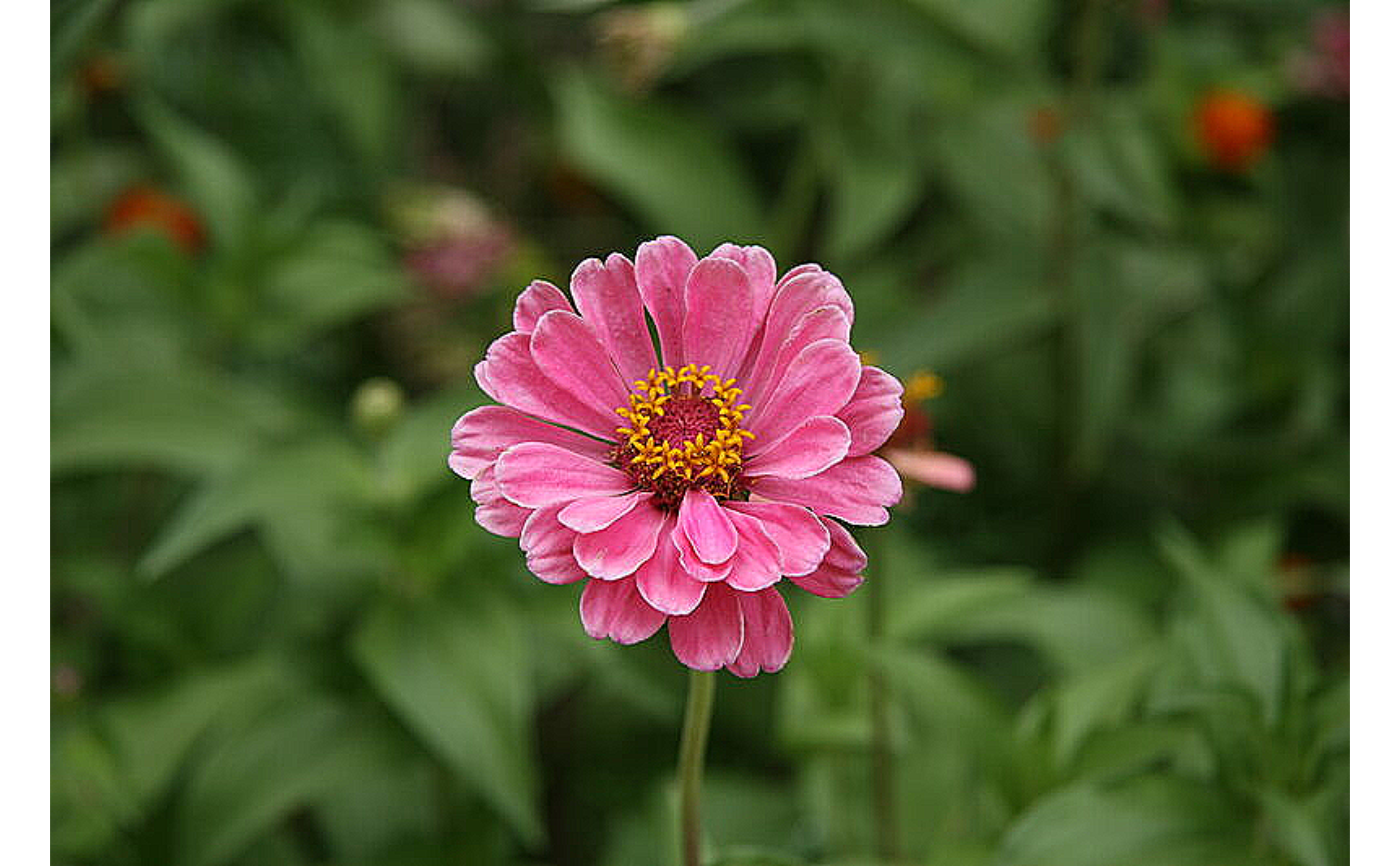
# \donttest{
img_path <- system.file("img", "flower.jpg", package = "Retina")
img <- Image$new(img_path)
sharpen <- matrix(c(0,-1,0,-1,5,-1,0,-1,0), nrow = 3)
img$filter2D_(sharpen)
img$plot()
 # }
## ------------------------------------------------
## Method `Image$sep_filter2D`
## ------------------------------------------------
# \donttest{
img_path <- system.file("img", "flower.jpg", package = "Retina")
img <- Image$new(img_path)
blurred <- img$sep_filter2D(rep(1/3, 3), rep(1/3, 3))
blurred$plot()
# }
## ------------------------------------------------
## Method `Image$sep_filter2D`
## ------------------------------------------------
# \donttest{
img_path <- system.file("img", "flower.jpg", package = "Retina")
img <- Image$new(img_path)
blurred <- img$sep_filter2D(rep(1/3, 3), rep(1/3, 3))
blurred$plot()
 # }
## ------------------------------------------------
## Method `Image$sep_filter2D_`
## ------------------------------------------------
# \donttest{
img_path <- system.file("img", "flower.jpg", package = "Retina")
img <- Image$new(img_path)
img$sep_filter2D_(rep(1/3, 3), rep(1/3, 3))
img$plot()
# }
## ------------------------------------------------
## Method `Image$sep_filter2D_`
## ------------------------------------------------
# \donttest{
img_path <- system.file("img", "flower.jpg", package = "Retina")
img <- Image$new(img_path)
img$sep_filter2D_(rep(1/3, 3), rep(1/3, 3))
img$plot()
 # }
## ------------------------------------------------
## Method `Image$morph`
## ------------------------------------------------
# \donttest{
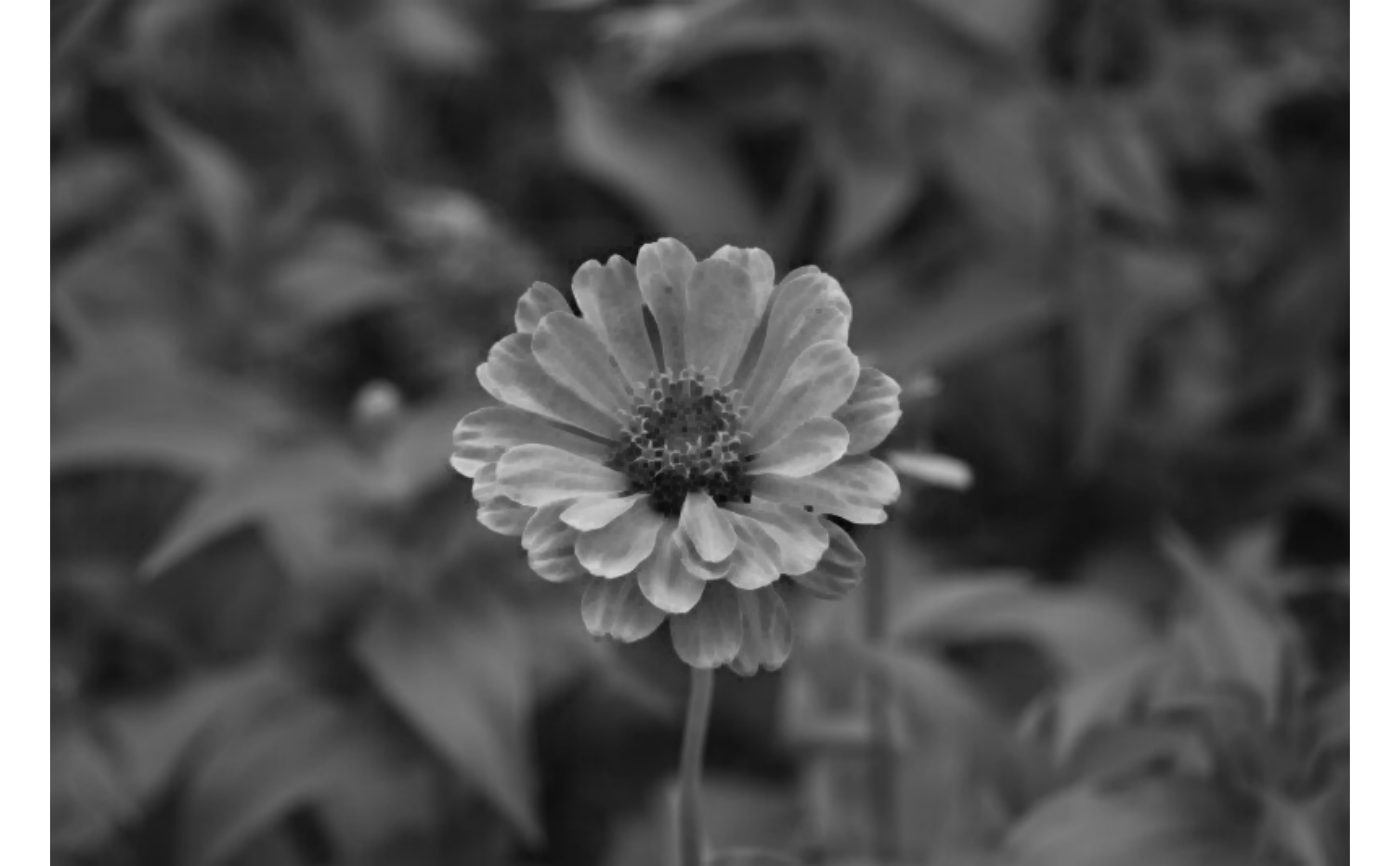
img_path <- system.file("img", "flower.jpg", package = "Retina")
img <- Image$new(img_path)$convert_color("GRAY")
eroded <- img$morph("erode")
eroded$plot()
# }
## ------------------------------------------------
## Method `Image$morph`
## ------------------------------------------------
# \donttest{
img_path <- system.file("img", "flower.jpg", package = "Retina")
img <- Image$new(img_path)$convert_color("GRAY")
eroded <- img$morph("erode")
eroded$plot()
 # }
## ------------------------------------------------
## Method `Image$morph_`
## ------------------------------------------------
# \donttest{
img_path <- system.file("img", "flower.jpg", package = "Retina")
img <- Image$new(img_path)$convert_color("GRAY")
img$morph_("erode")
img$plot()
# }
## ------------------------------------------------
## Method `Image$morph_`
## ------------------------------------------------
# \donttest{
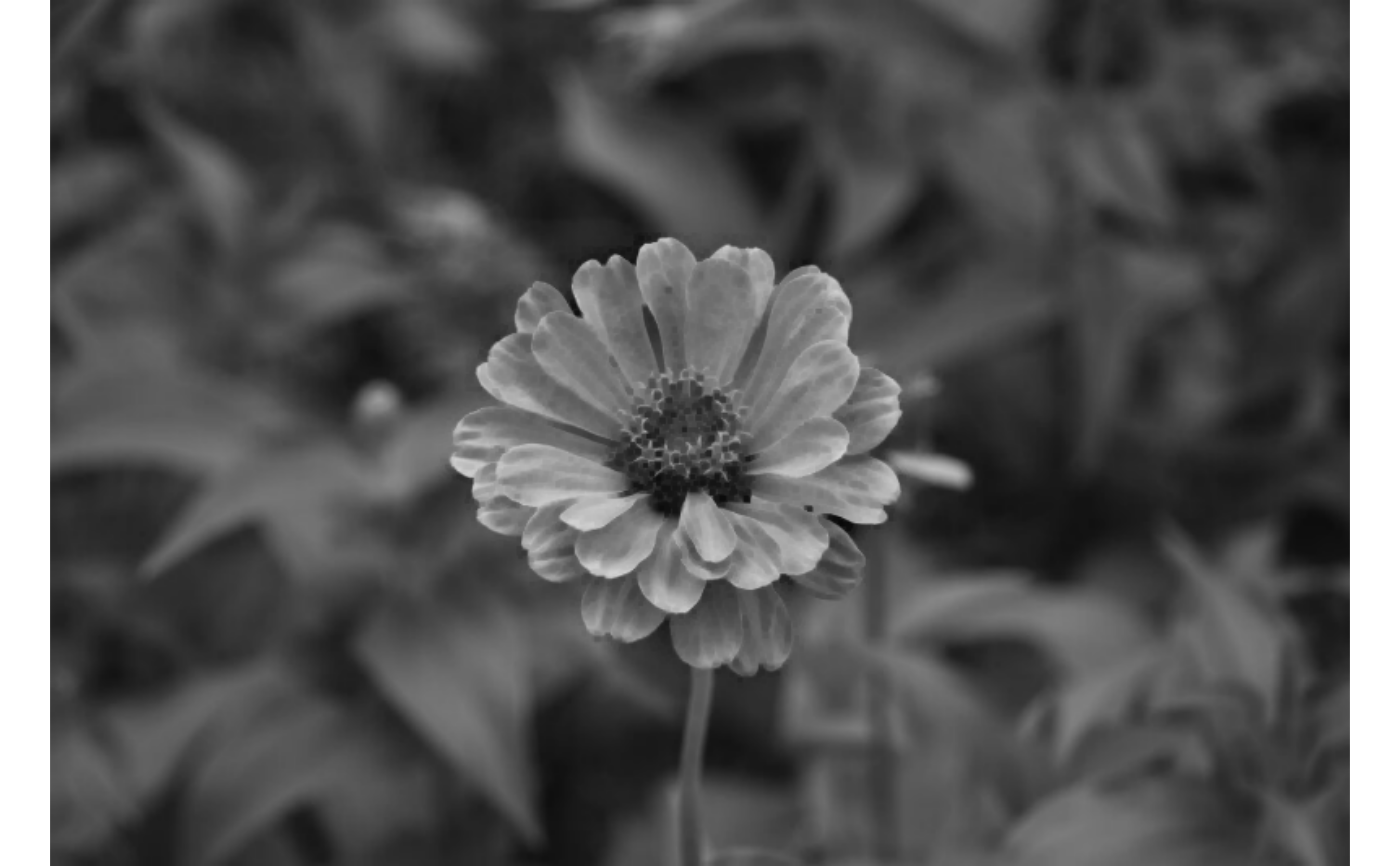
img_path <- system.file("img", "flower.jpg", package = "Retina")
img <- Image$new(img_path)$convert_color("GRAY")
img$morph_("erode")
img$plot()
 # }
## ------------------------------------------------
## Method `Image$resize`
## ------------------------------------------------
# \donttest{
img_path <- system.file("img", "flower.jpg", package = "Retina")
img <- Image$new(img_path)
img$resize(width = 320L, height = 240L)$plot()
# }
## ------------------------------------------------
## Method `Image$resize`
## ------------------------------------------------
# \donttest{
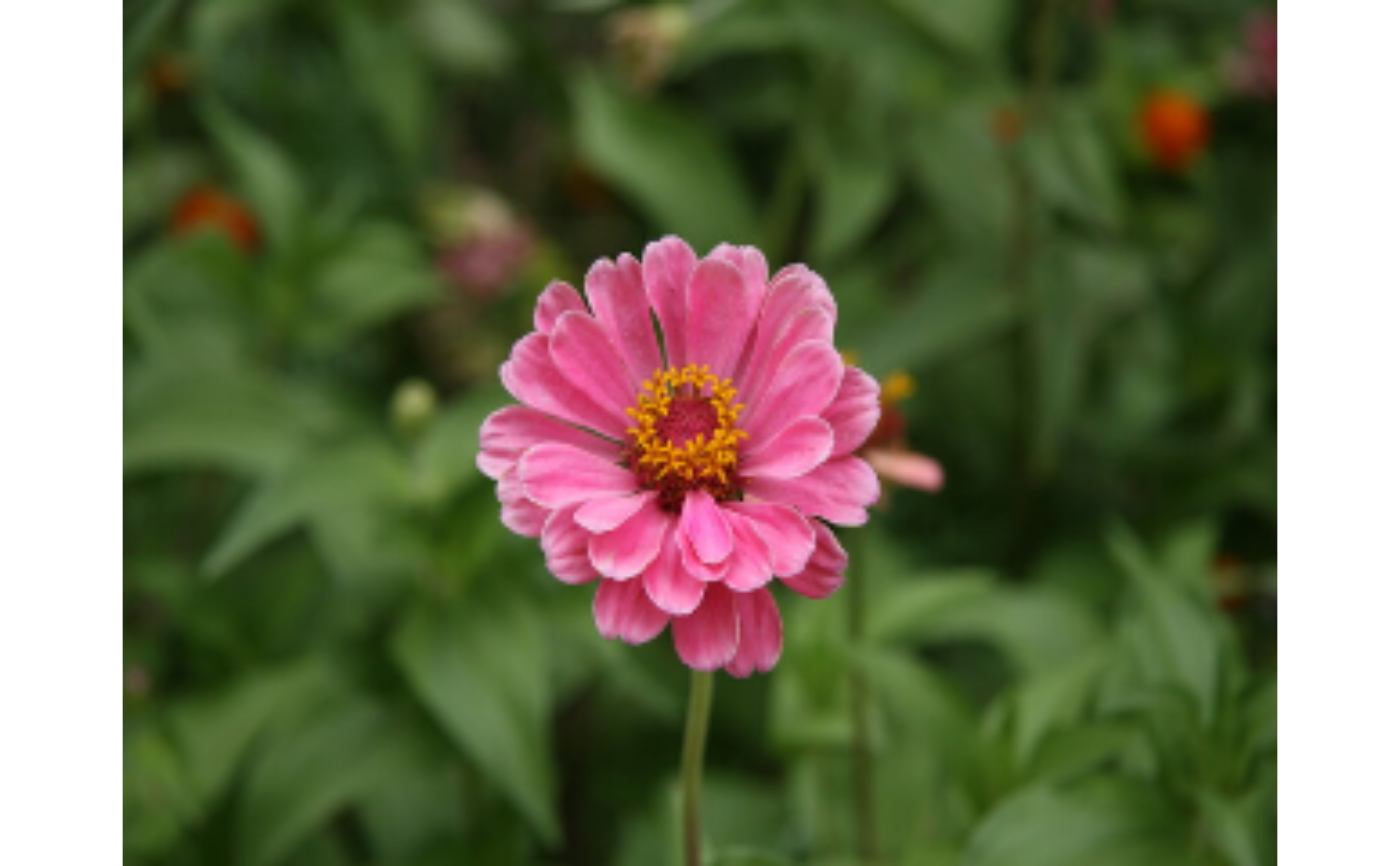
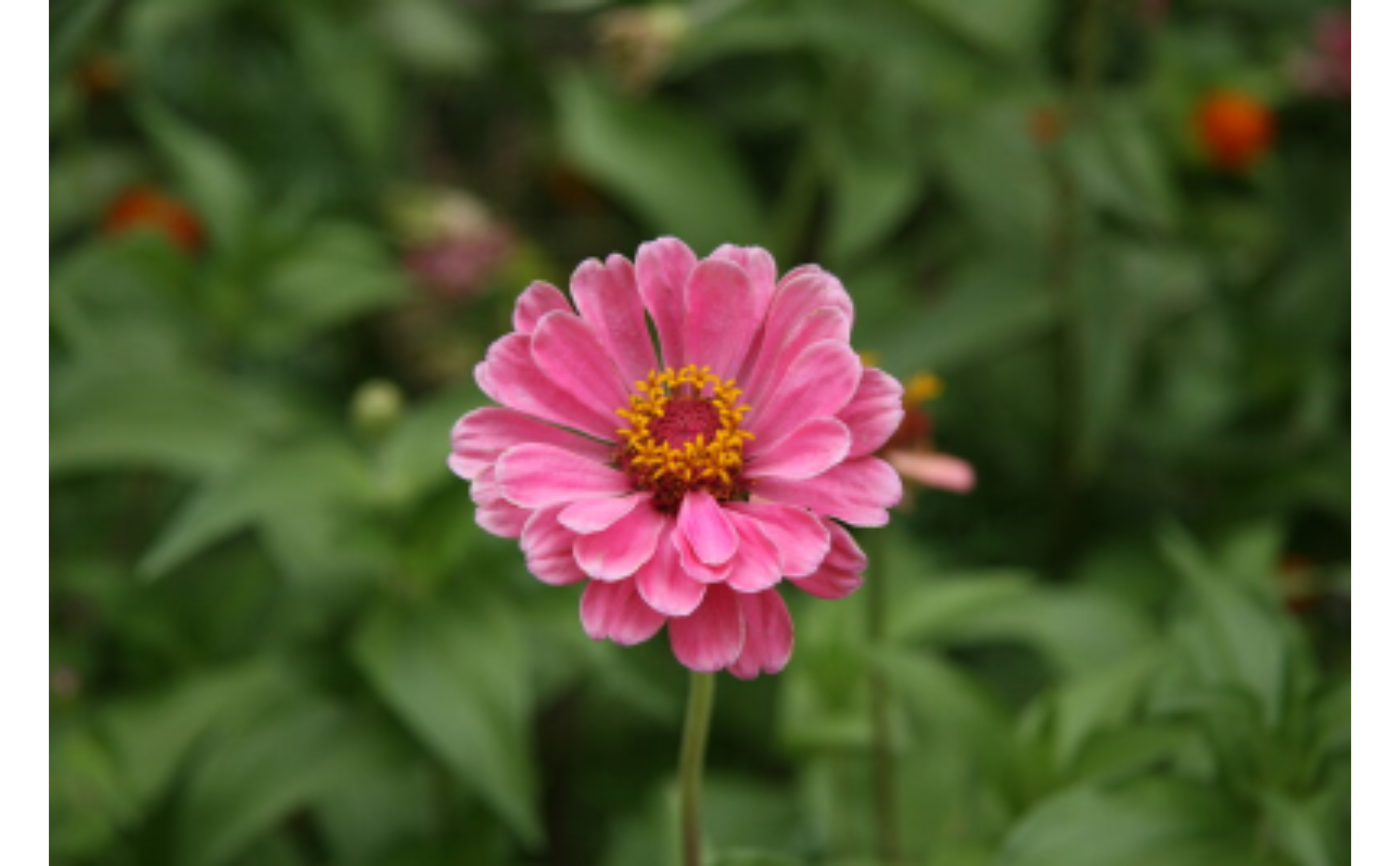
img_path <- system.file("img", "flower.jpg", package = "Retina")
img <- Image$new(img_path)
img$resize(width = 320L, height = 240L)$plot()
 img$resize(fx = 0.5, fy = 0.5)$plot()
 # }
## ------------------------------------------------
## Method `Image$resize_`
## ------------------------------------------------
# \donttest{
img_path <- system.file("img", "flower.jpg", package = "Retina")
img <- Image$new(img_path)
img$resize_(fx = 0.5, fy = 0.5)
img$plot()
# }
## ------------------------------------------------
## Method `Image$resize_`
## ------------------------------------------------
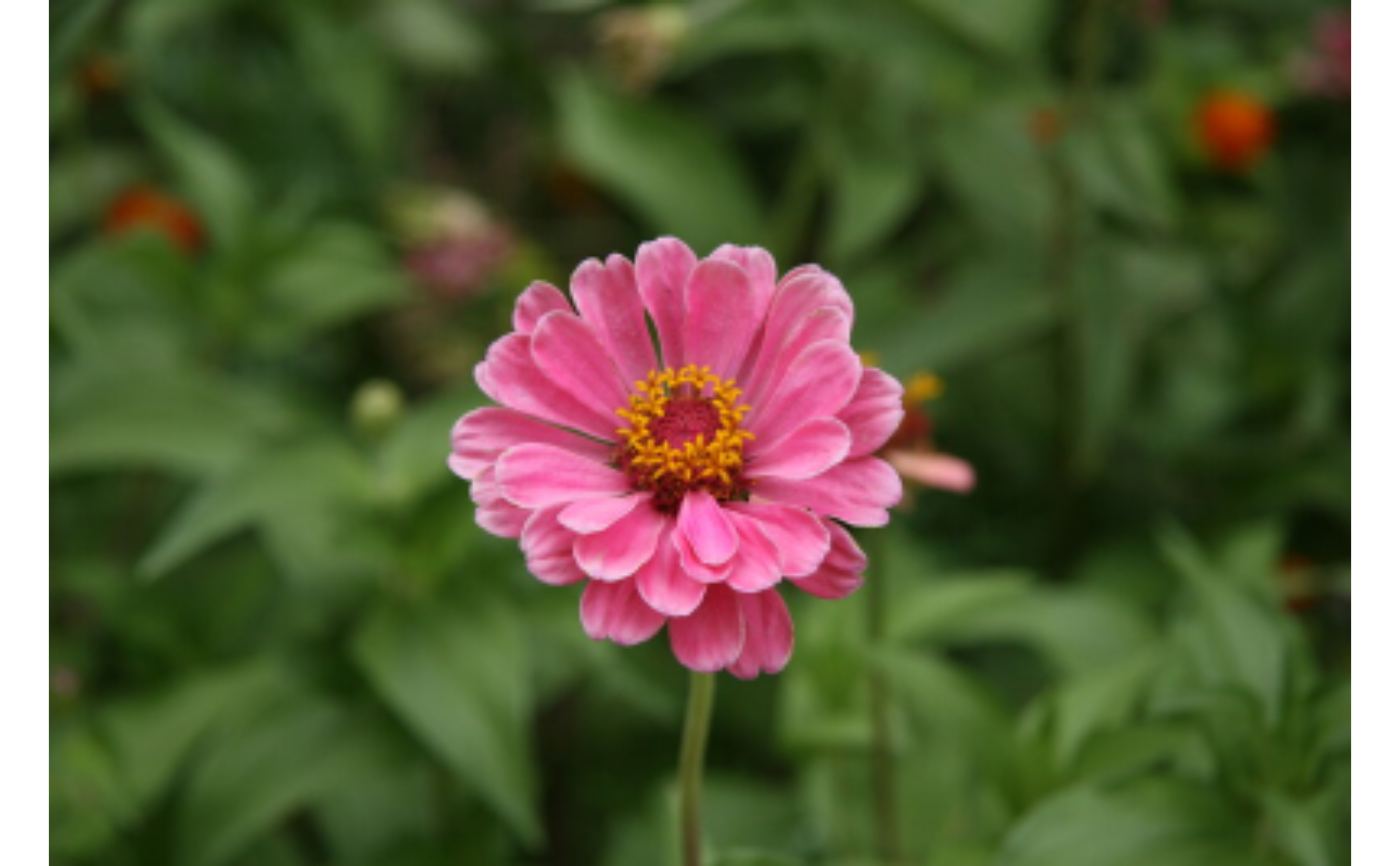
# \donttest{
img_path <- system.file("img", "flower.jpg", package = "Retina")
img <- Image$new(img_path)
img$resize_(fx = 0.5, fy = 0.5)
img$plot()
 # }
## ------------------------------------------------
## Method `Image$rotate`
## ------------------------------------------------
# \donttest{
img_path <- system.file("img", "flower.jpg", package = "Retina")
img <- Image$new(img_path)
img$rotate(45)$plot()
# }
## ------------------------------------------------
## Method `Image$rotate`
## ------------------------------------------------
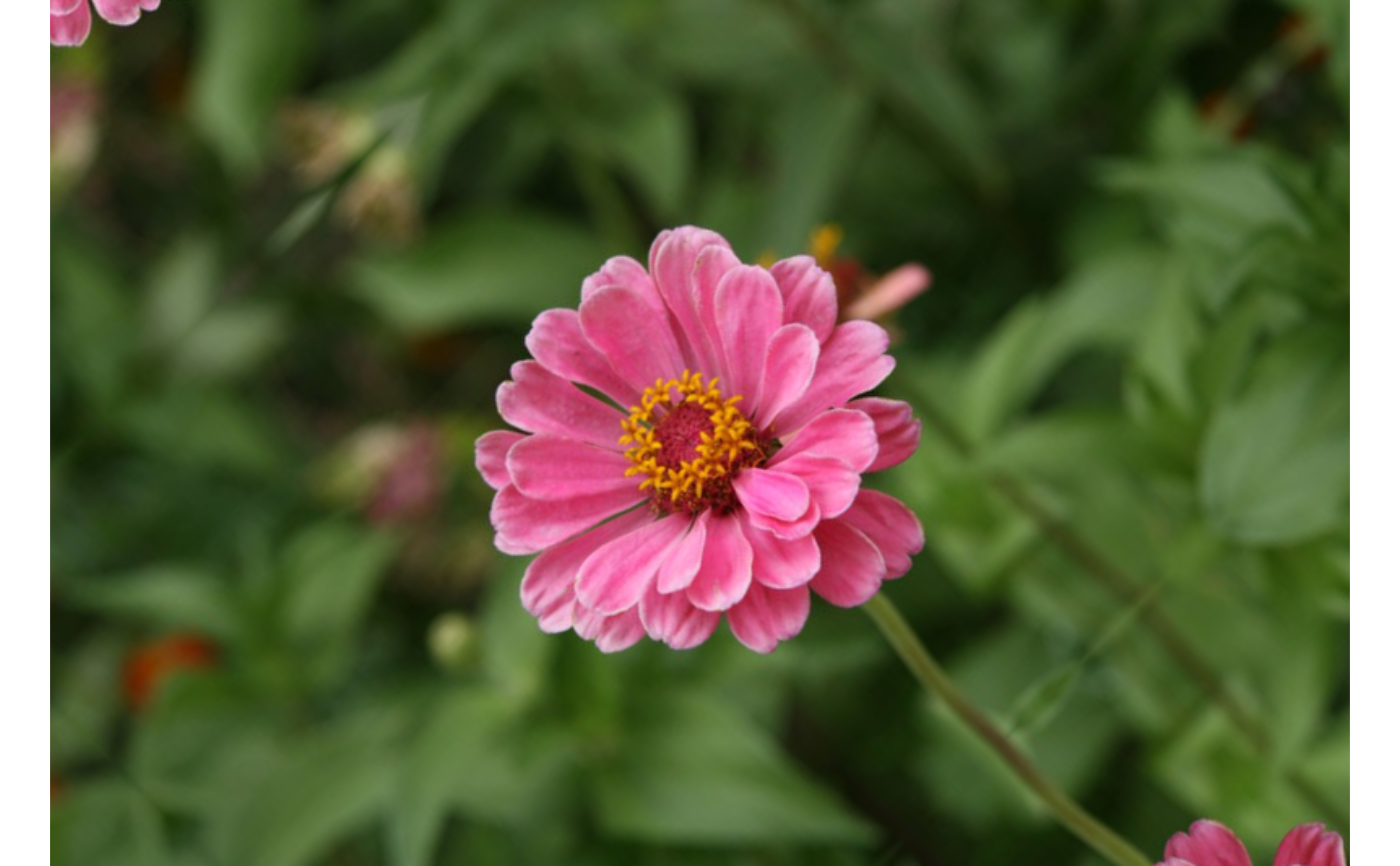
# \donttest{
img_path <- system.file("img", "flower.jpg", package = "Retina")
img <- Image$new(img_path)
img$rotate(45)$plot()
 # }
## ------------------------------------------------
## Method `Image$rotate_`
## ------------------------------------------------
# \donttest{
img_path <- system.file("img", "flower.jpg", package = "Retina")
img <- Image$new(img_path)
img$rotate_(45)
img$plot()
# }
## ------------------------------------------------
## Method `Image$rotate_`
## ------------------------------------------------
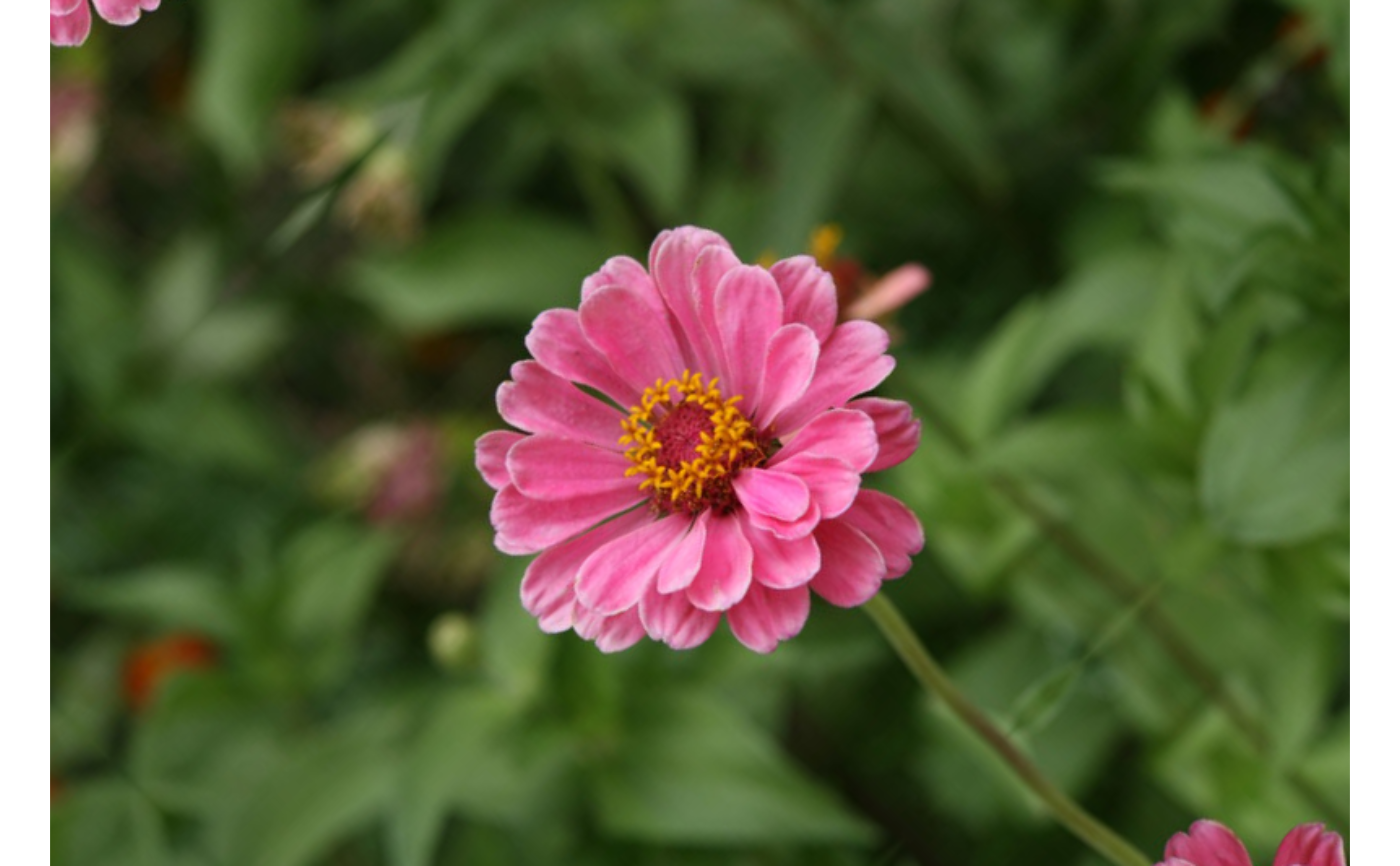
# \donttest{
img_path <- system.file("img", "flower.jpg", package = "Retina")
img <- Image$new(img_path)
img$rotate_(45)
img$plot()
 # }
## ------------------------------------------------
## Method `Image$flip`
## ------------------------------------------------
# \donttest{
img_path <- system.file("img", "flower.jpg", package = "Retina")
img <- Image$new(img_path)
img$flip(flip_h = TRUE)$plot()
# }
## ------------------------------------------------
## Method `Image$flip`
## ------------------------------------------------
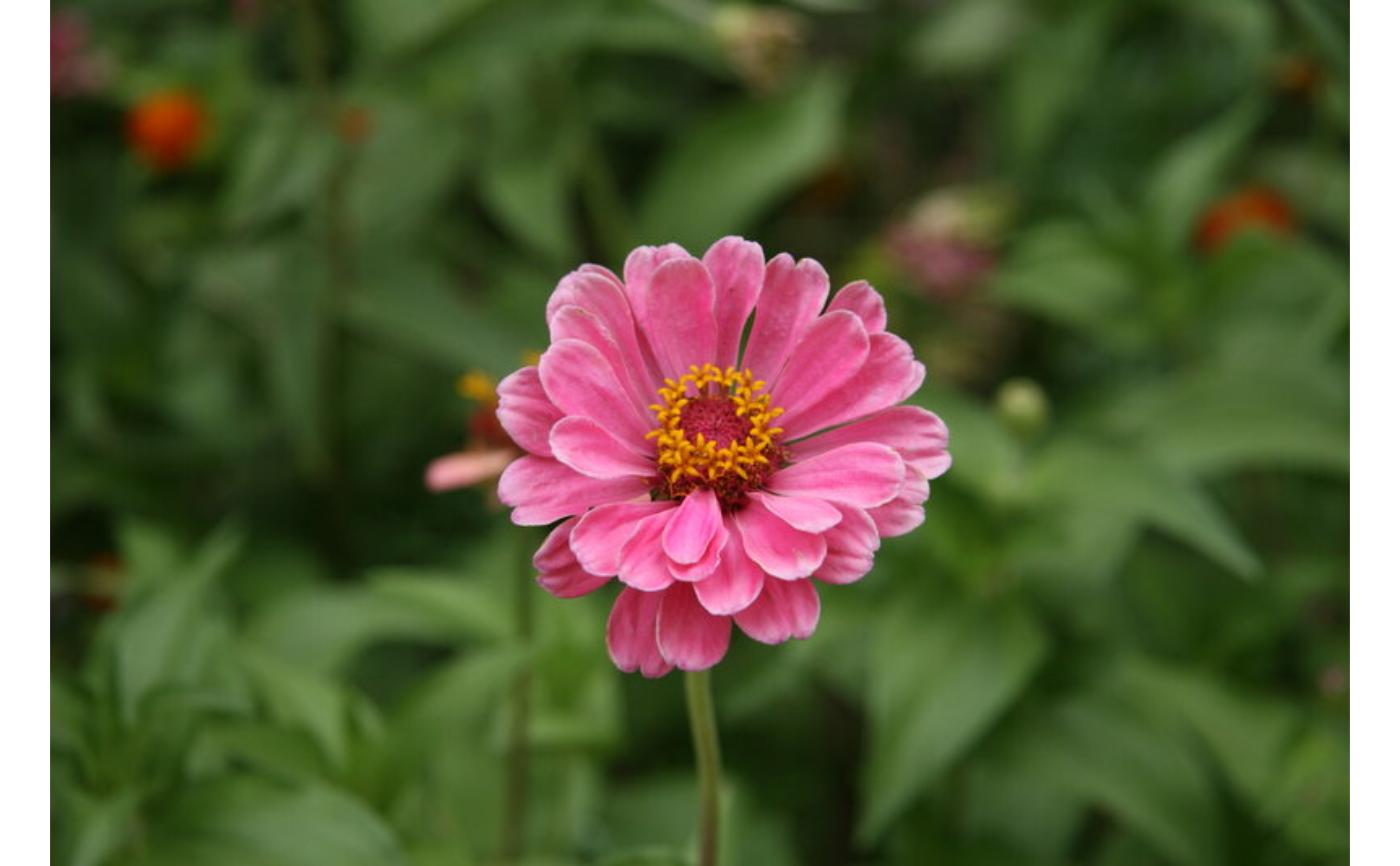
# \donttest{
img_path <- system.file("img", "flower.jpg", package = "Retina")
img <- Image$new(img_path)
img$flip(flip_h = TRUE)$plot()
 # }
## ------------------------------------------------
## Method `Image$flip_`
## ------------------------------------------------
# \donttest{
img_path <- system.file("img", "flower.jpg", package = "Retina")
img <- Image$new(img_path)
img$flip_(flip_v = TRUE)
img$plot()
# }
## ------------------------------------------------
## Method `Image$flip_`
## ------------------------------------------------
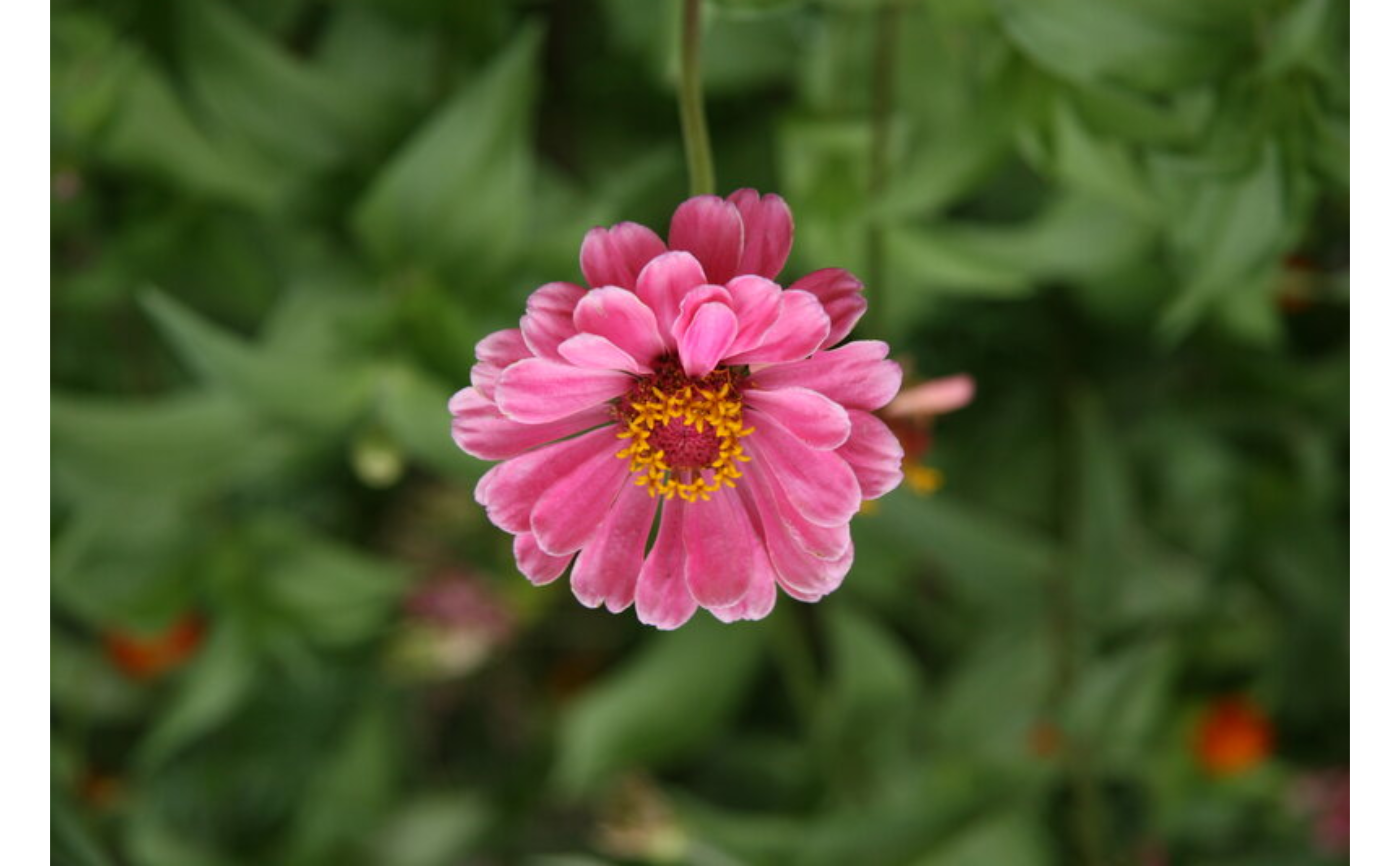
# \donttest{
img_path <- system.file("img", "flower.jpg", package = "Retina")
img <- Image$new(img_path)
img$flip_(flip_v = TRUE)
img$plot()
 # }
## ------------------------------------------------
## Method `Image$crop`
## ------------------------------------------------
# \donttest{
img_path <- system.file("img", "flower.jpg", package = "Retina")
img <- Image$new(img_path)
img$crop(1L, 1L, 100L, 100L)$plot()
# }
## ------------------------------------------------
## Method `Image$crop`
## ------------------------------------------------
# \donttest{
img_path <- system.file("img", "flower.jpg", package = "Retina")
img <- Image$new(img_path)
img$crop(1L, 1L, 100L, 100L)$plot()
 # }
## ------------------------------------------------
## Method `Image$crop_`
## ------------------------------------------------
# \donttest{
img_path <- system.file("img", "flower.jpg", package = "Retina")
img <- Image$new(img_path)
img$crop_(1L, 1L, 100L, 100L)
img$plot()
# }
## ------------------------------------------------
## Method `Image$crop_`
## ------------------------------------------------
# \donttest{
img_path <- system.file("img", "flower.jpg", package = "Retina")
img <- Image$new(img_path)
img$crop_(1L, 1L, 100L, 100L)
img$plot()
 # }
## ------------------------------------------------
## Method `Image$warp_affine`
## ------------------------------------------------
# \donttest{
img_path <- system.file("img", "flower.jpg", package = "Retina")
img <- Image$new(img_path)
m <- affine_translate(50, 30)
img$warp_affine(m)$plot()
# }
## ------------------------------------------------
## Method `Image$warp_affine`
## ------------------------------------------------
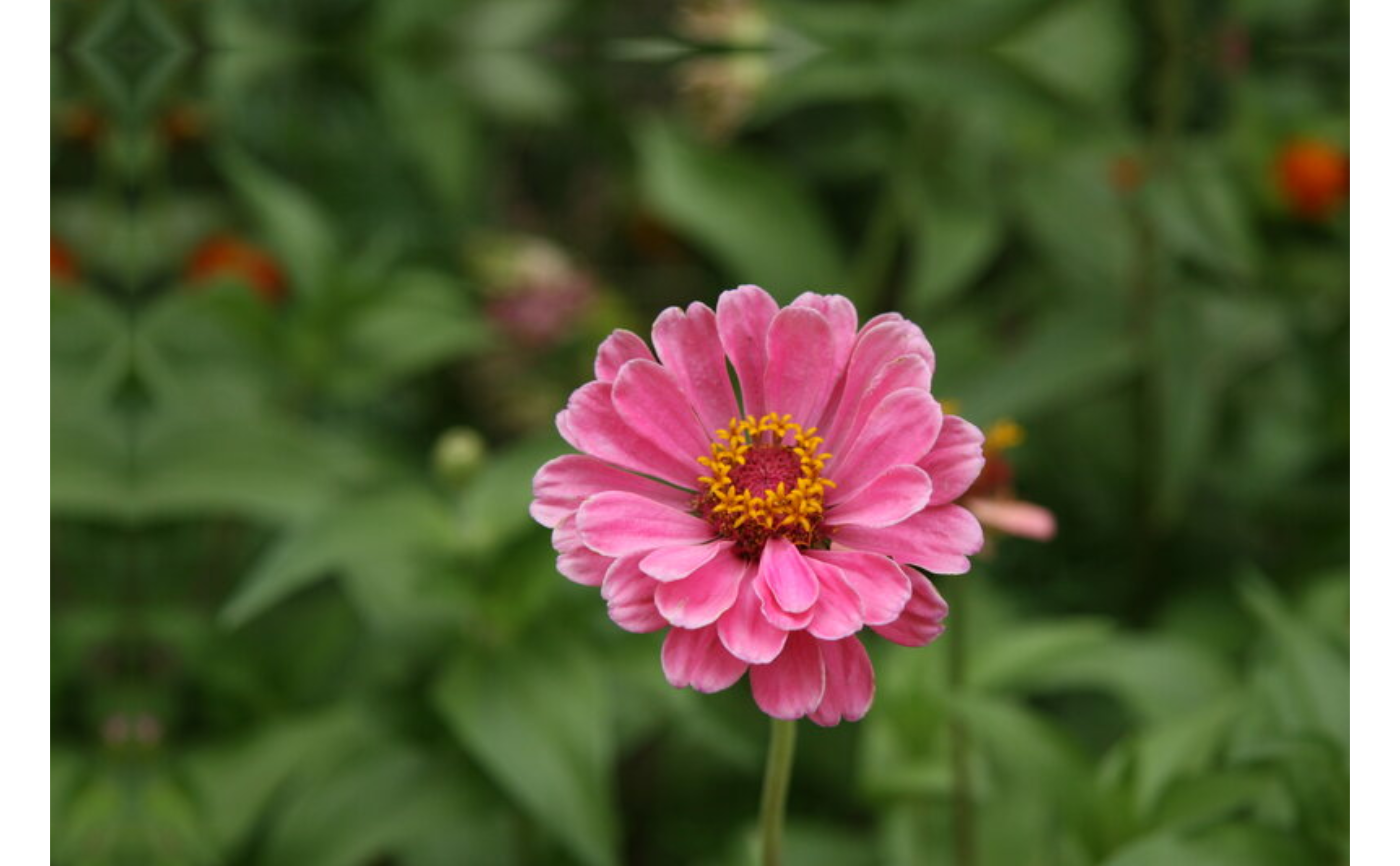
# \donttest{
img_path <- system.file("img", "flower.jpg", package = "Retina")
img <- Image$new(img_path)
m <- affine_translate(50, 30)
img$warp_affine(m)$plot()
 # }
## ------------------------------------------------
## Method `Image$warp_affine_`
## ------------------------------------------------
# \donttest{
img_path <- system.file("img", "flower.jpg", package = "Retina")
img <- Image$new(img_path)
img$warp_affine_(affine_translate(50, 30))
img$plot()
# }
## ------------------------------------------------
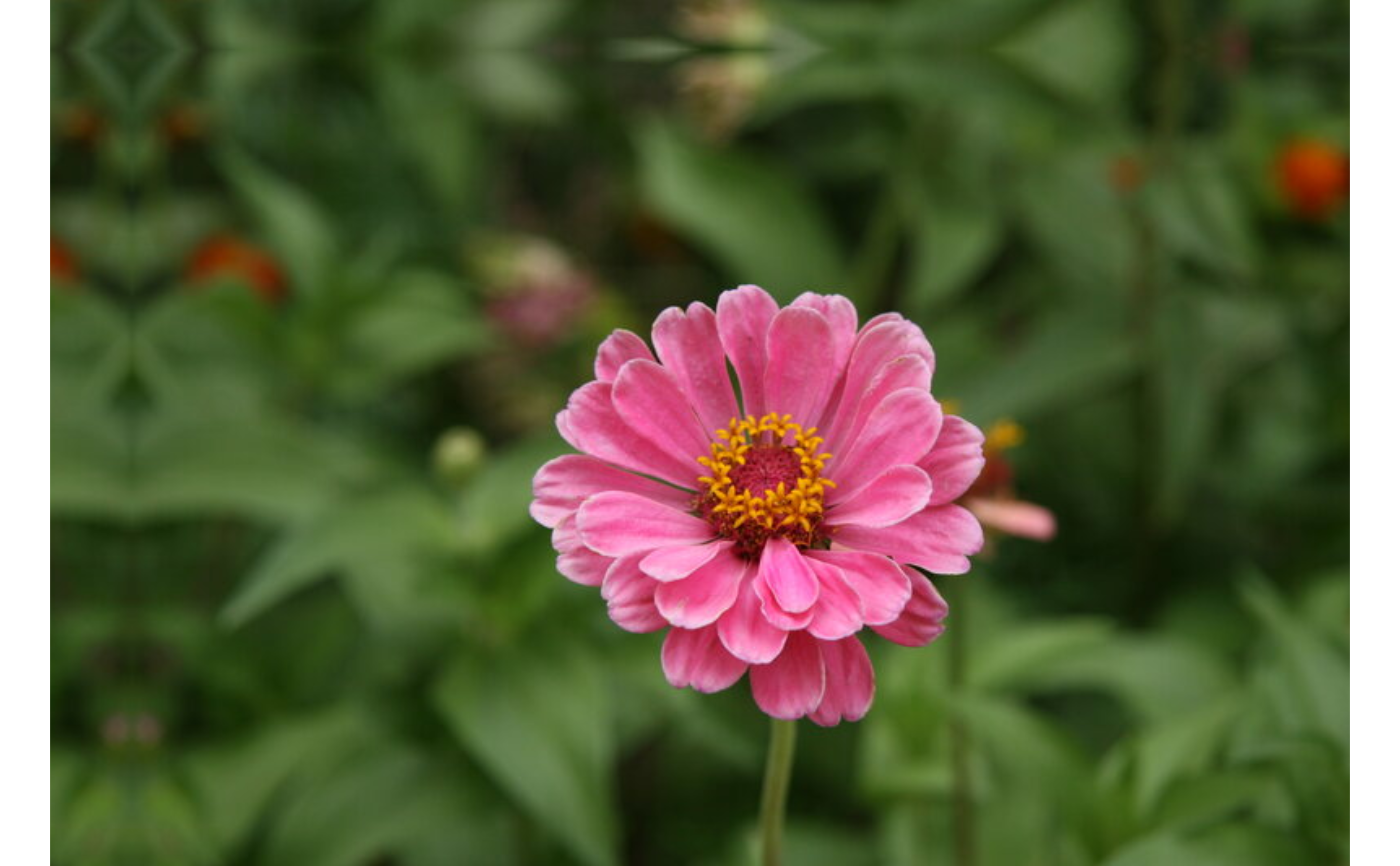
## Method `Image$warp_affine_`
## ------------------------------------------------
# \donttest{
img_path <- system.file("img", "flower.jpg", package = "Retina")
img <- Image$new(img_path)
img$warp_affine_(affine_translate(50, 30))
img$plot()
 # }
## ------------------------------------------------
## Method `Image$warp_perspective`
## ------------------------------------------------
# \donttest{
img_path <- system.file("img", "flower.jpg", package = "Retina")
img <- Image$new(img_path)
w <- img$ncol; h <- img$nrow
src <- matrix(c(1, 1, w, 1, w, h, 1, h), nrow = 4, byrow = TRUE)
dst <- matrix(c(round(w*0.1), 1, w, 1, w, h, 1, h), nrow = 4, byrow = TRUE)
m <- perspective_from_points(src, dst)
img$warp_perspective(m)$plot()
# }
## ------------------------------------------------
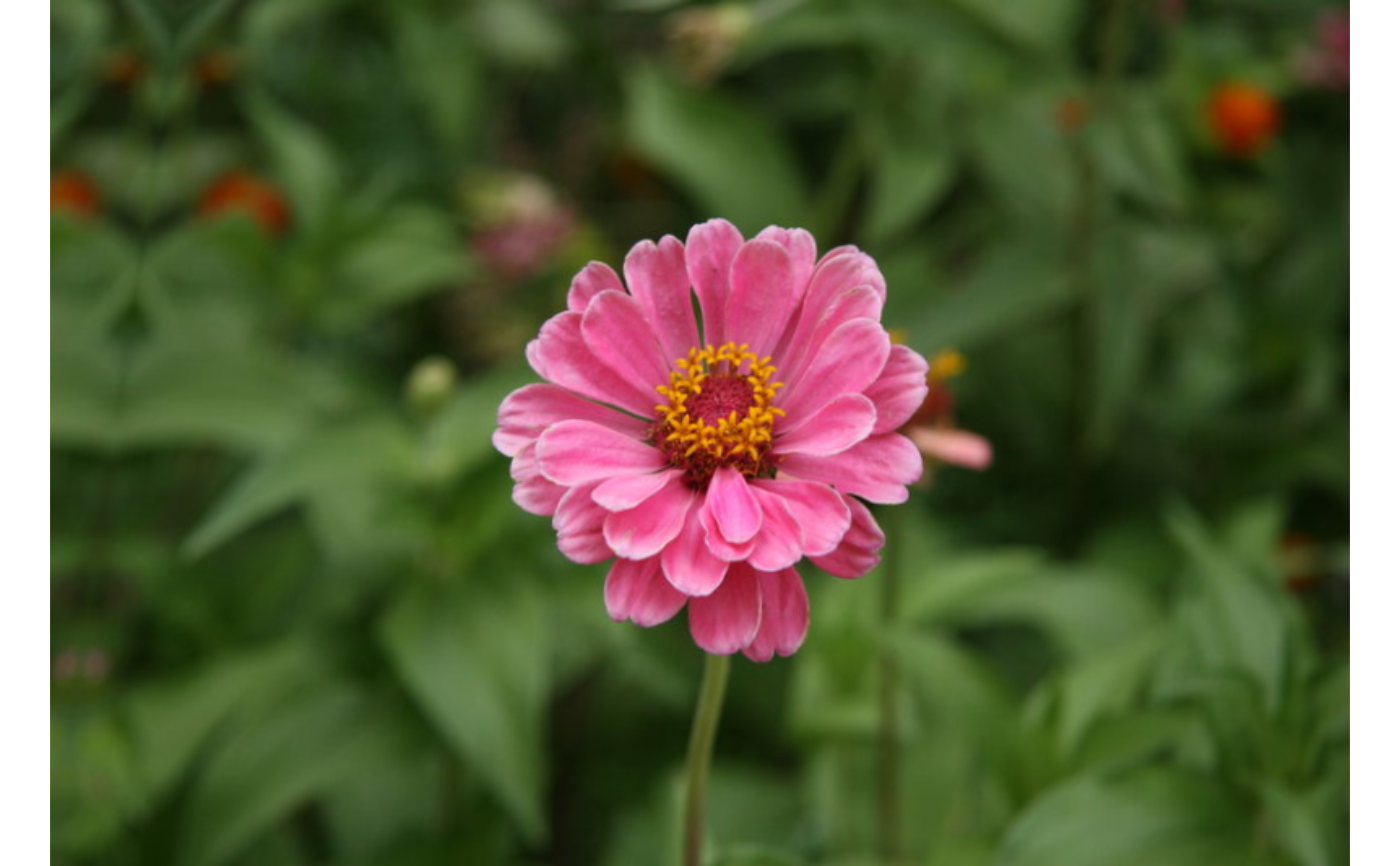
## Method `Image$warp_perspective`
## ------------------------------------------------
# \donttest{
img_path <- system.file("img", "flower.jpg", package = "Retina")
img <- Image$new(img_path)
w <- img$ncol; h <- img$nrow
src <- matrix(c(1, 1, w, 1, w, h, 1, h), nrow = 4, byrow = TRUE)
dst <- matrix(c(round(w*0.1), 1, w, 1, w, h, 1, h), nrow = 4, byrow = TRUE)
m <- perspective_from_points(src, dst)
img$warp_perspective(m)$plot()
 # }
## ------------------------------------------------
## Method `Image$warp_perspective_`
## ------------------------------------------------
# \donttest{
img_path <- system.file("img", "flower.jpg", package = "Retina")
img <- Image$new(img_path)
w <- img$ncol; h <- img$nrow
src <- matrix(c(1, 1, w, 1, w, h, 1, h), nrow = 4, byrow = TRUE)
dst <- matrix(c(round(w*0.1), 1, w, 1, w, h, 1, h), nrow = 4, byrow = TRUE)
img$warp_perspective_(perspective_from_points(src, dst))
img$plot()
# }
## ------------------------------------------------
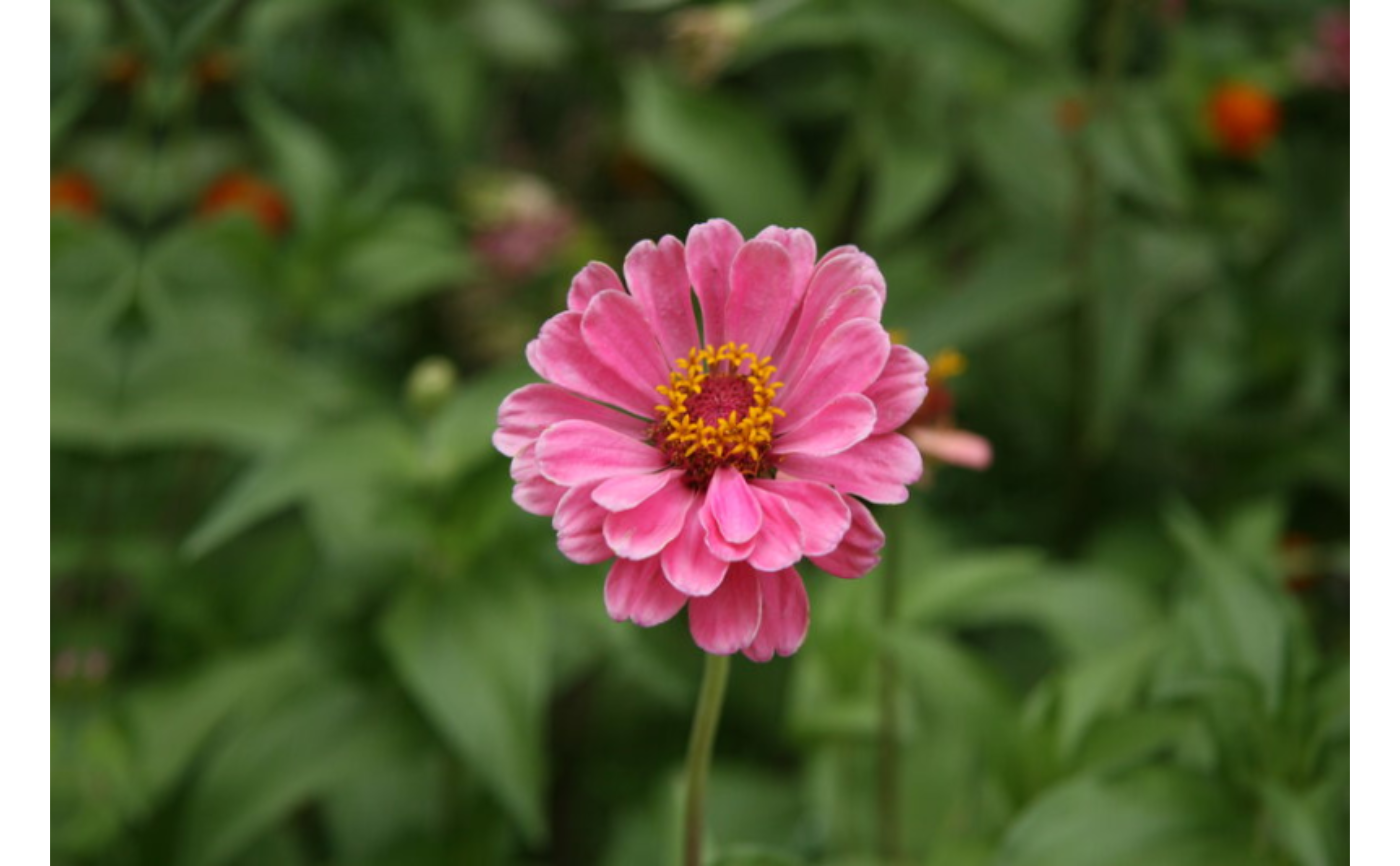
## Method `Image$warp_perspective_`
## ------------------------------------------------
# \donttest{
img_path <- system.file("img", "flower.jpg", package = "Retina")
img <- Image$new(img_path)
w <- img$ncol; h <- img$nrow
src <- matrix(c(1, 1, w, 1, w, h, 1, h), nrow = 4, byrow = TRUE)
dst <- matrix(c(round(w*0.1), 1, w, 1, w, h, 1, h), nrow = 4, byrow = TRUE)
img$warp_perspective_(perspective_from_points(src, dst))
img$plot()
 # }
## ------------------------------------------------
## Method `Image$draw_line`
## ------------------------------------------------
# \donttest{
img_path <- system.file("img", "flower.jpg", package = "Retina")
img <- Image$new(img_path)
img$draw_line(1, 1, 100, 100, color = "red")$plot()
# }
## ------------------------------------------------
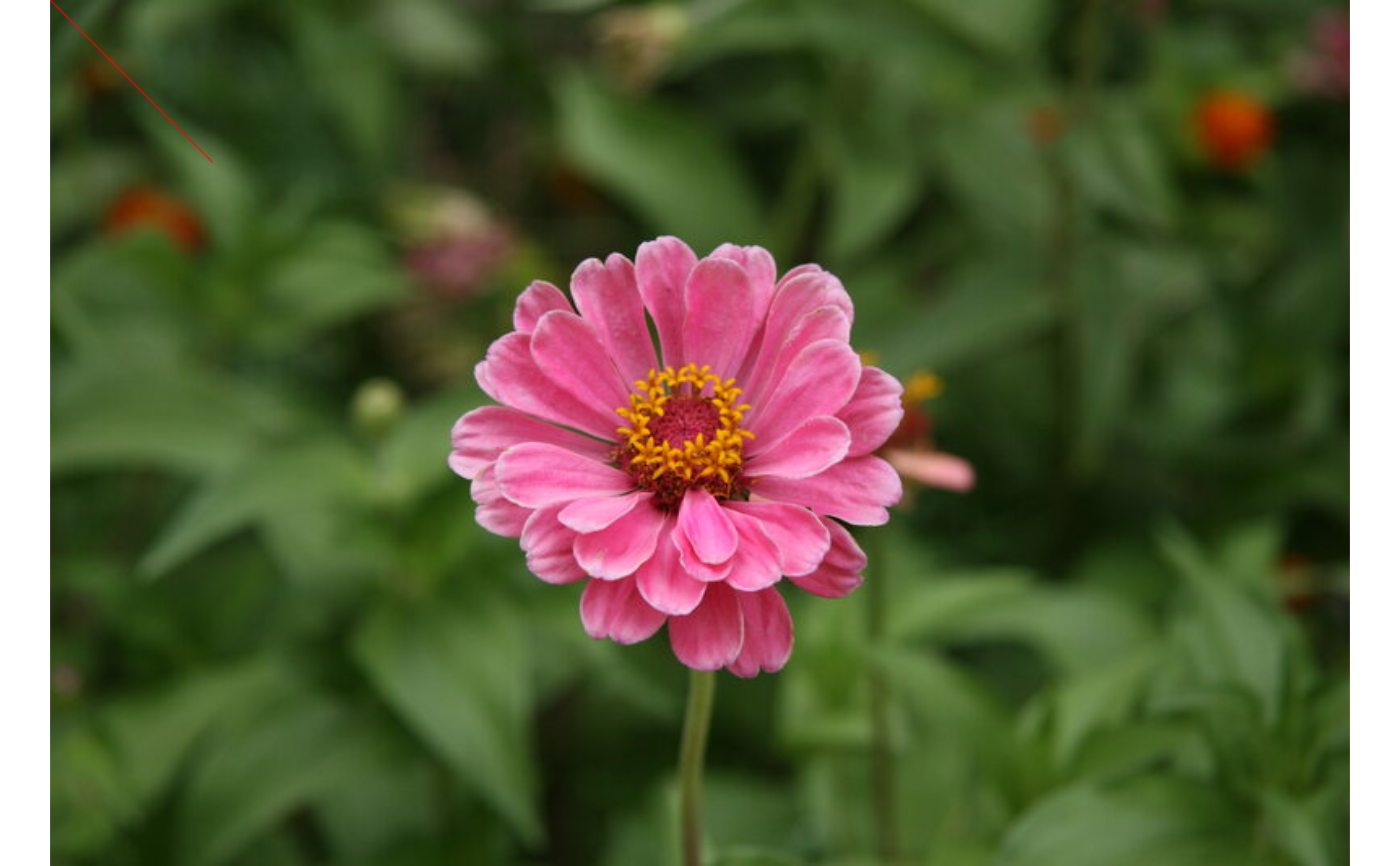
## Method `Image$draw_line`
## ------------------------------------------------
# \donttest{
img_path <- system.file("img", "flower.jpg", package = "Retina")
img <- Image$new(img_path)
img$draw_line(1, 1, 100, 100, color = "red")$plot()
 # }
## ------------------------------------------------
## Method `Image$draw_arrow`
## ------------------------------------------------
# \donttest{
img_path <- system.file("img", "flower.jpg", package = "Retina")
img <- Image$new(img_path)
img$draw_arrow(10, 10, 100, 100, color = "blue")$plot()
# }
## ------------------------------------------------
## Method `Image$draw_arrow`
## ------------------------------------------------
# \donttest{
img_path <- system.file("img", "flower.jpg", package = "Retina")
img <- Image$new(img_path)
img$draw_arrow(10, 10, 100, 100, color = "blue")$plot()
 # }
## ------------------------------------------------
## Method `Image$draw_rectangle`
## ------------------------------------------------
# \donttest{
img_path <- system.file("img", "flower.jpg", package = "Retina")
img <- Image$new(img_path)
img$draw_rectangle(10, 10, 100, 100, color = "blue", filled = TRUE)$plot()
# }
## ------------------------------------------------
## Method `Image$draw_rectangle`
## ------------------------------------------------
# \donttest{
img_path <- system.file("img", "flower.jpg", package = "Retina")
img <- Image$new(img_path)
img$draw_rectangle(10, 10, 100, 100, color = "blue", filled = TRUE)$plot()
 # }
## ------------------------------------------------
## Method `Image$draw_circle`
## ------------------------------------------------
# \donttest{
img_path <- system.file("img", "flower.jpg", package = "Retina")
img <- Image$new(img_path)
img$draw_circle(100, 100, 50, color = "green", filled = TRUE)$plot()
# }
## ------------------------------------------------
## Method `Image$draw_circle`
## ------------------------------------------------
# \donttest{
img_path <- system.file("img", "flower.jpg", package = "Retina")
img <- Image$new(img_path)
img$draw_circle(100, 100, 50, color = "green", filled = TRUE)$plot()
 # }
## ------------------------------------------------
## Method `Image$draw_ellipse`
## ------------------------------------------------
# \donttest{
img_path <- system.file("img", "flower.jpg", package = "Retina")
img <- Image$new(img_path)
img$draw_ellipse(100, 100, 80L, 40L, angle = 30, color = "red")$plot()
# }
## ------------------------------------------------
## Method `Image$draw_ellipse`
## ------------------------------------------------
# \donttest{
img_path <- system.file("img", "flower.jpg", package = "Retina")
img <- Image$new(img_path)
img$draw_ellipse(100, 100, 80L, 40L, angle = 30, color = "red")$plot()
 # }
## ------------------------------------------------
## Method `Image$draw_arc`
## ------------------------------------------------
# \donttest{
img_path <- system.file("img", "flower.jpg", package = "Retina")
img <- Image$new(img_path)
img$draw_arc(100, 100, 80L, 40L, start_angle = 0, end_angle = 180,
color = "red")$plot()
# }
## ------------------------------------------------
## Method `Image$draw_arc`
## ------------------------------------------------
# \donttest{
img_path <- system.file("img", "flower.jpg", package = "Retina")
img <- Image$new(img_path)
img$draw_arc(100, 100, 80L, 40L, start_angle = 0, end_angle = 180,
color = "red")$plot()
 # }
## ------------------------------------------------
## Method `Image$draw_polyline`
## ------------------------------------------------
# \donttest{
img_path <- system.file("img", "flower.jpg", package = "Retina")
img <- Image$new(img_path)
pts <- matrix(c(10, 10, 100, 10, 55, 90), nrow = 3, ncol = 2, byrow = TRUE)
img$draw_polyline(pts, closed = TRUE, color = "yellow")$plot()
# }
## ------------------------------------------------
## Method `Image$draw_polyline`
## ------------------------------------------------
# \donttest{
img_path <- system.file("img", "flower.jpg", package = "Retina")
img <- Image$new(img_path)
pts <- matrix(c(10, 10, 100, 10, 55, 90), nrow = 3, ncol = 2, byrow = TRUE)
img$draw_polyline(pts, closed = TRUE, color = "yellow")$plot()
 # }
## ------------------------------------------------
## Method `Image$fill_poly`
## ------------------------------------------------
# \donttest{
img_path <- system.file("img", "flower.jpg", package = "Retina")
img <- Image$new(img_path)
pts <- matrix(c(10, 10, 100, 10, 55, 90), nrow = 3, ncol = 2, byrow = TRUE)
img$fill_poly(pts, color = "cyan")$plot()
# }
## ------------------------------------------------
## Method `Image$fill_poly`
## ------------------------------------------------
# \donttest{
img_path <- system.file("img", "flower.jpg", package = "Retina")
img <- Image$new(img_path)
pts <- matrix(c(10, 10, 100, 10, 55, 90), nrow = 3, ncol = 2, byrow = TRUE)
img$fill_poly(pts, color = "cyan")$plot()
 # }
## ------------------------------------------------
## Method `Image$draw_text`
## ------------------------------------------------
# \donttest{
img_path <- system.file("img", "flower.jpg", package = "Retina")
img <- Image$new(img_path)
img$draw_text("Hello", 10, 50, font = "duplex", font_size = 1.5,
color = "white")$plot()
# }
## ------------------------------------------------
## Method `Image$draw_text`
## ------------------------------------------------
# \donttest{
img_path <- system.file("img", "flower.jpg", package = "Retina")
img <- Image$new(img_path)
img$draw_text("Hello", 10, 50, font = "duplex", font_size = 1.5,
color = "white")$plot()
 # }
## ------------------------------------------------
## Method `Image$hist`
## ------------------------------------------------
# \donttest{
img_path <- system.file("img", "flower.jpg", package = "Retina")
img <- Image$new(img_path)$to_gray()
h <- img$hist(bins = 256L, range = c(0, 256))
# plot with ggplot2:
# ggplot2::ggplot(h, ggplot2::aes(x = bin_center, y = count)) +
# ggplot2::geom_col()
# }
## ------------------------------------------------
## Method `Image$hist_eq`
## ------------------------------------------------
# \donttest{
img_path <- system.file("img", "brick_wall.jpg", package = "Retina")
img <- Image$new(img_path)$to_gray()
eq <- img$hist_eq()
eq$plot()
# }
## ------------------------------------------------
## Method `Image$hist`
## ------------------------------------------------
# \donttest{
img_path <- system.file("img", "flower.jpg", package = "Retina")
img <- Image$new(img_path)$to_gray()
h <- img$hist(bins = 256L, range = c(0, 256))
# plot with ggplot2:
# ggplot2::ggplot(h, ggplot2::aes(x = bin_center, y = count)) +
# ggplot2::geom_col()
# }
## ------------------------------------------------
## Method `Image$hist_eq`
## ------------------------------------------------
# \donttest{
img_path <- system.file("img", "brick_wall.jpg", package = "Retina")
img <- Image$new(img_path)$to_gray()
eq <- img$hist_eq()
eq$plot()
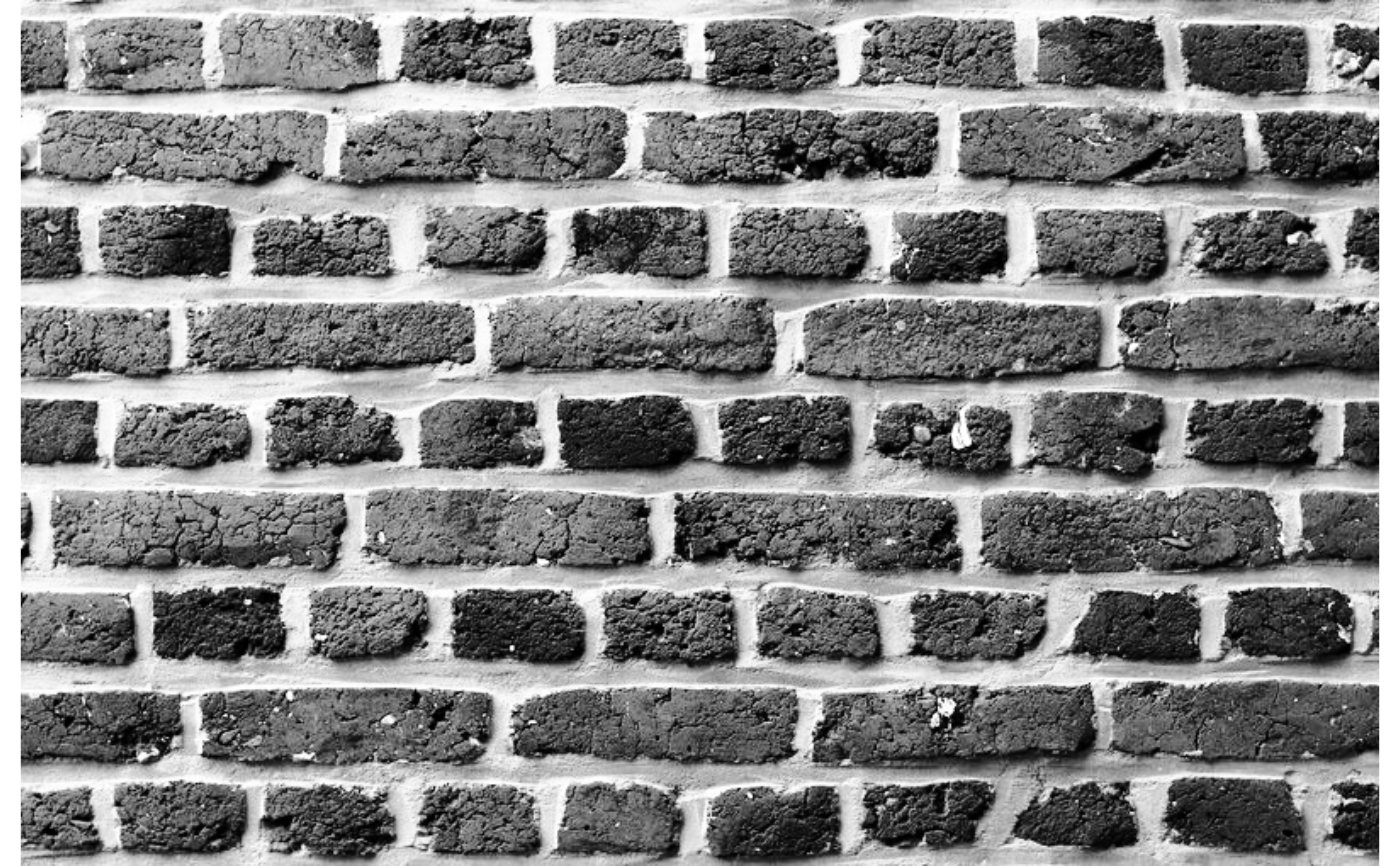 # }
## ------------------------------------------------
## Method `Image$hist_eq_`
## ------------------------------------------------
# \donttest{
img_path <- system.file("img", "brick_wall.jpg", package = "Retina")
img <- Image$new(img_path)$to_gray()
img$hist_eq_()
img$plot()
# }
## ------------------------------------------------
## Method `Image$hist_eq_`
## ------------------------------------------------
# \donttest{
img_path <- system.file("img", "brick_wall.jpg", package = "Retina")
img <- Image$new(img_path)$to_gray()
img$hist_eq_()
img$plot()
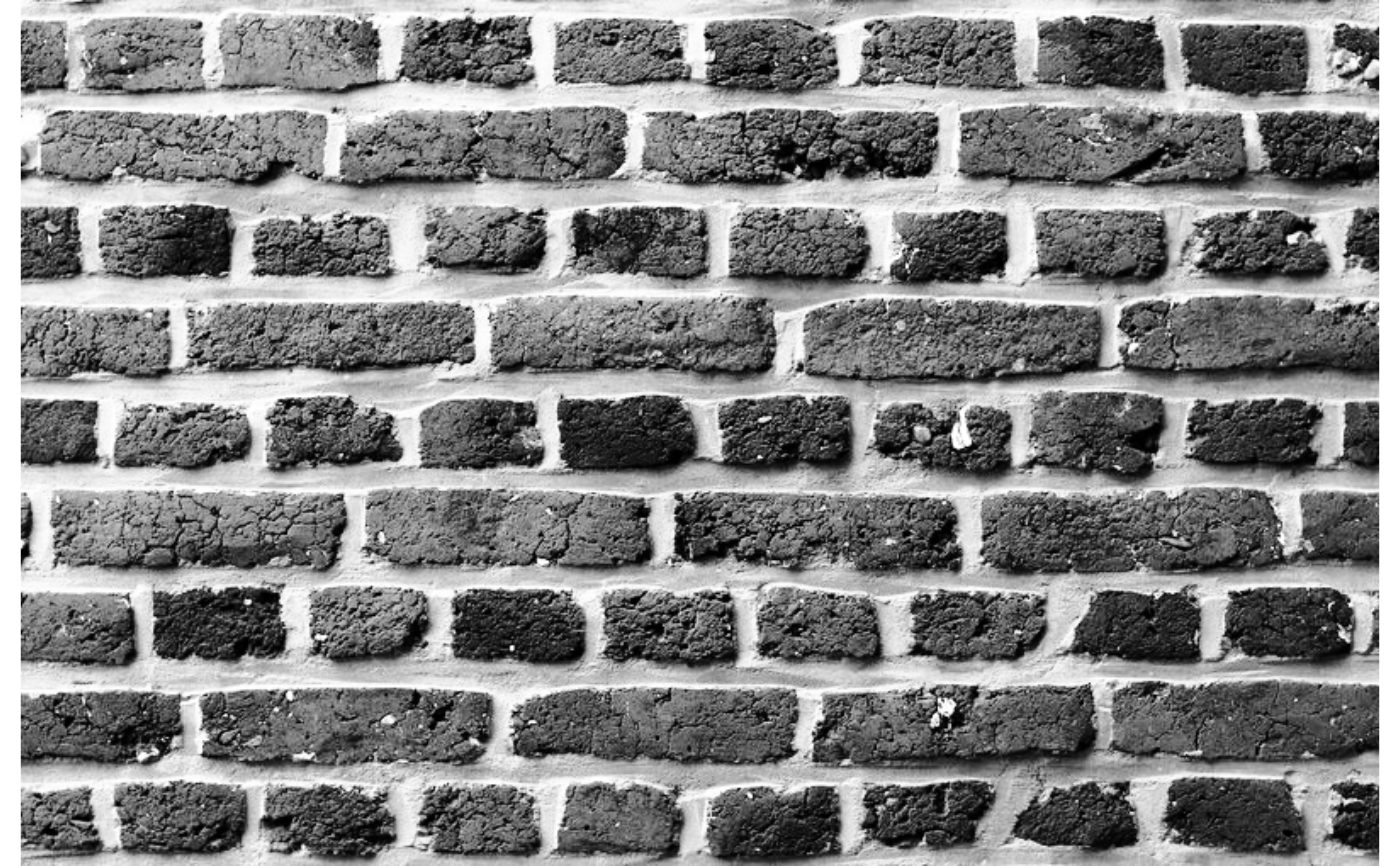 # }
## ------------------------------------------------
## Method `Image$hist_match`
## ------------------------------------------------
# \donttest{
img_path <- system.file("img", "brick_wall.jpg", package = "Retina")
ref_path <- system.file("img", "flower.jpg", package = "Retina")
src <- Image$new(img_path)$to_gray()
ref <- Image$new(ref_path)$to_gray()
ref_hist <- ref$hist(bins = 256L, range = c(0, 255))
out <- src$hist_match(ref_hist)
out$plot()
# }
## ------------------------------------------------
## Method `Image$hist_match`
## ------------------------------------------------
# \donttest{
img_path <- system.file("img", "brick_wall.jpg", package = "Retina")
ref_path <- system.file("img", "flower.jpg", package = "Retina")
src <- Image$new(img_path)$to_gray()
ref <- Image$new(ref_path)$to_gray()
ref_hist <- ref$hist(bins = 256L, range = c(0, 255))
out <- src$hist_match(ref_hist)
out$plot()
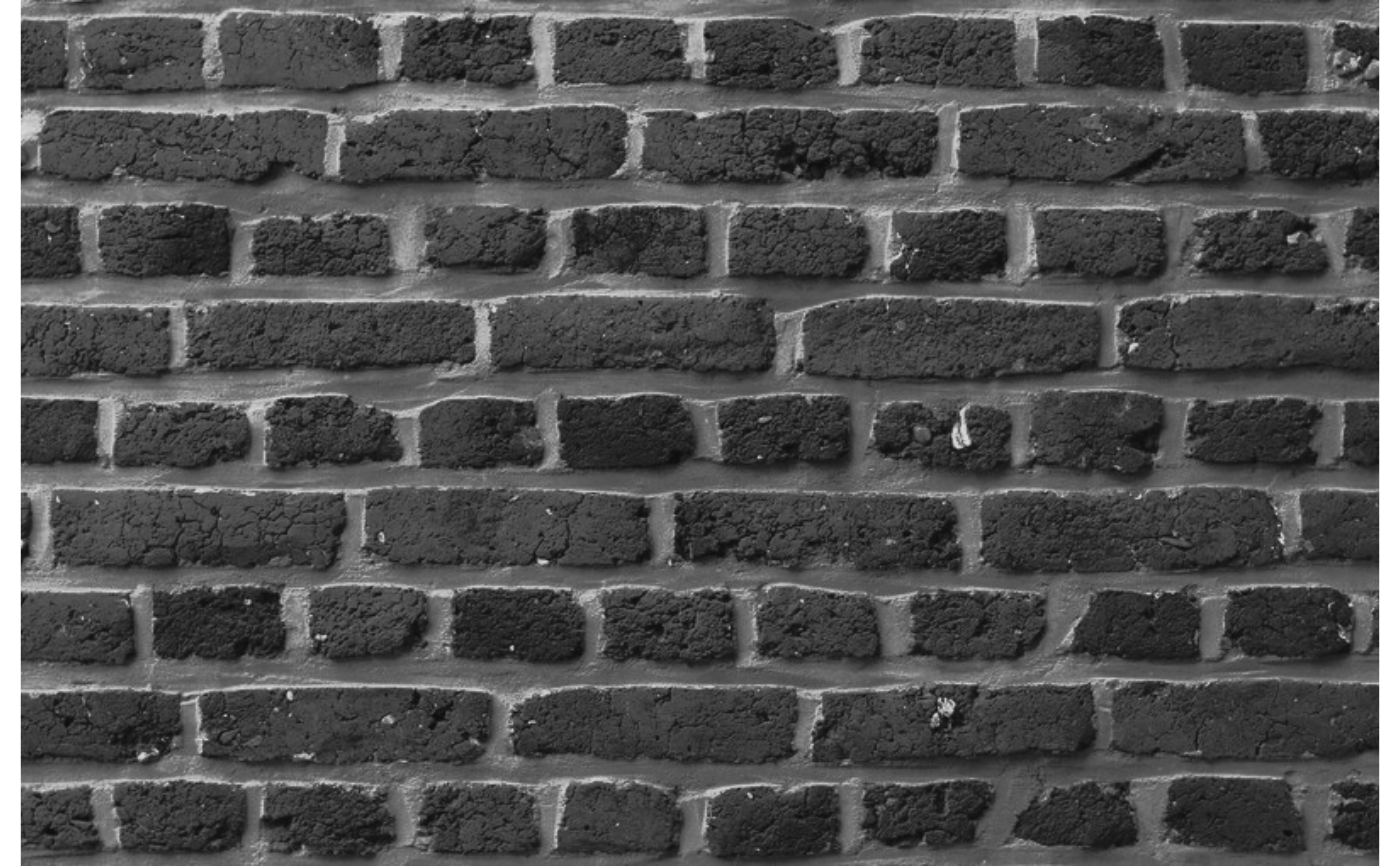 # }
## ------------------------------------------------
## Method `Image$hist_match_`
## ------------------------------------------------
# \donttest{
img_path <- system.file("img", "brick_wall.jpg", package = "Retina")
ref_path <- system.file("img", "flower.jpg", package = "Retina")
src <- Image$new(img_path)$to_gray()
ref <- Image$new(ref_path)$to_gray()
ref_hist <- ref$hist(bins = 256L, range = c(0, 256))
src$hist_match_(ref_hist)
src$plot()
# }
## ------------------------------------------------
## Method `Image$hist_match_`
## ------------------------------------------------
# \donttest{
img_path <- system.file("img", "brick_wall.jpg", package = "Retina")
ref_path <- system.file("img", "flower.jpg", package = "Retina")
src <- Image$new(img_path)$to_gray()
ref <- Image$new(ref_path)$to_gray()
ref_hist <- ref$hist(bins = 256L, range = c(0, 256))
src$hist_match_(ref_hist)
src$plot()
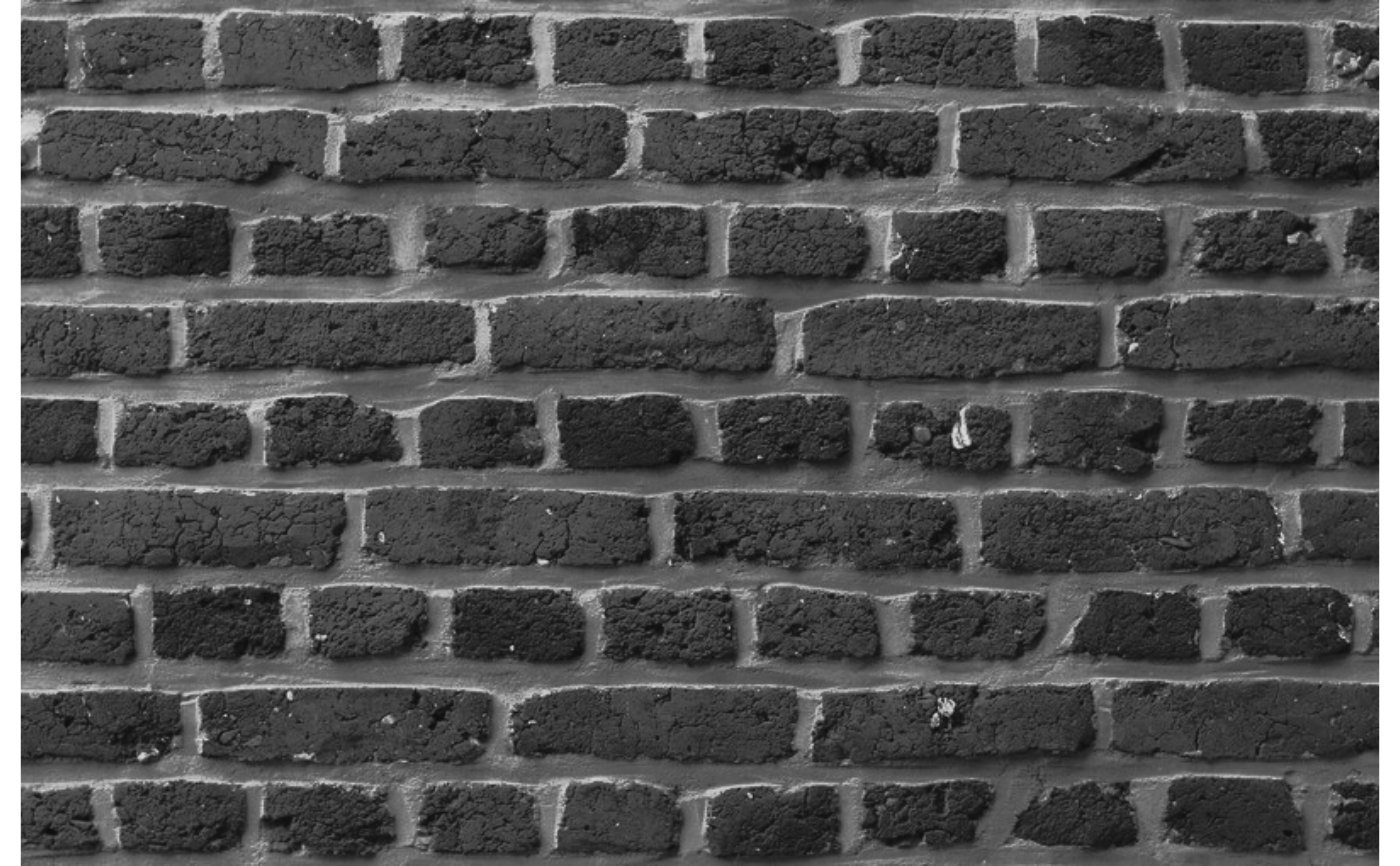 # }
## ------------------------------------------------
## Method `Image$CLAHE`
## ------------------------------------------------
# \donttest{
img_path <- system.file("img", "brick_wall.jpg", package = "Retina")
img <- Image$new(img_path)$to_gray()
out <- img$CLAHE(clip_limit = 2.0, tile_grid_size = c(8L, 8L))
out$plot()
# }
## ------------------------------------------------
## Method `Image$CLAHE`
## ------------------------------------------------
# \donttest{
img_path <- system.file("img", "brick_wall.jpg", package = "Retina")
img <- Image$new(img_path)$to_gray()
out <- img$CLAHE(clip_limit = 2.0, tile_grid_size = c(8L, 8L))
out$plot()
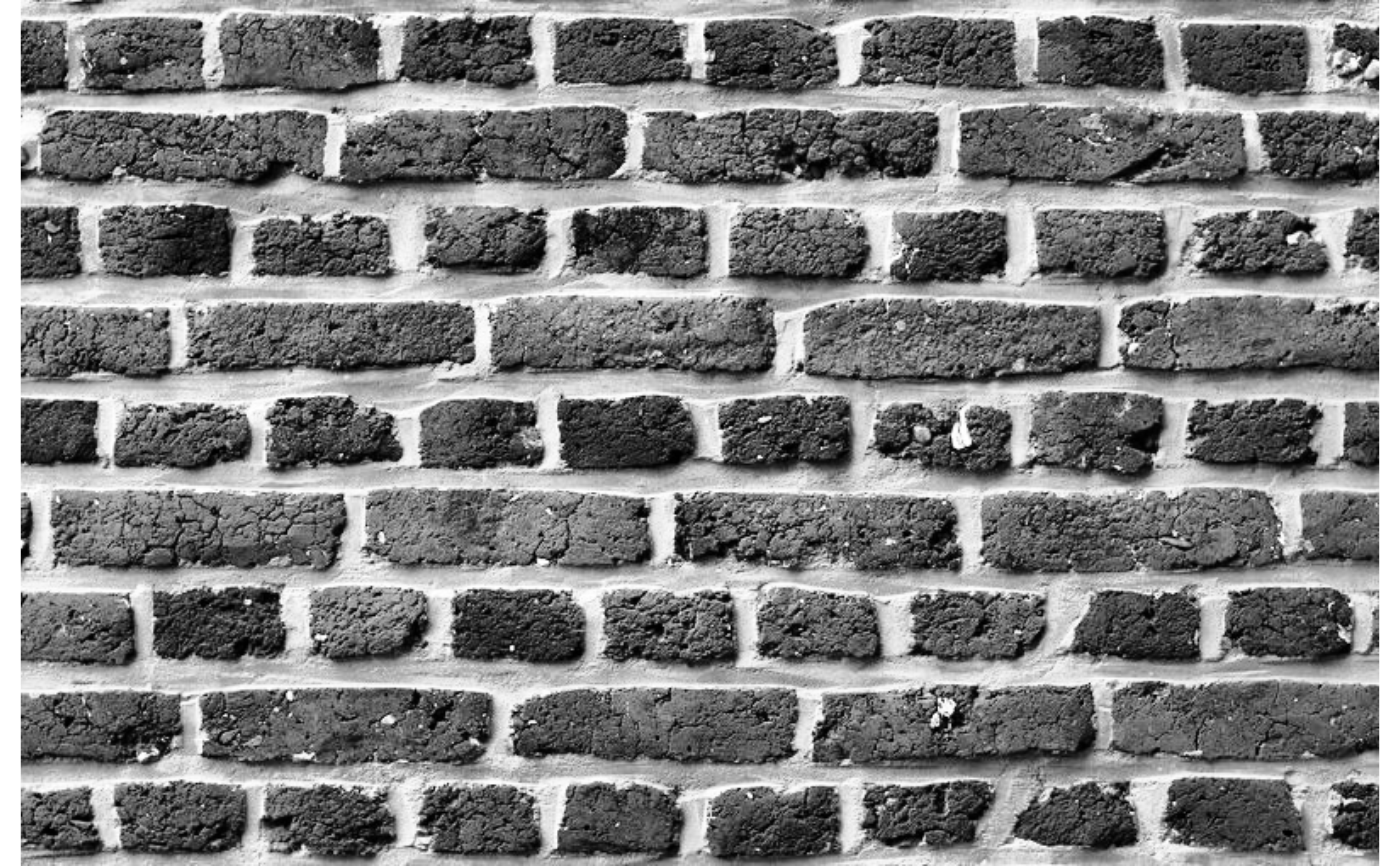 # }
## ------------------------------------------------
## Method `Image$CLAHE_`
## ------------------------------------------------
# \donttest{
img_path <- system.file("img", "brick_wall.jpg", package = "Retina")
img <- Image$new(img_path)$to_gray()
img$CLAHE_(clip_limit = 2.0, tile_grid_size = c(8L, 8L))
img$plot()
# }
## ------------------------------------------------
## Method `Image$CLAHE_`
## ------------------------------------------------
# \donttest{
img_path <- system.file("img", "brick_wall.jpg", package = "Retina")
img <- Image$new(img_path)$to_gray()
img$CLAHE_(clip_limit = 2.0, tile_grid_size = c(8L, 8L))
img$plot()
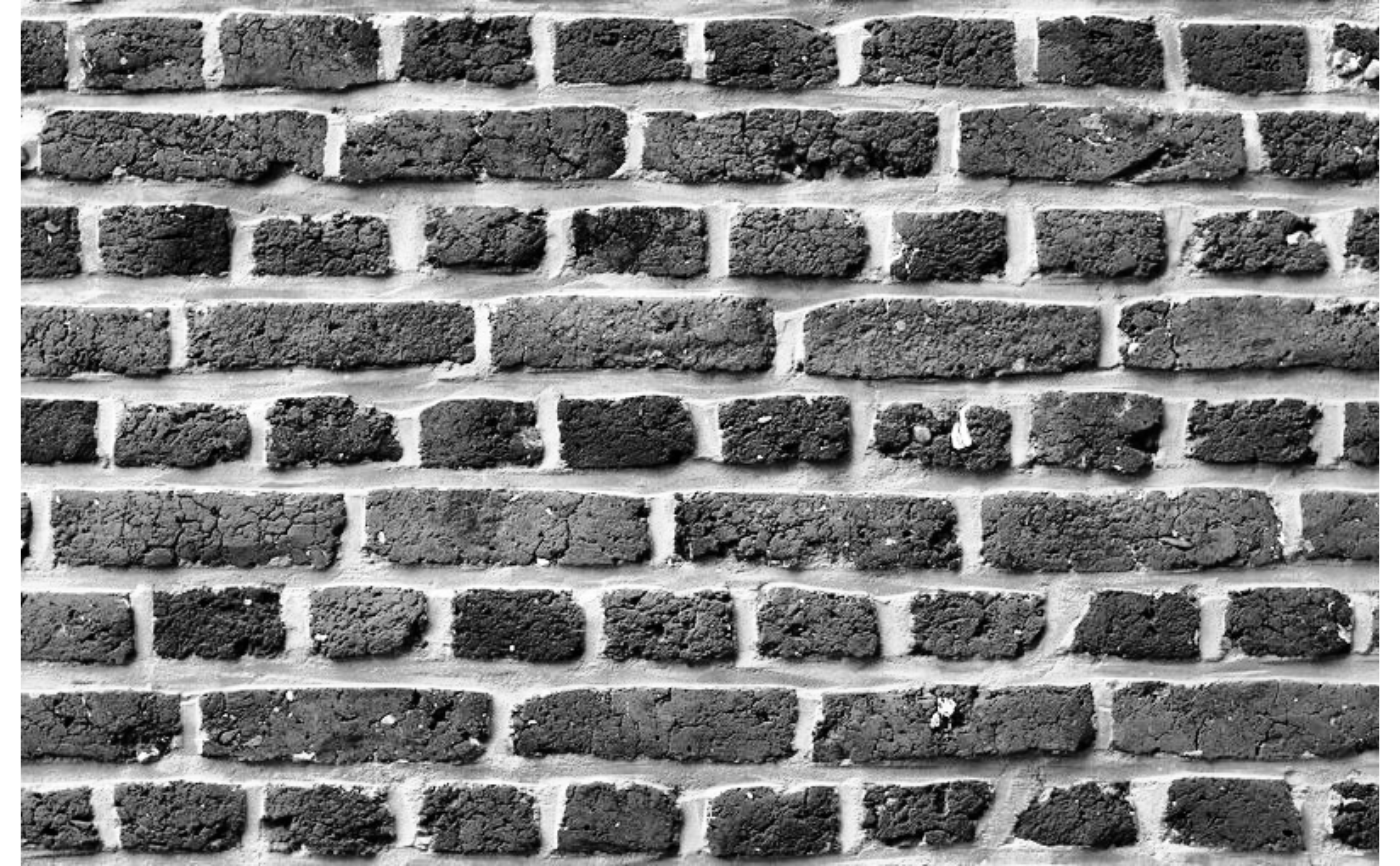 # }
## ------------------------------------------------
## Method `Image$minmax_loc`
## ------------------------------------------------
# \donttest{
img_path <- system.file("img", "brick_wall.jpg", package = "Retina")
img <- Image$new(img_path)$to_gray()
loc <- img$minmax_loc()
cat("Max pixel:", loc$max_val, "at row", loc$max_row, "col", loc$max_col)
#> Max pixel: 255 at row 10 col 350
# }
## ------------------------------------------------
## Method `Image$count_nonzero`
## ------------------------------------------------
# \donttest{
img_path <- system.file("img", "brick_wall.jpg", package = "Retina")
img <- Image$new(img_path)$to_gray()$threshold(128)
n <- img$count_nonzero()
# Multi-channel: split then apply
color_img <- Image$new(img_path)
counts <- lapply(split_channels(color_img), \(ch) ch$count_nonzero())
# }
## ------------------------------------------------
## Method `Image$find_nonzero`
## ------------------------------------------------
# \donttest{
img_path <- system.file("img", "brick_wall.jpg", package = "Retina")
img <- Image$new(img_path)$to_gray()$threshold(128)
coords <- img$find_nonzero()
head(coords)
#> row col
#> 1 1 1
#> 2 1 2
#> 3 1 3
#> 4 1 4
#> 5 1 5
#> 6 1 6
# Multi-channel: split then apply
color_img <- Image$new(img_path)
all_coords <- lapply(split_channels(color_img), \(ch) ch$find_nonzero())
# }
## ------------------------------------------------
## Method `Image$pow`
## ------------------------------------------------
# \donttest{
img32 <- Image$new(array(4.0, dim = c(5L, 5L, 1L)), "GRAY", depth = "CV_32F")
img32$pow(2.0)
#> <Image>
#> Size : 5 x 5
#> Channels : 1
#> Depth : CV_32F
#> Colorspace: GRAY
#> GPU : FALSE
# }
## ------------------------------------------------
## Method `Image$exp`
## ------------------------------------------------
# \donttest{
img32 <- Image$new(array(1.0, dim = c(5L, 5L, 1L)), "GRAY", depth = "CV_32F")
img32$exp()
#> <Image>
#> Size : 5 x 5
#> Channels : 1
#> Depth : CV_32F
#> Colorspace: GRAY
#> GPU : FALSE
# }
## ------------------------------------------------
## Method `Image$log`
## ------------------------------------------------
# \donttest{
img32 <- Image$new(array(exp(1), dim = c(5L, 5L, 1L)), "GRAY", depth = "CV_32F")
img32$log()
#> <Image>
#> Size : 5 x 5
#> Channels : 1
#> Depth : CV_32F
#> Colorspace: GRAY
#> GPU : FALSE
# }
## ------------------------------------------------
## Method `Image$sqrt`
## ------------------------------------------------
# \donttest{
img32 <- Image$new(array(9.0, dim = c(5L, 5L, 1L)), "GRAY", depth = "CV_32F")
img32$sqrt()
#> <Image>
#> Size : 5 x 5
#> Channels : 1
#> Depth : CV_32F
#> Colorspace: GRAY
#> GPU : FALSE
# }
## ------------------------------------------------
## Method `Image$extract_channel`
## ------------------------------------------------
# \donttest{
img <- Image$new(array(c(rep(10L, 100L), rep(20L, 100L), rep(30L, 100L)),
dim = c(10L, 10L, 3L)), "BGR")
#> Depth not specified. Defaulting to CV_8U.
img$extract_channel(2L) # green channel
#> <Image>
#> Size : 10 x 10
#> Channels : 1
#> Depth : CV_8U
#> Colorspace: GRAY
#> GPU : FALSE
# }
## ------------------------------------------------
## Method `Image$insert_channel`
## ------------------------------------------------
# \donttest{
img <- Image$new(array(c(rep(10L, 100L), rep(20L, 100L), rep(30L, 100L)),
dim = c(10L, 10L, 3L)), "BGR")
#> Depth not specified. Defaulting to CV_8U.
new_ch <- Image$new(array(99L, dim = c(10L, 10L, 1L)), "GRAY")
#> Depth not specified. Defaulting to CV_8U.
img$insert_channel(new_ch, 2L)
#> <Image>
#> Size : 10 x 10
#> Channels : 3
#> Depth : CV_8U
#> Colorspace: BGR
#> GPU : FALSE
# }
## ------------------------------------------------
## Method `Image$insert_channel_`
## ------------------------------------------------
# \donttest{
img <- Image$new(array(c(rep(10L, 100L), rep(20L, 100L), rep(30L, 100L)),
dim = c(10L, 10L, 3L)), "BGR")
#> Depth not specified. Defaulting to CV_8U.
new_ch <- Image$new(array(99L, dim = c(10L, 10L, 1L)), "GRAY")
#> Depth not specified. Defaulting to CV_8U.
img$insert_channel_(new_ch, 2L)
# }
## ------------------------------------------------
## Method `Image$LUT`
## ------------------------------------------------
# \donttest{
img <- Image$new(array(100L, dim = c(5L, 5L, 1L)), "GRAY")
#> Depth not specified. Defaulting to CV_8U.
img$LUT(as.integer(255:0)) # invert
#> <Image>
#> Size : 5 x 5
#> Channels : 1
#> Depth : CV_8U
#> Colorspace: GRAY
#> GPU : FALSE
# }
## ------------------------------------------------
## Method `Image$LUT_`
## ------------------------------------------------
# \donttest{
img <- Image$new(array(100L, dim = c(5L, 5L, 1L)), "GRAY")
#> Depth not specified. Defaulting to CV_8U.
img$LUT_(as.integer(255:0)) # invert in place
# }
# }
## ------------------------------------------------
## Method `Image$minmax_loc`
## ------------------------------------------------
# \donttest{
img_path <- system.file("img", "brick_wall.jpg", package = "Retina")
img <- Image$new(img_path)$to_gray()
loc <- img$minmax_loc()
cat("Max pixel:", loc$max_val, "at row", loc$max_row, "col", loc$max_col)
#> Max pixel: 255 at row 10 col 350
# }
## ------------------------------------------------
## Method `Image$count_nonzero`
## ------------------------------------------------
# \donttest{
img_path <- system.file("img", "brick_wall.jpg", package = "Retina")
img <- Image$new(img_path)$to_gray()$threshold(128)
n <- img$count_nonzero()
# Multi-channel: split then apply
color_img <- Image$new(img_path)
counts <- lapply(split_channels(color_img), \(ch) ch$count_nonzero())
# }
## ------------------------------------------------
## Method `Image$find_nonzero`
## ------------------------------------------------
# \donttest{
img_path <- system.file("img", "brick_wall.jpg", package = "Retina")
img <- Image$new(img_path)$to_gray()$threshold(128)
coords <- img$find_nonzero()
head(coords)
#> row col
#> 1 1 1
#> 2 1 2
#> 3 1 3
#> 4 1 4
#> 5 1 5
#> 6 1 6
# Multi-channel: split then apply
color_img <- Image$new(img_path)
all_coords <- lapply(split_channels(color_img), \(ch) ch$find_nonzero())
# }
## ------------------------------------------------
## Method `Image$pow`
## ------------------------------------------------
# \donttest{
img32 <- Image$new(array(4.0, dim = c(5L, 5L, 1L)), "GRAY", depth = "CV_32F")
img32$pow(2.0)
#> <Image>
#> Size : 5 x 5
#> Channels : 1
#> Depth : CV_32F
#> Colorspace: GRAY
#> GPU : FALSE
# }
## ------------------------------------------------
## Method `Image$exp`
## ------------------------------------------------
# \donttest{
img32 <- Image$new(array(1.0, dim = c(5L, 5L, 1L)), "GRAY", depth = "CV_32F")
img32$exp()
#> <Image>
#> Size : 5 x 5
#> Channels : 1
#> Depth : CV_32F
#> Colorspace: GRAY
#> GPU : FALSE
# }
## ------------------------------------------------
## Method `Image$log`
## ------------------------------------------------
# \donttest{
img32 <- Image$new(array(exp(1), dim = c(5L, 5L, 1L)), "GRAY", depth = "CV_32F")
img32$log()
#> <Image>
#> Size : 5 x 5
#> Channels : 1
#> Depth : CV_32F
#> Colorspace: GRAY
#> GPU : FALSE
# }
## ------------------------------------------------
## Method `Image$sqrt`
## ------------------------------------------------
# \donttest{
img32 <- Image$new(array(9.0, dim = c(5L, 5L, 1L)), "GRAY", depth = "CV_32F")
img32$sqrt()
#> <Image>
#> Size : 5 x 5
#> Channels : 1
#> Depth : CV_32F
#> Colorspace: GRAY
#> GPU : FALSE
# }
## ------------------------------------------------
## Method `Image$extract_channel`
## ------------------------------------------------
# \donttest{
img <- Image$new(array(c(rep(10L, 100L), rep(20L, 100L), rep(30L, 100L)),
dim = c(10L, 10L, 3L)), "BGR")
#> Depth not specified. Defaulting to CV_8U.
img$extract_channel(2L) # green channel
#> <Image>
#> Size : 10 x 10
#> Channels : 1
#> Depth : CV_8U
#> Colorspace: GRAY
#> GPU : FALSE
# }
## ------------------------------------------------
## Method `Image$insert_channel`
## ------------------------------------------------
# \donttest{
img <- Image$new(array(c(rep(10L, 100L), rep(20L, 100L), rep(30L, 100L)),
dim = c(10L, 10L, 3L)), "BGR")
#> Depth not specified. Defaulting to CV_8U.
new_ch <- Image$new(array(99L, dim = c(10L, 10L, 1L)), "GRAY")
#> Depth not specified. Defaulting to CV_8U.
img$insert_channel(new_ch, 2L)
#> <Image>
#> Size : 10 x 10
#> Channels : 3
#> Depth : CV_8U
#> Colorspace: BGR
#> GPU : FALSE
# }
## ------------------------------------------------
## Method `Image$insert_channel_`
## ------------------------------------------------
# \donttest{
img <- Image$new(array(c(rep(10L, 100L), rep(20L, 100L), rep(30L, 100L)),
dim = c(10L, 10L, 3L)), "BGR")
#> Depth not specified. Defaulting to CV_8U.
new_ch <- Image$new(array(99L, dim = c(10L, 10L, 1L)), "GRAY")
#> Depth not specified. Defaulting to CV_8U.
img$insert_channel_(new_ch, 2L)
# }
## ------------------------------------------------
## Method `Image$LUT`
## ------------------------------------------------
# \donttest{
img <- Image$new(array(100L, dim = c(5L, 5L, 1L)), "GRAY")
#> Depth not specified. Defaulting to CV_8U.
img$LUT(as.integer(255:0)) # invert
#> <Image>
#> Size : 5 x 5
#> Channels : 1
#> Depth : CV_8U
#> Colorspace: GRAY
#> GPU : FALSE
# }
## ------------------------------------------------
## Method `Image$LUT_`
## ------------------------------------------------
# \donttest{
img <- Image$new(array(100L, dim = c(5L, 5L, 1L)), "GRAY")
#> Depth not specified. Defaulting to CV_8U.
img$LUT_(as.integer(255:0)) # invert in place
# }